
RTF — Plain Document
The simplest possible RTF: one monospace font and a couple of paragraphs, no styling. A minimal baseline for RTF parsers and conversion tools.
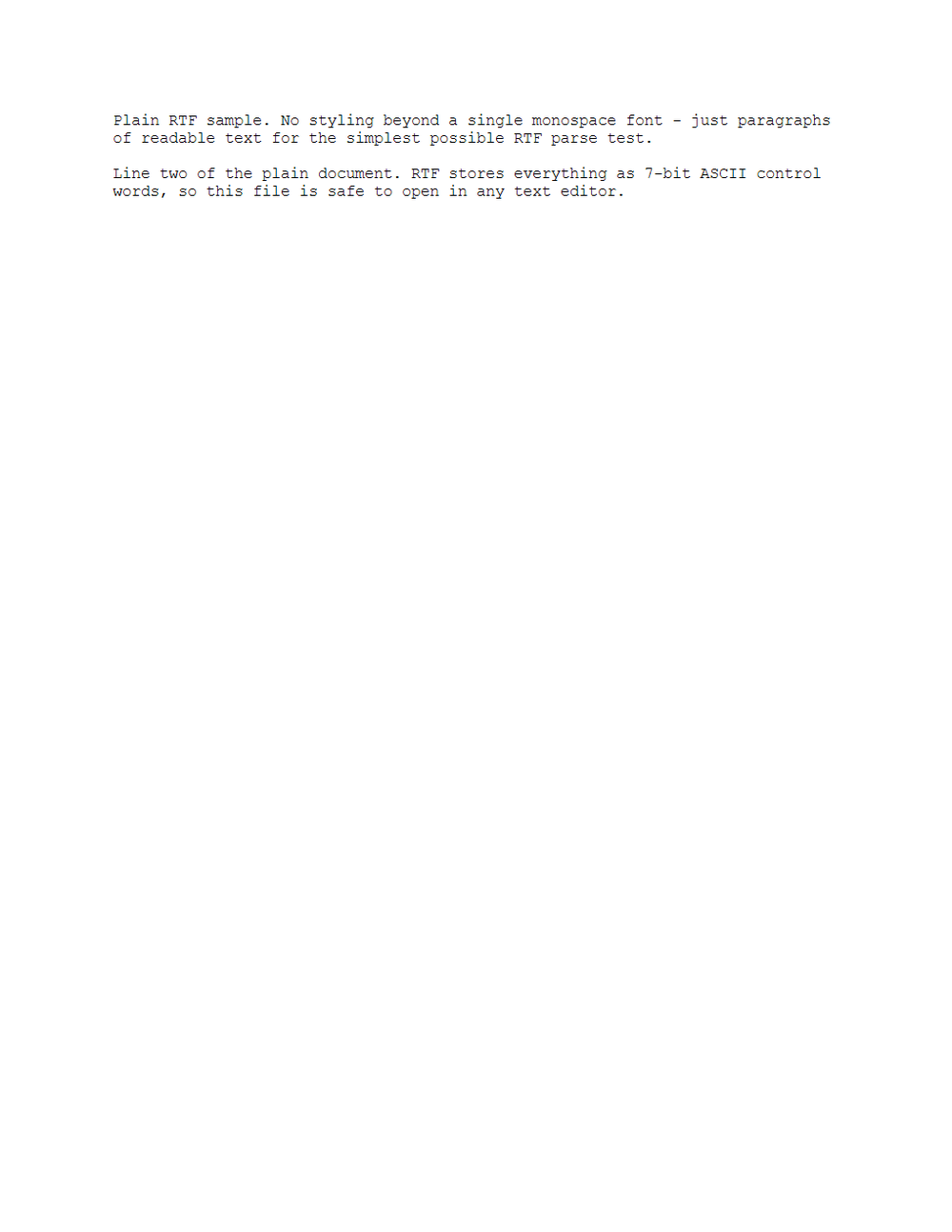
Rendered preview of the rtf file (348 B). Download above for the original.
Specifications
- Format
- RTF 1.x
- Encoding
- ASCII
- Features
- single monospace font, no styling
- Fonts
- Courier New
What is a .rtf file?
RTF (Rich Text Format) is a plain-text-based document format that encodes styling, fonts, and layout using backslash control words. It is human-readable in a text editor and broadly interoperable across word processors. It predates Office Open XML and remains a portable rich-text interchange format.
How to use this file
Use an example RTF to test rich-text parsing, control-word handling, and converters that translate between RTF and DOCX, HTML, or plain text.
How to use this file for testing
“RTF — Plain Document” is a deterministic Novus Examples fixture for Conversion testing. The same content exported across many formats and linked as a group, so you can convert one and diff against the expected twin.
Documented properties for this file: ASCII · RTF 1.x. Compare results against paired or grouped companions on this page when present (clean↔damaged, searchable↔scanned, or format twins) so scores stay reproducible across runs.
Download the file once, keep the path stable in CI or local scripts, and treat the spec table as the contract: dimensions, seeds, field lists, and roles are intentional. Corrupt or invalid samples are labelled as such — expect parsers to fail loudly rather than silently accept them.
Document fixtures list their internal structure (pages, fields, tracked changes, embedded objects) in the spec table. Test extractors, converters, and OCR against that known structure, and compare searchable↔scanned or format-twin companions when present.
Code examples
soffice --headless --convert-to txt plain.rtf   # LibreOffice
textutil -convert txt plain.rtf                 # macOS
Related files
- rtfRTF — Formatted DocumentA Rich Text Format document exercising bold, italic, underline, colour, headings, and a bullet list — all as plain control words. For testing RTF parsers, text extraction, and RTF→DOCX/PDF conversion.
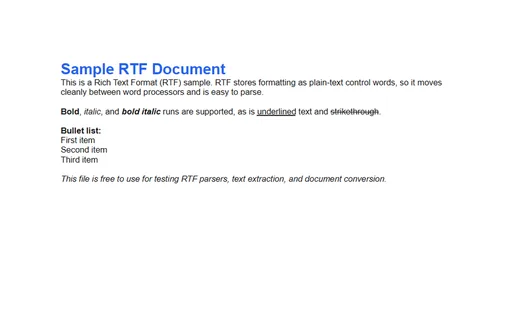
- adocAsciiDoc Guide (ADOC source)An AsciiDoc getting-started guide with source blocks, an admonition, and a table — for testing AsciiDoc renderers (Asciidoctor), editors, and conversion to HTML/PDF.
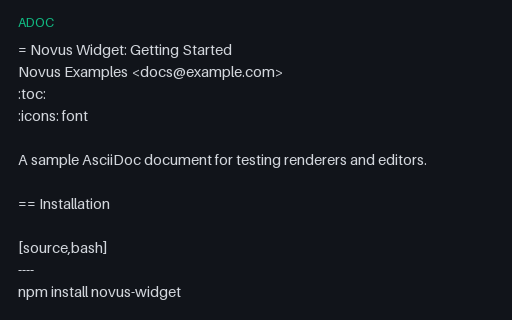
- assASS Subtitles (Advanced SSA)An Advanced SubStation Alpha (.ass) subtitle with a styles section and three timed Dialogue events — the styled format libass renders — carrying the same captions as the SRT/VTT twins.
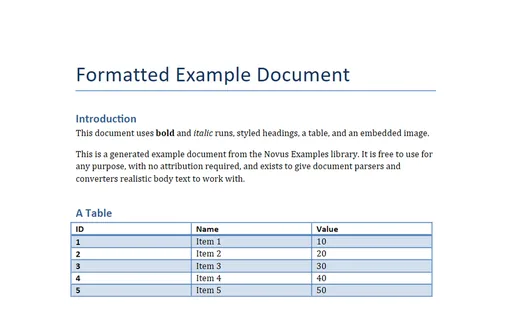
- docDOC — Legacy Word 97The formatted Word document saved as legacy binary .doc (Word 97-2003, OLE compound file) via LibreOffice. For testing legacy-Office parsers and DOC→DOCX conversion.
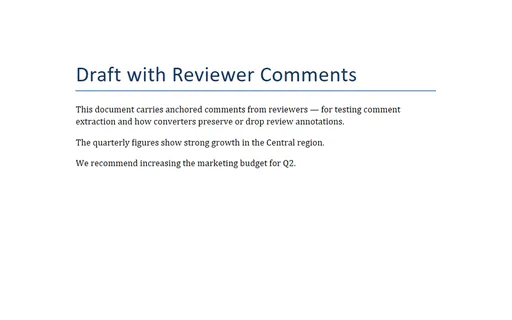
- docxDOCX with CommentsA Word document with two anchored reviewer comments — for testing comment extraction and whether converters preserve or drop review annotations.
- docxDOCX with Core and Custom PropertiesA valid DOCX package with fixed core properties and two custom properties surrounding an unchanged word/document.xml part.
Generated by generation/docs_rtf.py. Free for any use, no attribution required — license.