
10-Page PDF with Bookmarked TOC
A ten-page PDF with a table of contents and a full bookmark outline (10 entries) — for testing PDF navigation, outline parsing, and page extraction.
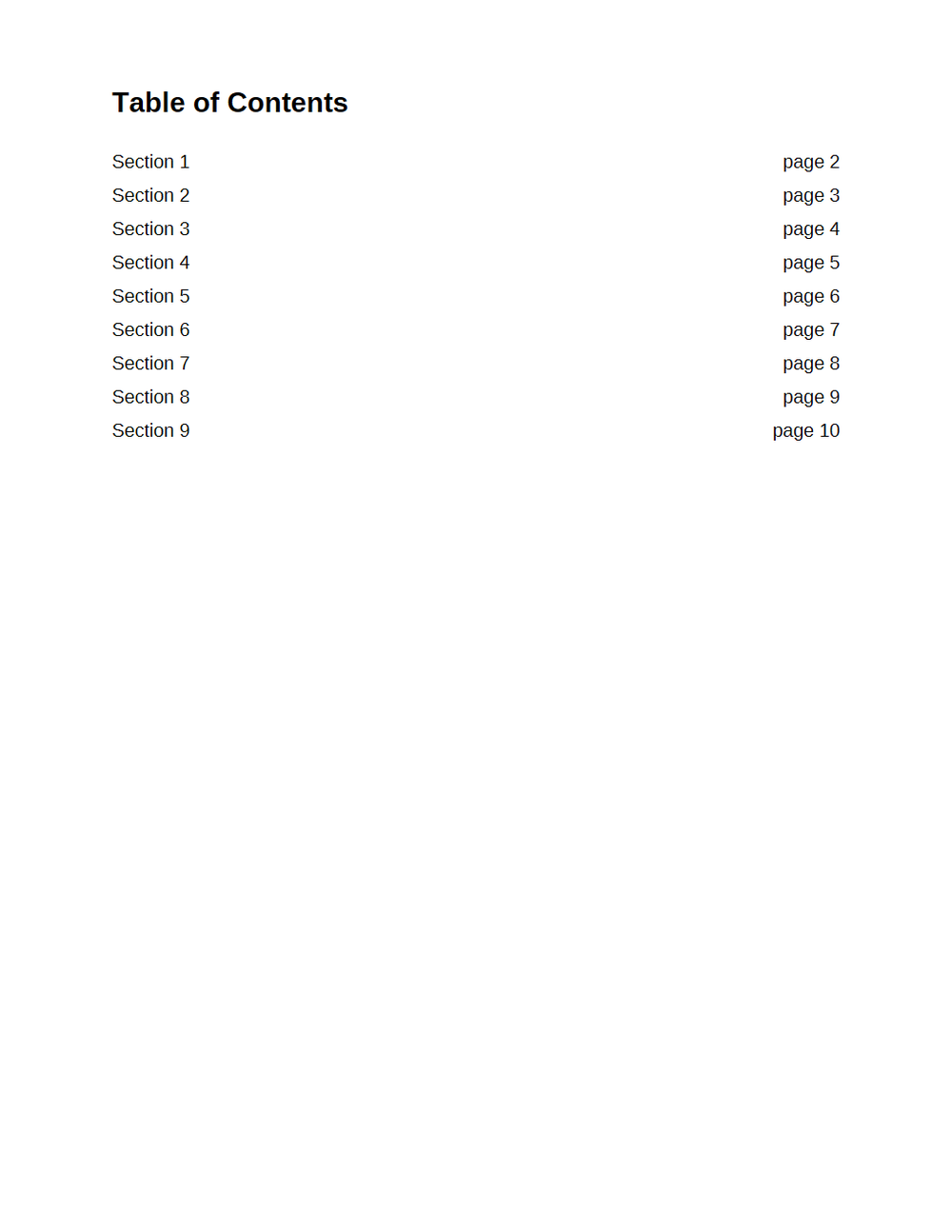
Rendered preview of the pdf file (9.8 KB). Download above for the original.
Specifications
- Pages
- 10
- Bookmarks
- 10
- Has Outline
- true
- Page Size
- US Letter
What is a .pdf file?
PDF (Portable Document Format) is a page-oriented format that fixes layout, fonts, and vector and raster graphics so a page renders identically anywhere. A `%PDF-` header is followed by numbered objects, a cross-reference table mapping each to a byte offset, and a trailer; edits append incremental updates rather than rewrite the file. Page content is a stream of drawing operators, so a PDF holds no words or paragraphs, only positioned glyph runs. Adobe released it in 1993 and gave it to ISO as ISO 32000-1 in 2008.
How to use this file
Use an example PDF to test text extraction, rendering, metadata parsing, AcroForm handling, and OCR pipelines — checking that extraction reconstructs reading order from glyph positions, that a scanned page yields no text, and that an incremental update leaves earlier revisions in the file.
How to use this file for testing
“10-Page PDF with Bookmarked TOC” is a deterministic Novus Examples fixture for PDF editor testing. Form PDFs, bookmarked documents, scanned pairs, and deliberately corrupt files for exercising PDF editors, parsers, and fillers.
Documented properties for this file: 10 pages. Compare results against paired or grouped companions on this page when present (clean↔damaged, searchable↔scanned, or format twins) so scores stay reproducible across runs.
Download the file once, keep the path stable in CI or local scripts, and treat the spec table as the contract: dimensions, seeds, field lists, and roles are intentional. Corrupt or invalid samples are labelled as such — expect parsers to fail loudly rather than silently accept them.
Document fixtures list their internal structure (pages, fields, tracked changes, embedded objects) in the spec table. Test extractors, converters, and OCR against that known structure, and compare searchable↔scanned or format-twin companions when present.
Code examples
import pdfplumber  # pip install pdfplumber

with pdfplumber.open("bookmarked-toc-10-page.pdf") as pdf:
    print(len(pdf.pages), "pages")
    print(pdf.pages[0].extract_text())
Related files
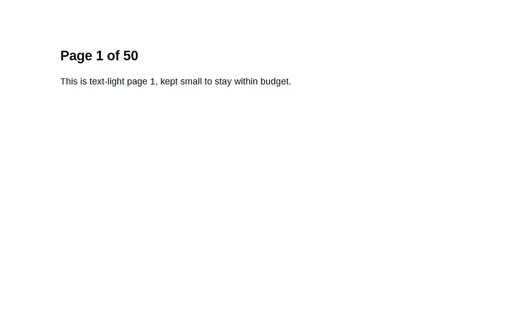
- pdf50-Page PDF (text-light)A 50-page, text-light PDF — for testing page-count handling, pagination, and large-document navigation without a large file.
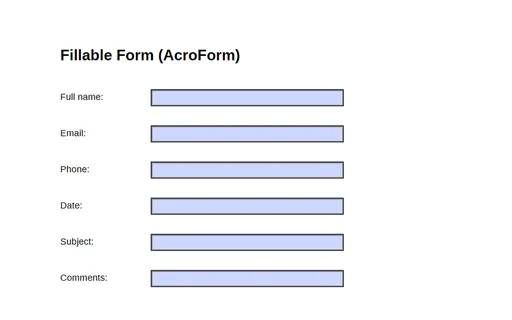
- pdfFillable Form (AcroForm)A one-page PDF with a six-field AcroForm (full_name, email, phone, date, subject, comments) — a fixture for testing form fillers, parsers, and field extraction.
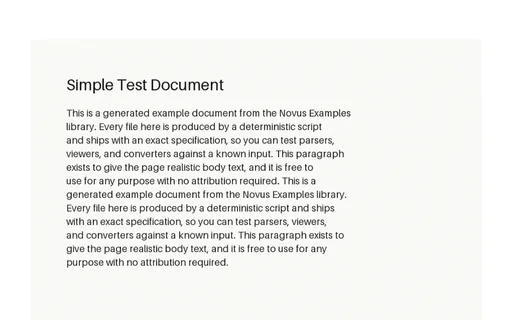
- pdfImage-Only 'Scanned' PDF (OCR twin)An image-only PDF containing a rasterised 'scan' of the simple document, with no text layer. Paired with the text version so you can score OCR output against a known ground truth.
- pdfIntentionally Corrupt — Truncated PDFAn intentionally corrupt PDF, truncated to 60% of its bytes, for testing how a PDF parser handles a damaged file. Not a valid document by design.
- pdfLandscape PDFA landscape-orientation PDF — for testing whether your viewer or converter respects non-portrait page geometry.
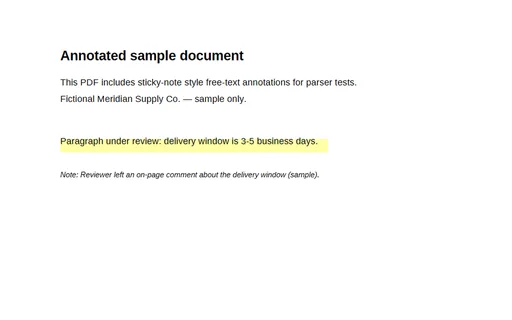
- pdfPDF with Annotations (Sample)A one-page sample PDF with a highlighted passage and an on-page reviewer note for annotation-aware PDF tools.
Generated by generation/docs_pdf.py. Free for any use, no attribution required — license.