
ODS — OpenDocument Spreadsheet
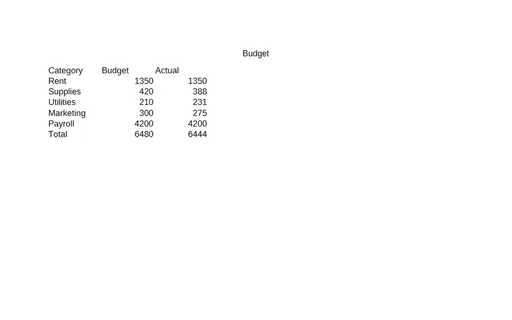
An OpenDocument Spreadsheet with the same tabular data as the plain XLSX and legacy XLS — a member of an XLSX↔ODS↔XLS conversion set for spreadsheet importers.
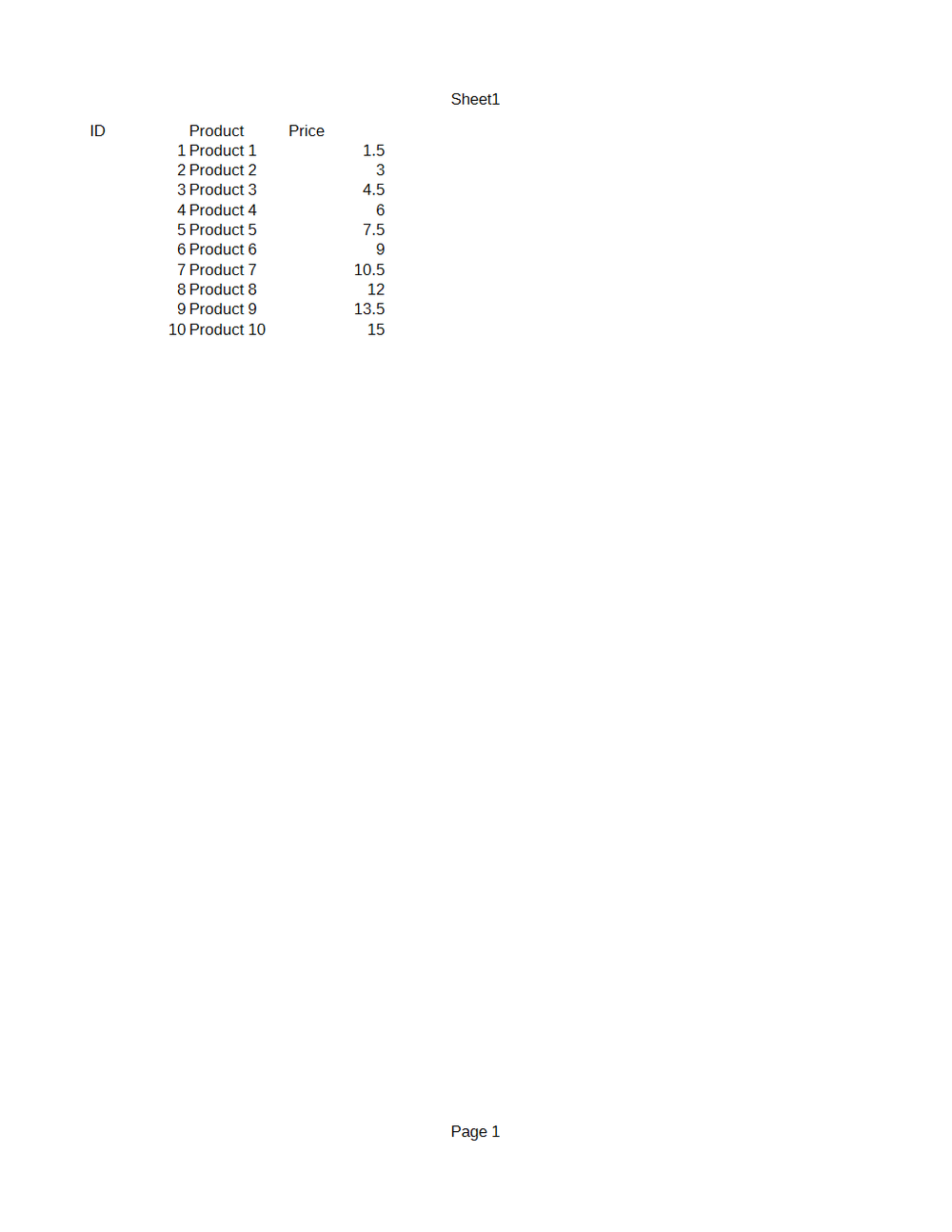
Rendered preview of the ods file (1.8 KB). Download above for the original.
Specifications
- Format
- OpenDocument Spreadsheet (ODS)
- Sheets
- 1
- Rows
- 11
- Twin Of
- Plain XLSX
What is a .ods file?
ODS is the OpenDocument Spreadsheet format, an ISO-standardized spreadsheet stored as a ZIP archive of XML. It is the native spreadsheet format of LibreOffice and OpenOffice Calc, supporting multiple sheets, formulas, and formatting. It is the open-standard counterpart to XLSX.
How to use this file
Use an example ODS to test OpenDocument spreadsheet parsing, formula and multi-sheet handling, and converters between ODS and XLSX or CSV.
How to use this file for testing
“ODS — OpenDocument Spreadsheet” is a deterministic Novus Examples fixture for Spreadsheet testing, Conversion testing. Multi-sheet workbooks with documented formulas and plain sheets for testing spreadsheet parsers and importers.
Documented properties for this file: 11 rows · 1 sheets · OpenDocument Spreadsheet (ODS). Compare results against paired or grouped companions on this page when present (clean↔damaged, searchable↔scanned, or format twins) so scores stay reproducible across runs.
Download the file once, keep the path stable in CI or local scripts, and treat the spec table as the contract: dimensions, seeds, field lists, and roles are intentional. Corrupt or invalid samples are labelled as such — expect parsers to fail loudly rather than silently accept them.
Document fixtures list their internal structure (pages, fields, tracked changes, embedded objects) in the spec table. Test extractors, converters, and OCR against that known structure, and compare searchable↔scanned or format-twin companions when present.
Code examples
import pandas as pd  # pip install odfpy

df = pd.read_excel("plain.ods", engine="odf")
print(df.head())
Related files
- xlsxMulti-Sheet XLSX with FormulasA two-sheet workbook where a Summary sheet references a Data sheet with SUM and arithmetic formulas — for testing spreadsheet parsers, formula evaluation, and converters.
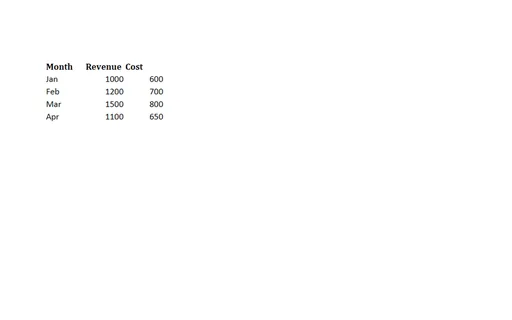
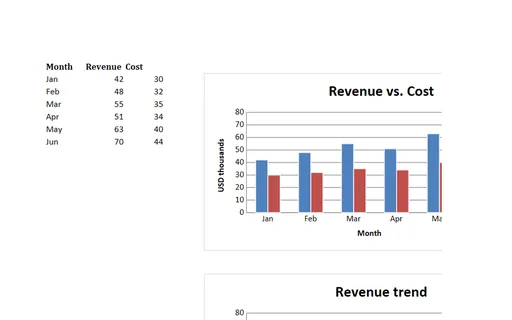
- xlsxXLSX with Embedded ChartsA workbook with a data table plus a native bar chart and a line chart bound to the cells — for testing whether spreadsheet parsers and XLSX-to-PDF converters preserve and render embedded charts.
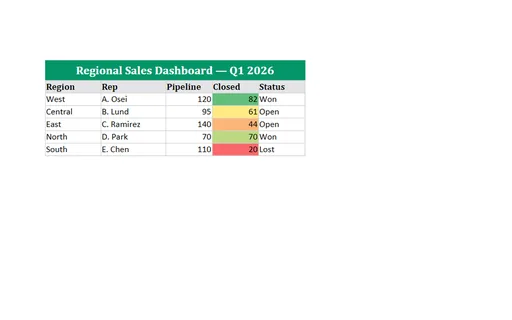
- xlsxXLSX with Merged Cells, Conditional Formatting & Data ValidationA dashboard sheet exercising the features importers miss: a merged title cell, a three-colour conditional-formatting scale, a data-validation dropdown, cell borders, and frozen panes.
- odsBudget Template (ODS, with formulas)A budget template as OpenDocument Spreadsheet — budget-versus-actual rows with live SUM formulas for the totals. A usable planning template and a fixture for testing ODS formula parsing and recalculation.
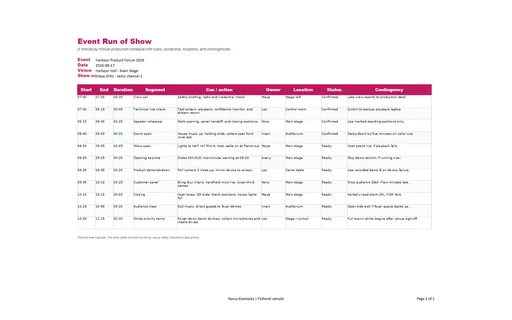
- xlsxEvent Run of Show (XLSX)A minute-by-minute production schedule with cues, ownership, locations, and contingencies. This Excel workbook adds filters, frozen headers, print settings, typed cells, and live formulas where the model defines them.
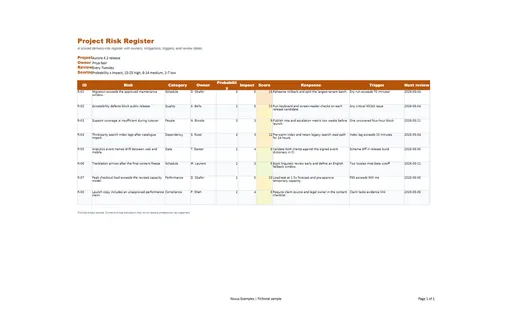
- xlsxProject Risk Register (XLSX)A scored delivery-risk register with owners, mitigations, triggers, and review dates. This Excel workbook adds filters, frozen headers, print settings, typed cells, and live formulas where the model defines them.
Generated by generation/docs_odf.py. Free for any use, no attribution required — license.