
Pine Assembly Workshop: Loan amortisation workbook
Loan amortisation workbook for Pine Assembly Workshop. A two-sheet workbook: the 36 schedule rows and a summary sheet holding the inputs and the four control totals. The monthly rate is written to eight decimal places as 0.00575000 so the level payment can be reproduced; at the four places a spreadsheet usually shows, the recomputed payment differs.
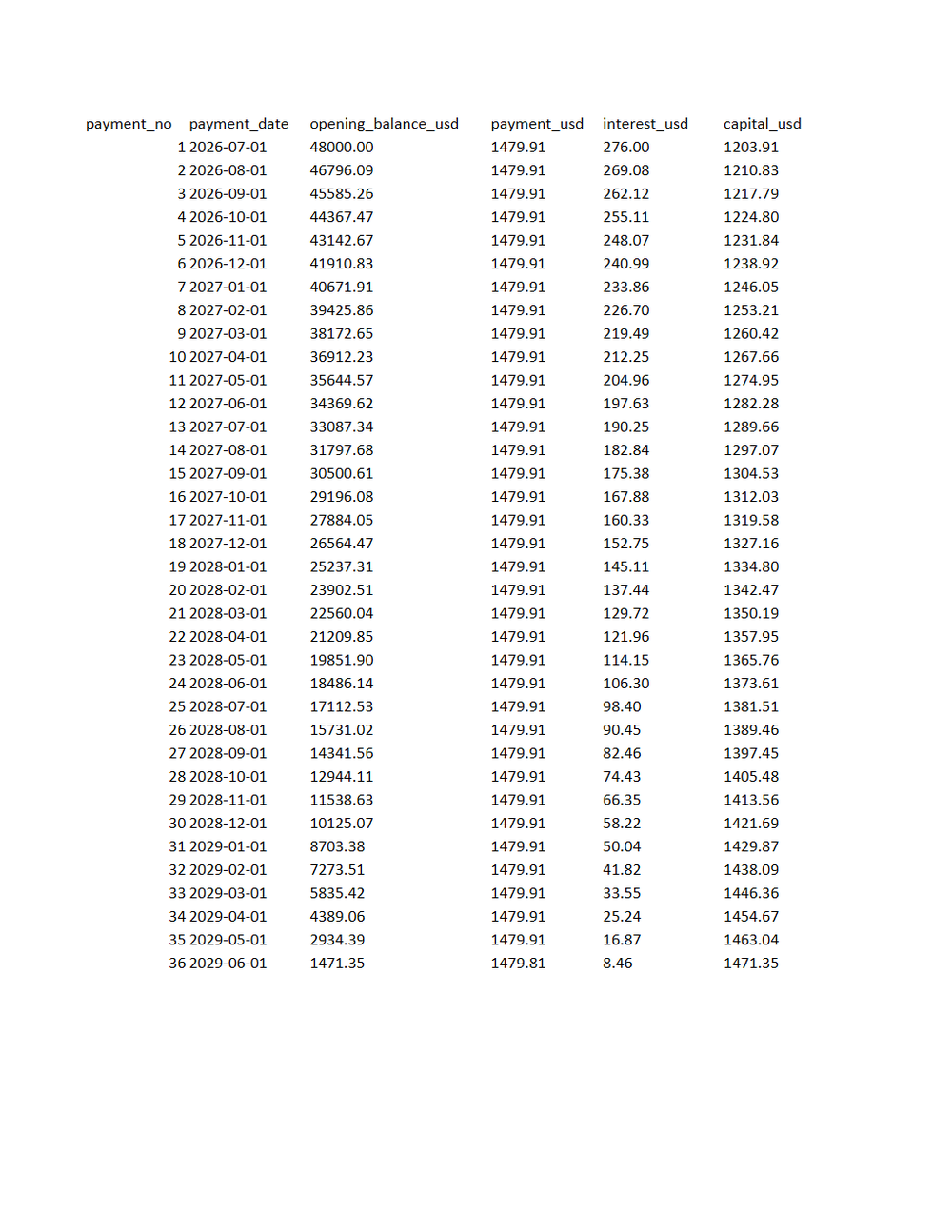
Rendered preview of the xlsx file (7.7 KB). Download above for the original.
Specifications
- Document Set
- banking
- Industry
- finance
- Source Kit
- accounting-reconciliation
- Entity
- Pine Assembly Workshop
- Synthetic
- true
- As Of
- 2026-09-08
- Sheets
- 2
- Rows
- 36
- Monthly Rate Decimal Places
- 8
- Closing Balance
- 0.00
Testing contract
Expected to pass- Scenario
- Rebuild the schedule in the workbook from the summary inputs and compare it with the Schedule sheet.
- Expected result
- The rebuild reproduces all 36 rows and the 0.00 closing balance when the monthly rate is taken at eight decimal places. Rounding the rate to four places moves the level payment and the schedule drifts within a few months.
What is a .xlsx file?
XLSX is the default Microsoft Excel format, an Office Open XML spreadsheet stored as a ZIP archive containing worksheet XML, shared strings, styles, and formulas. It supports multiple sheets, cell formatting, charts, and calculated values. It is the standard for editable tabular workbooks.
How to use this file
Use an example XLSX to test spreadsheet parsing, formula and multi-sheet handling, shared-string extraction, and pipelines that read or generate Excel workbooks.
How to use this file for testing
“Pine Assembly Workshop: Loan amortisation workbook” is a deterministic Novus Examples fixture for Data import. Realistic faker-generated datasets with documented schemas for testing import and ETL flows.
Documented properties for this file: 36 rows · 2 sheets. Compare results against paired or grouped companions on this page when present (clean↔damaged, searchable↔scanned, or format twins) so scores stay reproducible across runs.
Download the file once, keep the path stable in CI or local scripts, and treat the spec table as the contract: dimensions, seeds, field lists, and roles are intentional. Corrupt or invalid samples are labelled as such, expect parsers to fail loudly rather than silently accept them.
Document fixtures list their internal structure (pages, fields, tracked changes, embedded objects) in the spec table. Test extractors, converters, and OCR against that known structure, and compare searchable↔scanned or format-twin companions when present.
Code examples
from openpyxl import load_workbook

wb = load_workbook("loan-amortisation-schedule.xlsx")
ws = wb.active
print(ws.title, ws.max_row, ws.max_column)
Related files
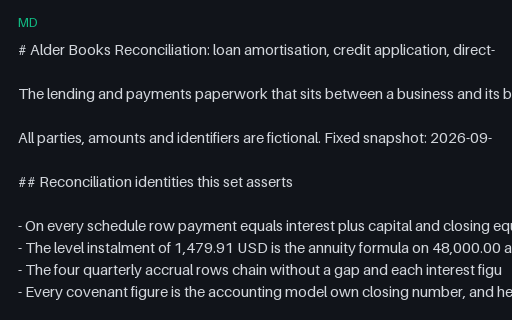
- mdAlder Books Reconciliation: banking document set READMEDocument set README for Alder Books Reconciliation. 25 files, 1 of them intentionally invalid, with the reconciliation identities, the declared parameters and the measured size of each deliberate defect named in full.
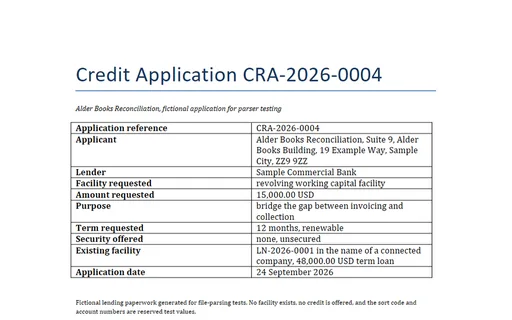
- docxAlder Books Reconciliation: Credit application (DOCX)Credit application (DOCX) for Alder Books Reconciliation. An unsecured working capital application for 15,000.00 USD. Every figure in the financial summary names the wave-one accounting file and column it comes from, so the whole table is checkable: closing cash 10,236.00, invoiced 8,100.00, received 7,300.00, outstanding 800.00 and expenditure 2,064.00 USD. The PDF twin in the same directory carries the identical text.
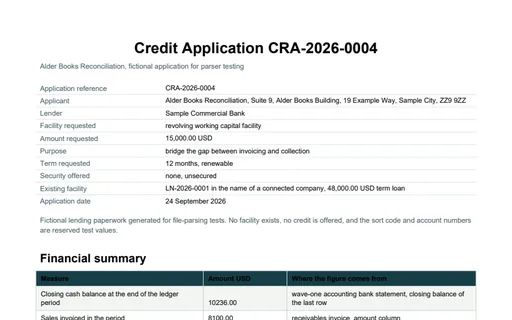
- pdfAlder Books Reconciliation: Credit application (PDF)Credit application (PDF) for Alder Books Reconciliation. An unsecured working capital application for 15,000.00 USD. Every figure in the financial summary names the wave-one accounting file and column it comes from, so the whole table is checkable: closing cash 10,236.00, invoiced 8,100.00, received 7,300.00, outstanding 800.00 and expenditure 2,064.00 USD. The DOCX twin in the same directory carries the identical text.
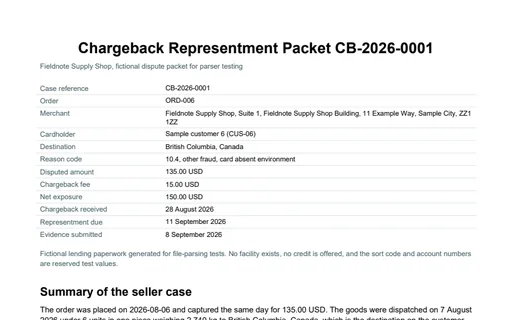
- pdfFieldnote Supply Shop: Chargeback representment packetChargeback representment packet for Fieldnote Supply Shop. A two-page representment packet for CB-2026-0001, the case the wave-one ecommerce chargeback register still shows as open. The transaction table reproduces both order lines of ORD-006, 6 units totalling 135.00 USD captured, 16.20 USD of tax and 151.20 USD charged to the cardholder, and states the seller net exposure as 150.00 USD, being the capture plus a 15.00 USD case fee. The evidence index and the timeline are printed on page 2 and shipped as CSVs alongside.
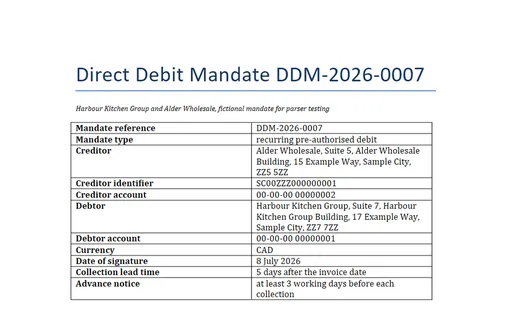
- docxHarbour Kitchen Group: Direct debit mandate (DOCX)Direct debit mandate (DOCX) for Harbour Kitchen Group. A recurring pre-authorised debit mandate from Harbour Kitchen Group to Alder Wholesale, signed 8 July 2026. The collections it authorises are the 8 weekly supplier invoices the restaurant purchase ledger already holds for that supplier, 4,077.58 CAD in total, each collected 5 days after its invoice date. The PDF twin in the same directory carries the identical text.
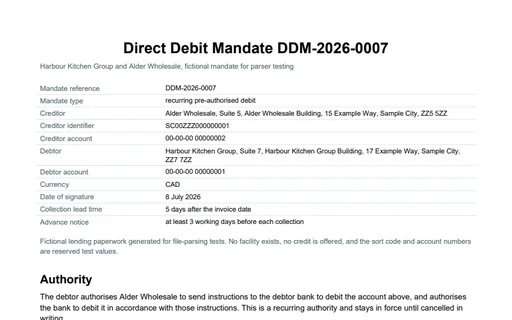
- pdfHarbour Kitchen Group: Direct debit mandate (PDF)Direct debit mandate (PDF) for Harbour Kitchen Group. A recurring pre-authorised debit mandate from Harbour Kitchen Group to Alder Wholesale, signed 8 July 2026. The collections it authorises are the 8 weekly supplier invoices the restaurant purchase ledger already holds for that supplier, 4,077.58 CAD in total, each collected 5 days after its invoice date. The DOCX twin in the same directory carries the identical text.
Generated by generation/industry_documents_two.py. Free for any use, no attribution required, license.