
Jupyter Notebook (IPYNB)
A valid Jupyter notebook (nbformat 4.5) with markdown cells, code cells, and real outputs (stdout stream and an execute result) — for testing notebook parsers, nbconvert, and JSON tooling.
{
 "cells": [
  {
   "cell_type": "markdown",
   "metadata": {},
   "source": [
    "# Monthly Revenue Analysis\n",
    "\n",
    "A short example notebook: load a small revenue table, compute the total, and ",
    "find the best month. Free to use for testing notebook parsers and converters."
   ]
  },
  {
   "cell_type": "code",
   "execution_count": 1,
   "metadata": {},
   "outputs": [],
   "source": [
    "import pandas as pd\n",
    "\n",
    "df = pd.DataFrame({\n",
    "    'month': ['Jan', 'Feb', 'Mar', 'Apr', 'May', 'Jun'],\n",
    "    'revenue': [42, 48, 55, 51, 63, 70],\n",
    "})"
   ]
  },
  {
   "cell_type": "code",
   "execution_count": 2,
   "metadata": {},
   "outputs": [
    {
     "name": "stdout",
     "output_type": "stream",
     "text": [
      "Total revenue: 329\n"
     ]
    }
   ],
   "source": [
    "print('Total revenue:', df['revenue'].sum())"
   ]
  },
  {
   "cell_type": "code",
   "execution_count": 3,
   "metadata": {},
   "outputs": [
    {
"data": {Specifications
- Format
- nbformat 4.5
- Cells
- 5
- Cell Types
- markdown + code
- Outputs
- stream + execute_result
What is a .ipynb file?
An IPYNB file is a Jupyter notebook: a JSON document holding an ordered list of cells and, unusually for a source file, the output each code cell produced. Markdown cells hold prose; code cells carry `source` as an array of lines, an `execution_count`, and an `outputs` array of stdout streams, result values, base64 images, and tracebacks, while `metadata.kernelspec` names the interpreter. The extension survives from the 2011 IPython Notebook, which became Project Jupyter in 2014.
How to use this file
Use an example notebook to test nbformat parsers, nbconvert and jupytext, and diff tooling — checking that multi-line `source` arrays round-trip, that every output type including tracebacks and embedded images survives, and that a null `execution_count` reads as never-run rather than zero.
How to use this file for testing
“Jupyter Notebook (IPYNB)” is a deterministic Novus Examples fixture for JSON parsing, Conversion testing, Editor testing. Flat, deeply nested, JSON Lines, and intentionally invalid JSON for testing parsers and error handling.
Documented properties for this file: nbformat 4.5. Compare results against paired or grouped companions on this page when present (clean↔damaged, searchable↔scanned, or format twins) so scores stay reproducible across runs.
Download the file once, keep the path stable in CI or local scripts, and treat the spec table as the contract: dimensions, seeds, field lists, and roles are intentional. Corrupt or invalid samples are labelled as such — expect parsers to fail loudly rather than silently accept them.
Data fixtures document their exact quirks — delimiters, encodings, null handling, schema, and row counts — in the spec table. Point your parser or importer at the file and assert it handles the documented edge cases; clean and deliberately-messy siblings make before/after diffs straightforward.
Feed the file to your parser and assert it handles the documented quirks — quoted delimiters, embedded newlines, ragged rows, or invalid syntax; the valid↔invalid distinction is labelled in the title.
Code examples
jupyter nbconvert --to html monthly-revenue-analysis.ipynb
jupyter nbconvert --to script monthly-revenue-analysis.ipynb
Related files
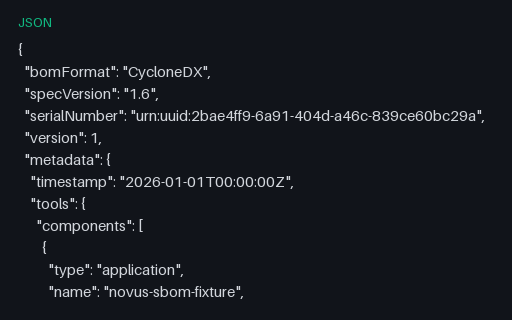
- jsonCycloneDX 1.6 Application SBOM (JSON)A complete CycloneDX 1.6 SBOM in JSON for a fictional application and its nine dependencies, with purls, SHA-256 hashes, supplier records, external references and an explicit dependency graph. Every package, version, hash and licence is fictional — the tree describes nothing real.
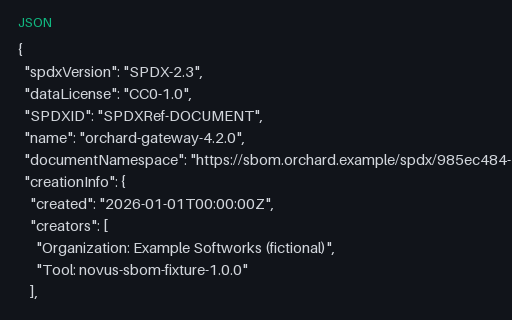
- jsonSPDX 2.3 Application SBOM (JSON)An SPDX 2.3 SBOM in JSON describing the same fictional tree as the CycloneDX documents in this category, with SPDXIDs, purl external references, SHA-256 checksums and DESCRIBES/DEPENDS_ON relationships. Every package, version, hash and licence is fictional — the tree describes nothing real.
- jsonApp Settings (JSON)JSON application settings for config-merge and validation tests.
- jsonColumnar Nulls Schema (JSON)JSON description of nullable columns in the null-heavy columnar fixtures.

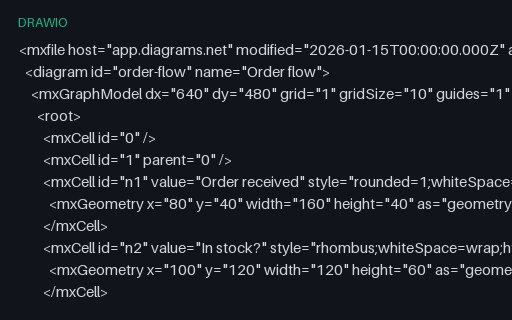
- drawiodraw.io Diagram (XML)A draw.io (diagrams.net) diagram in its native mxGraphModel XML — a small flowchart — for testing draw.io import/export and XML parsing of diagram files.
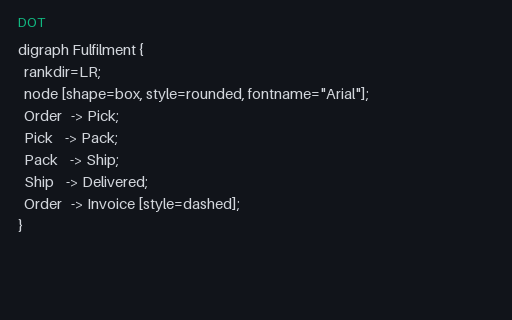
- dotGraphviz DOT GraphA Graphviz DOT directed graph describing a fulfilment pipeline — for testing DOT parsing, Graphviz rendering, and DOT-to-SVG/PNG conversion.
Generated by generation/data_dev_artifacts.py. Free for any use, no attribution required — license.