
Web App Manifest (webmanifest)
A W3C Web App Manifest (JSON) with name, theme colours, and icon set — for testing PWA install prompts and manifest validators.
{
  "name": "Novus Example App",
  "short_name": "Novus",
  "description": "A sample web app manifest for testing PWA install and manifest parsers.",
  "start_url": "/",
  "scope": "/",
  "display": "standalone",
  "orientation": "portrait",
  "background_color": "#0b0f1a",
  "theme_color": "#111827",
  "icons": [
    {
      "src": "/icons/icon-192.png",
      "sizes": "192x192",
      "type": "image/png"
    },
    {
      "src": "/icons/icon-512.png",
      "sizes": "512x512",
      "type": "image/png",
      "purpose": "any maskable"
    }
  ]
}
Specifications
- Format
- W3C Web App Manifest
- Icons
- 2
- Display
- standalone
What is a .webmanifest file?
A web app manifest (.webmanifest) is a JSON file that describes a Progressive Web App to the browser, declaring its name, icons, theme colors, start URL, and display mode. It enables installation to a device home screen and standalone launching. It is linked from HTML via a manifest link element.
How to use this file
Use an example webmanifest to test PWA installability, manifest JSON parsing, icon and display-mode handling, and browser or auditing tools like Lighthouse.
How to use this file for testing
“Web App Manifest (webmanifest)” is a deterministic Novus Examples fixture for Config testing, Conversion testing. TOML, INI, YAML, .env, and dotfile configuration samples with nested sections and typed values — for testing config parsers, loaders, and environment tooling.
Documented properties for this file: W3C Web App Manifest. Compare results against paired or grouped companions on this page when present (clean↔damaged, searchable↔scanned, or format twins) so scores stay reproducible across runs.
Download the file once, keep the path stable in CI or local scripts, and treat the spec table as the contract: dimensions, seeds, field lists, and roles are intentional. Corrupt or invalid samples are labelled as such — expect parsers to fail loudly rather than silently accept them.
Data fixtures document their exact quirks — delimiters, encodings, null handling, schema, and row counts — in the spec table. Point your parser or importer at the file and assert it handles the documented edge cases; clean and deliberately-messy siblings make before/after diffs straightforward.
Point your config loader at the file and assert it reads the documented sections and typed values, including any deliberately-tricky nesting or comments.
Related files
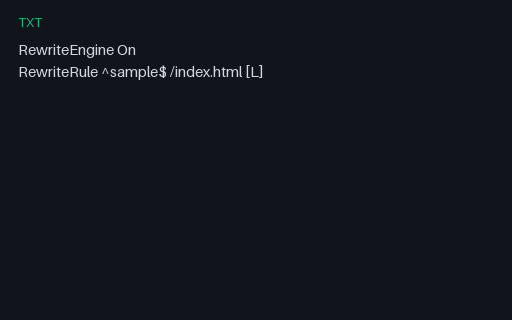
- txtApache .htaccess SampleTiny Apache rewrite rules SAMPLE for .htaccess parser tests.
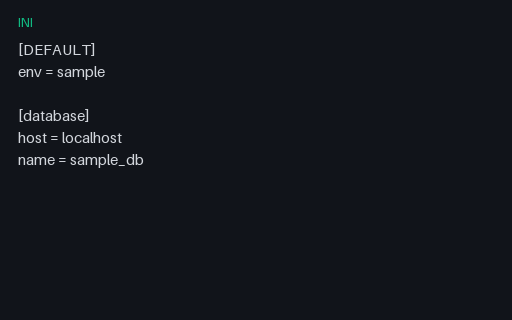
- iniApp Config (INI)Sample INI config file for legacy config parser tests.
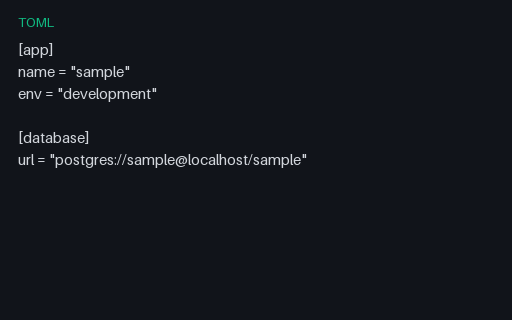
- tomlApp Config (TOML)Sample TOML application config for TOML parser tests.
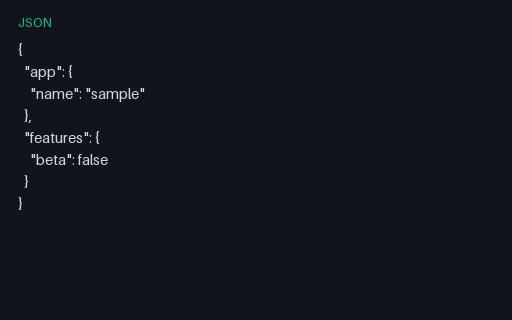
- jsonApp Settings (JSON)JSON application settings for config-merge and validation tests.
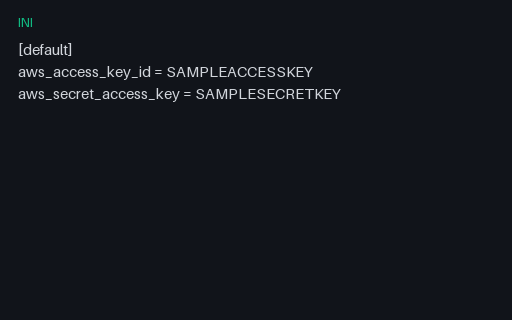
- iniAWS Credentials Shape SAMPLE (INI)AWS credentials file shape with obviously fake keys — for credential scanner and parser tests.
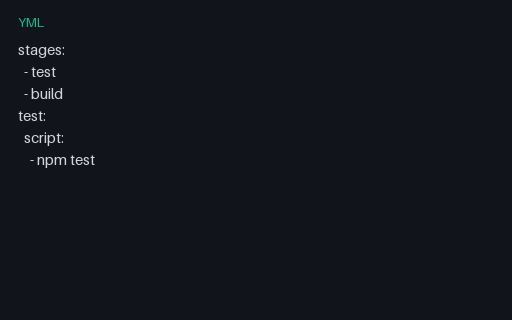
- ymlCI Pipeline Config (YAML)Minimal CI pipeline YAML for GitHub Actions / GitLab CI parser tests.
Generated by generation/data_dev_fixtures.py. Free for any use, no attribution required — license.