
App Config (TOML)
Sample TOML application config for TOML parser tests.
[app]
name = "sample"
env = "development"

[database]
url = "postgres://sample@localhost/sample"
Specifications
- Format
- TOML
Testing contract
Expected to pass- Scenario
- Exercise App Config (TOML) in its config workflow. Sample TOML application config for TOML parser tests.
- Expected result
- 6 text lines, decoded as UTF-8; first nonempty line is '[app]'.
What is a .toml file?
TOML (Tom's Obvious Minimal Language) is a configuration format designed to be unambiguous and easy to read, with typed values, sections in bracketed tables, and clear date and number handling. It maps cleanly to hash tables. It is widely used for application and package configuration, such as Rust's Cargo and Python's pyproject.
How to use this file
Use an example TOML file to test config parsers, typed-value and table handling, and tools that read project or application settings.
How to use this file for testing
“App Config (TOML)” is a deterministic Novus Examples fixture for Config testing, Conversion testing. TOML, INI, YAML, .env, and dotfile configuration samples with nested sections and typed values, for testing config parsers, loaders, and environment tooling.
Documented properties for this file: TOML. Compare results against paired or grouped companions on this page when present (clean↔damaged, searchable↔scanned, or format twins) so scores stay reproducible across runs.
Download the file once, keep the path stable in CI or local scripts, and treat the spec table as the contract: dimensions, seeds, field lists, and roles are intentional. Corrupt or invalid samples are labelled as such, expect parsers to fail loudly rather than silently accept them.
Data fixtures document their exact quirks (delimiters, encodings, null handling, schema, and row counts) in the spec table. Point your parser or importer at the file and assert it handles the documented edge cases; clean and deliberately-messy siblings make before/after diffs straightforward.
Point your config loader at the file and assert it reads the documented sections and typed values, including any deliberately-tricky nesting or comments.
Code examples
import tomllib

with open("app.toml", "rb") as f:
    data = tomllib.load(f)
print(data)
Related files
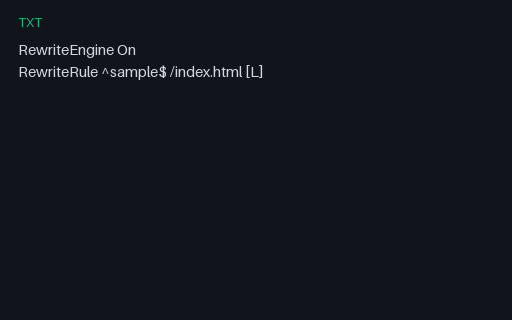
- txtApache .htaccess SampleTiny Apache rewrite rules SAMPLE for .htaccess parser tests.
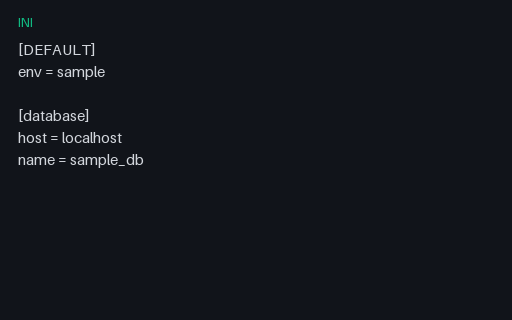
- iniApp Config (INI)Sample INI config file for legacy config parser tests.
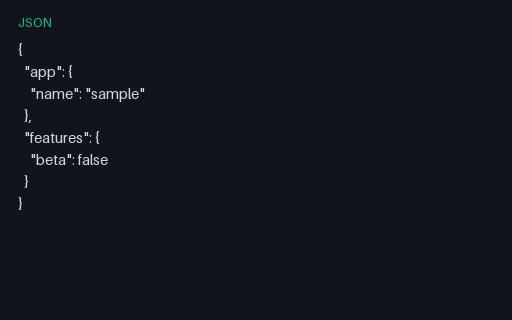
- jsonApp Settings (JSON)JSON application settings for config-merge and validation tests.
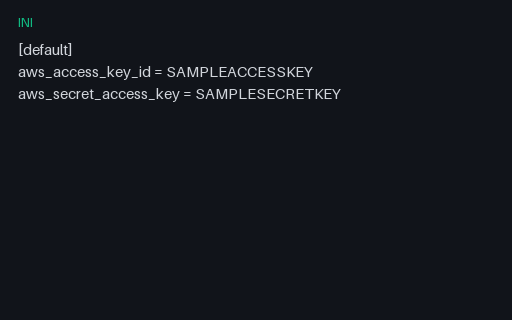
- iniAWS Credentials Shape SAMPLE (INI)AWS credentials file shape with obviously fake keys — for credential scanner and parser tests.
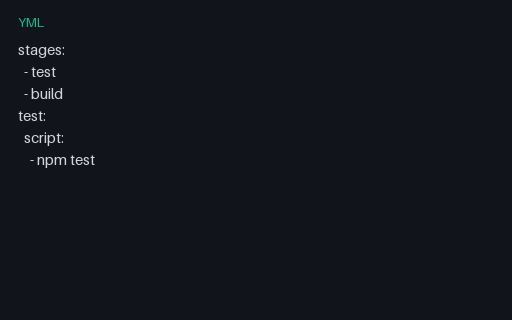
- ymlCI Pipeline Config (YAML)Minimal CI pipeline YAML for GitHub Actions / GitLab CI parser tests.
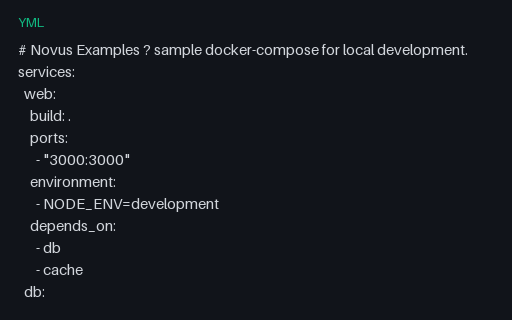
- ymlDocker Compose File (YAML)A sample docker-compose file defining a web service with Postgres and Redis dependencies — for testing Compose parsers and YAML tooling.
Generated by generation/data_wave_f.py. Free for any use, no attribution required, license.