
Kubernetes SAMPLE — Deployment (YAML)
SAMPLE Kubernetes deployment manifest — fictional names, no real cluster secrets.
apiVersion: apps/v1
kind: Deployment
metadata:
  name: sample-app
spec:
  replicas: 2
  selector:
    matchLabels:
      app: sample
  template:
    metadata:
      labels:
        app: sample
    spec:
      containers:
        - name: web
          image: sample/app:1.0.0
          ports:
            - containerPort: 8080
Specifications
- Format
- Kubernetes YAML
- Kind
- deployment
Testing contract
Expected to pass- Scenario
- Exercise Kubernetes SAMPLE — Deployment (YAML) in its config workflow. SAMPLE Kubernetes deployment manifest — fictional names, no real cluster secrets.
- Expected result
- 19 text lines, decoded as UTF-8; first nonempty line is 'apiVersion: apps/v1'. Declared feature checks: kind=deployment.
What is a .yaml file?
YAML (YAML Ain't Markup Language) is a human-readable data-serialization format using indentation, key-value pairs, and lists, and is a superset of JSON. It supports comments, anchors, and multiple documents per file, favoring readability for configuration. Its indentation sensitivity makes it error-prone to hand-edit.
How to use this file
Use an example YAML file to test config parsers, indentation and anchor handling, multi-document streams, and safe-loading to avoid arbitrary object construction.
How to use this file for testing
“Kubernetes SAMPLE — Deployment (YAML)” is a deterministic Novus Examples fixture for Config testing, Conversion testing. TOML, INI, YAML, .env, and dotfile configuration samples with nested sections and typed values, for testing config parsers, loaders, and environment tooling.
Documented properties for this file: Kubernetes YAML. Compare results against paired or grouped companions on this page when present (clean↔damaged, searchable↔scanned, or format twins) so scores stay reproducible across runs.
Download the file once, keep the path stable in CI or local scripts, and treat the spec table as the contract: dimensions, seeds, field lists, and roles are intentional. Corrupt or invalid samples are labelled as such, expect parsers to fail loudly rather than silently accept them.
Data fixtures document their exact quirks (delimiters, encodings, null handling, schema, and row counts) in the spec table. Point your parser or importer at the file and assert it handles the documented edge cases; clean and deliberately-messy siblings make before/after diffs straightforward.
Point your config loader at the file and assert it reads the documented sections and typed values, including any deliberately-tricky nesting or comments.
Code examples
import yaml  # pip install pyyaml

with open("k8s-deployment.yaml") as f:
    data = yaml.safe_load(f)
print(data)
Related files
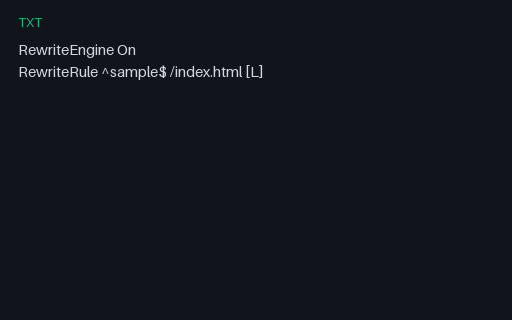
- txtApache .htaccess SampleTiny Apache rewrite rules SAMPLE for .htaccess parser tests.
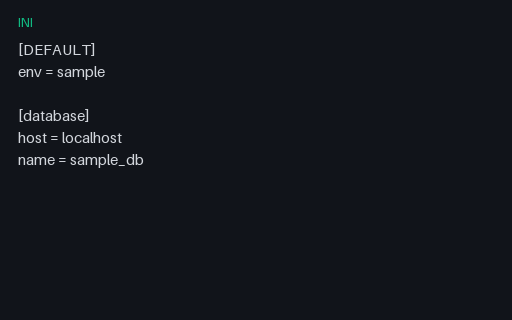
- iniApp Config (INI)Sample INI config file for legacy config parser tests.
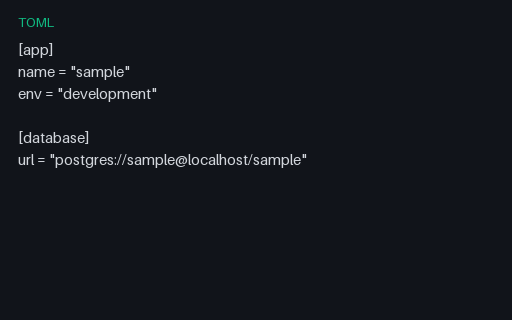
- tomlApp Config (TOML)Sample TOML application config for TOML parser tests.
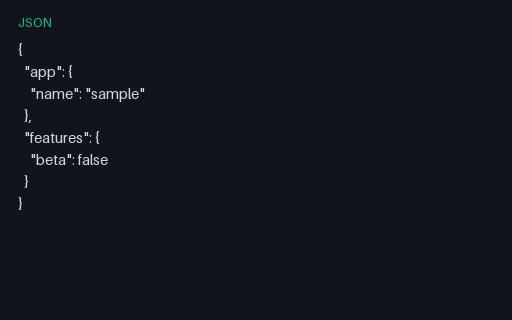
- jsonApp Settings (JSON)JSON application settings for config-merge and validation tests.
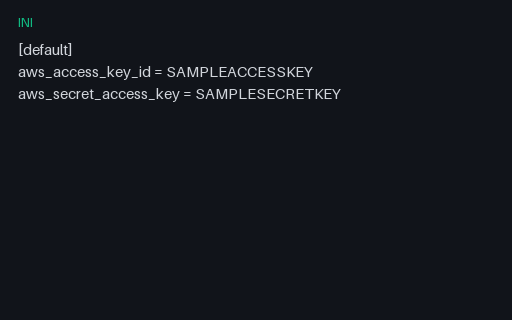
- iniAWS Credentials Shape SAMPLE (INI)AWS credentials file shape with obviously fake keys — for credential scanner and parser tests.
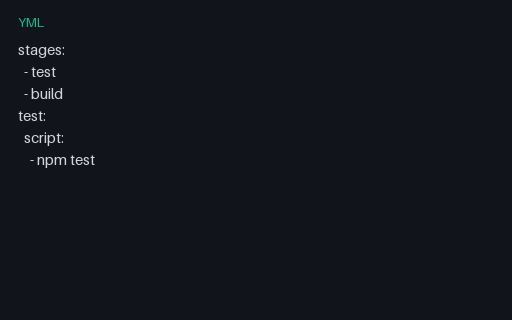
- ymlCI Pipeline Config (YAML)Minimal CI pipeline YAML for GitHub Actions / GitLab CI parser tests.
Generated by generation/data_wave_f.py. Free for any use, no attribution required, license.