
Config — Logging Levels (INI)
Tiny SAMPLE INI config fixture (logging-levels) for parser and twin tests.
[logging]
root = INFO
app = DEBUG
sqlalchemy = WARNING
Specifications
- Role
- config-twin
- Wave
- I
- Format
- ini
Testing contract
Expected to pass- Scenario
- Exercise Config — Logging Levels (INI) in its config workflow. Tiny SAMPLE INI config fixture (logging-levels) for parser and twin tests.
- Expected result
- 4 text lines, decoded as UTF-8; first nonempty line is '[logging]'. Declared feature checks: role=config-twin.
What is a .ini file?
INI is an informal configuration format organizing key-value pairs under bracketed section headers, with comment lines and no strict standard. Parsing details like comment characters, quoting, and nesting vary between implementations. It is a long-standing choice for simple application and system configuration.
How to use this file
Use an example INI file to test section and key-value parsing, comment handling, and configuration loaders that must tolerate dialect differences.
How to use this file for testing
“Config — Logging Levels (INI)” is a deterministic Novus Examples fixture for Config parsing, Editor testing. TOML and INI configuration files with nested sections and typed values, for testing config parsers and loaders.
Documented properties for this file: config-twin · ini. Compare results against paired or grouped companions on this page when present (clean↔damaged, searchable↔scanned, or format twins) so scores stay reproducible across runs.
Download the file once, keep the path stable in CI or local scripts, and treat the spec table as the contract: dimensions, seeds, field lists, and roles are intentional. Corrupt or invalid samples are labelled as such, expect parsers to fail loudly rather than silently accept them.
Data fixtures document their exact quirks (delimiters, encodings, null handling, schema, and row counts) in the spec table. Point your parser or importer at the file and assert it handles the documented edge cases; clean and deliberately-messy siblings make before/after diffs straightforward.
Point your config loader at the file and assert it reads the documented sections and typed values, including any deliberately-tricky nesting or comments.
Code examples
import configparser

c = configparser.ConfigParser()
c.read("logging-levels.ini")
print(c.sections())
Related files
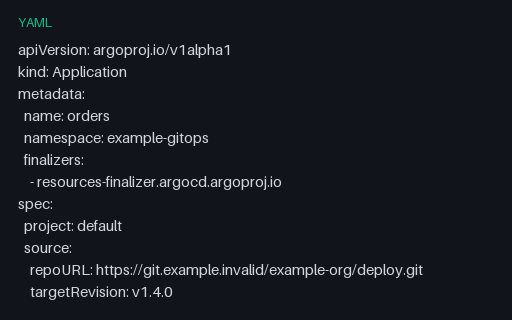
- yamlArgo CD Application with Sync PolicyAn Argo CD Application with automated sync, prune and self-heal, retry backoff, sync options, and an ignoreDifferences rule that exempts replica counts from drift detection. All Git and cluster endpoints are example.invalid.
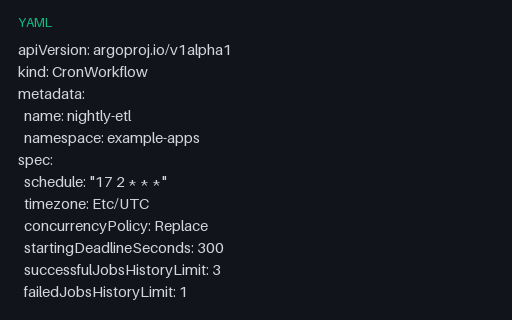
- yamlArgo CronWorkflow ScheduleAn Argo CronWorkflow wrapping an inline workflowSpec: a cron schedule with an explicit timezone, Replace concurrency, history limits, and a suspend flag. Nested-spec shape that flat schedule extractors miss.
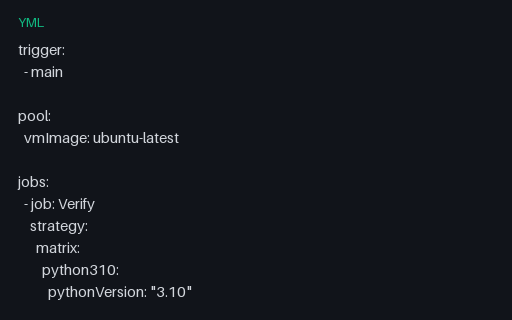
- ymlAzure Pipelines Matrix StrategyAzure's named-leg matrix form, where each leg is a mapping of variables rather than an axis product: three Python legs, a maxParallel cap, a job timeout, and a JUnit results publish step that runs on failure too.
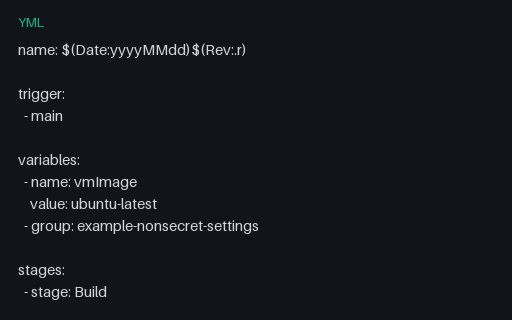
- ymlAzure Pipelines Stages and Deployment JobA three-stage Azure Pipelines definition with a build-number format expression, a variable group reference, stage conditions built from the expression functions, and a deployment job using the runOnce strategy against a named environment.
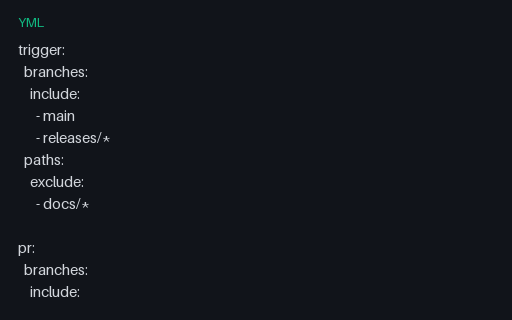
- ymlAzure Pipelines Steps and TriggersThe simplest Azure Pipelines shape: no stages or jobs, just a trigger with branch and path filters, a PR trigger, variables, and a flat step list mixing task and script steps. Baseline for the stage-based fixtures.
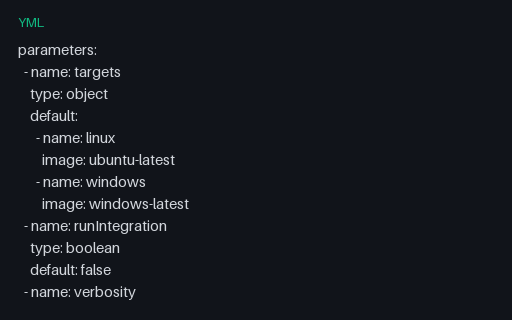
- ymlAzure Pipelines Template Expressions and ParametersCompile-time template expressions: an `${{ each }}` loop over an object parameter, an `${{ if }}` conditional insertion, an `extends` template, and a step template with arguments. These resolve before runtime, which template-aware linters must model.
Generated by generation/pad_wave_i.py. Free for any use, no attribution required, license.