
Tern Client Services — Hubspot profile CSV
Hubspot profile CSV for Tern Client Services. 8 unique records follow the documented Hubspot field subset. Strict local specification checks pass; account import and stored results are not verified.
Email,First name,Last name
contact1@example.test,Ada,Sample
contact2@example.test,Ben,Sample
contact3@example.test,Chen,Sample
contact4@example.test,Dara,Sample
contact5@example.test,Ede,Sample
contact6@example.test,Faye,Sample
contact7@example.test,Gus,Sample
contact8@example.test,Hana,Sample
Specifications
- Kit
- crm-services
- Industry
- professional-services
- Schema Version
- 1
- Synthetic
- true
- As Of
- 2026-09-08
- Profile Version
- 2026-09-08.1
- Rows
- 8
Testing contract
Expected to pass- Scenario
- Use hubspot profile csv in the Tern Client Services contacts, sales-pipeline, activities, leads, quotes, projects, timesheets, invoicing workflow.
- Expected result
- 8 unique records follow the documented Hubspot field subset. Strict local specification checks pass; account import and stored results are not verified.
What is a .csv file?
CSV (Comma-Separated Values) is a plain-text tabular format where rows are lines and fields are separated by commas, with quoting rules for values that contain delimiters, quotes, or newlines. It has no formal type system and depends on encoding and dialect conventions. It is the most portable format for tabular data exchange.
How to use this file
Use an example CSV to test parsers against quoting and embedded-delimiter edge cases, header handling, encoding detection, and import pipelines into databases or spreadsheets.
How to use this file for testing
“Tern Client Services — Hubspot profile CSV” is a deterministic Novus Examples fixture for Data import. Realistic faker-generated datasets with documented schemas for testing import and ETL flows.
Documented properties for this file: 8 rows. Compare results against paired or grouped companions on this page when present (clean↔damaged, searchable↔scanned, or format twins) so scores stay reproducible across runs.
Download the file once, keep the path stable in CI or local scripts, and treat the spec table as the contract: dimensions, seeds, field lists, and roles are intentional. Corrupt or invalid samples are labelled as such, expect parsers to fail loudly rather than silently accept them.
Data fixtures document their exact quirks (delimiters, encodings, null handling, schema, and row counts) in the spec table. Point your parser or importer at the file and assert it handles the documented edge cases; clean and deliberately-messy siblings make before/after diffs straightforward.
Code examples
import pandas as pd

df = pd.read_csv("hubspot-profile.csv")
print(df.head())
print(df.dtypes)
Related files
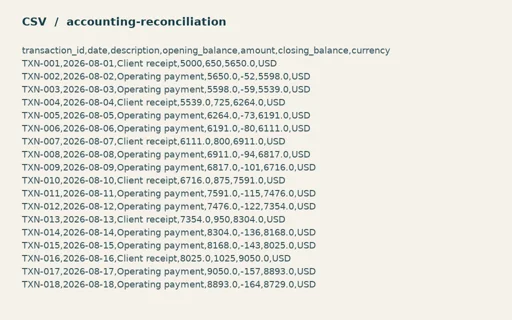
- csvAlder Books Reconciliation — Generic primary records CSVGeneric primary records CSV for Alder Books Reconciliation. 24 generic records with stable primary keys. Map the documented fields before importing into another platform.
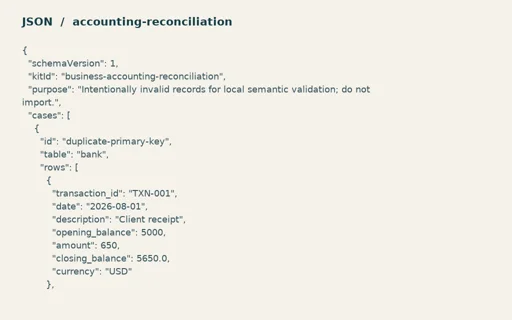
- jsonAlder Books Reconciliation — Intentionally invalid semantic test recordsIntentionally invalid semantic test records for Alder Books Reconciliation. Three independent cases report duplicate-primary-key, schema-type and foreign-key errors. JSON syntax remains valid.
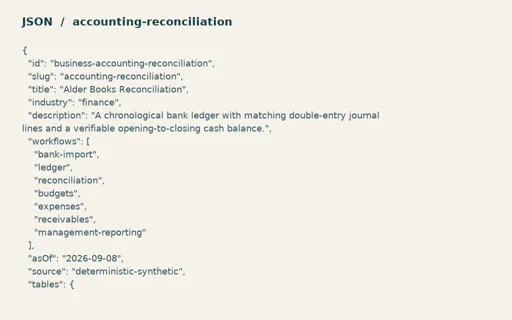
- jsonAlder Books Reconciliation — Linked operating modelLinked operating model for Alder Books Reconciliation. 102 records across 6 linked tables; no duplicate primary keys or missing references. Net cash change=5,236.00 USD; Journal debits=9,364.00 USD; Journal credits=9,364.00 USD.
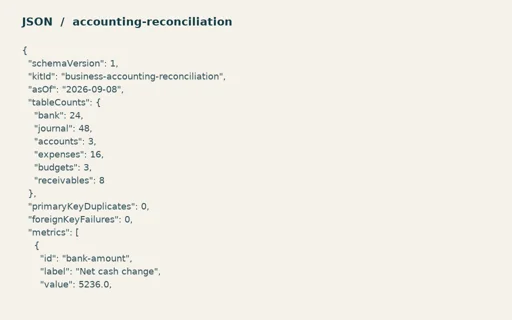
- jsonAlder Books Reconciliation — Numeric expected resultsNumeric expected results for Alder Books Reconciliation. Exact table counts, metric formulas, 24 chart points and three negative-test outcomes. Net cash change=5,236.00 USD; Journal debits=9,364.00 USD; Journal credits=9,364.00 USD.
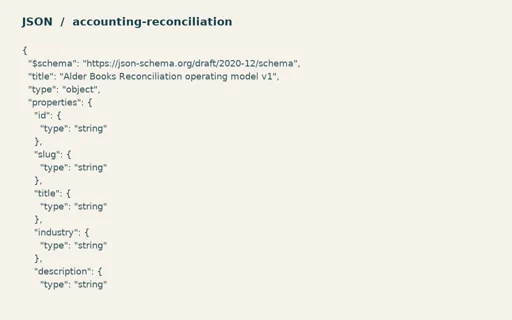
- jsonAlder Books Reconciliation — Operating model JSON SchemaOperating model JSON Schema for Alder Books Reconciliation. Draft 2020-12 schema accepts the paired operating model. Relational rules additionally require unique keys and existing foreign references.
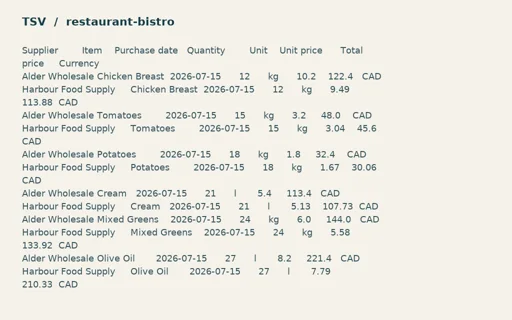
- tsvAlder Table Bistro — Equivalent purchase import TSVEquivalent purchase import TSV for Alder Table Bistro. 96 data rows, 8 columns and 96 expected accepted rows.
Generated by generation/business_fixtures.py. Free for any use, no attribution required, license.