
API Response — Users Page 1 (JSON)
Page 1 of a paginated JSON API response (users), with page metadata and a `hasMore` flag. Paired with page 2 for testing pagination and infinite-scroll logic.
{
  "page": 1,
  "pageSize": 3,
  "total": 5,
  "hasMore": true,
  "items": [
    {
      "id": 1,
      "name": "Ada Lovelace",
      "email": "ada.lovelace@example.com",
      "role": "admin"
    },
    {
      "id": 2,
      "name": "Alan Turing",
      "email": "alan.turing@example.com",
      "role": "member"
    },
    {
      "id": 3,
      "name": "Grace Hopper",
      "email": "grace.hopper@example.com",
      "role": "guest"
    }
  ]
}
Specifications
- Format
- JSON
- Kind
- paginated response
- Page
- 1
- Items
- 3
- Total
- 5
What is a .json file?
JSON (JavaScript Object Notation) is a lightweight, text-based data-interchange format representing objects, arrays, strings, numbers, booleans, and null. It is language-independent, human-readable, and the dominant format for web APIs and configuration. It requires a single well-formed root value.
How to use this file
Use an example JSON file to test parsers and serializers, schema validation, Unicode and number-precision handling, and API request or response processing.
How to use this file for testing
“API Response — Users Page 1 (JSON)” is a deterministic Novus Examples fixture for API testing, Conversion testing. OpenAPI/Swagger specs, GraphQL SDL, JSON Schema, paginated and problem+json error payloads, and webhook samples — for testing API clients, mock servers, contract tests, and schema validators.
Documented properties for this file: JSON. Compare results against paired or grouped companions on this page when present (clean↔damaged, searchable↔scanned, or format twins) so scores stay reproducible across runs.
Download the file once, keep the path stable in CI or local scripts, and treat the spec table as the contract: dimensions, seeds, field lists, and roles are intentional. Corrupt or invalid samples are labelled as such — expect parsers to fail loudly rather than silently accept them.
Data fixtures document their exact quirks — delimiters, encodings, null handling, schema, and row counts — in the spec table. Point your parser or importer at the file and assert it handles the documented edge cases; clean and deliberately-messy siblings make before/after diffs straightforward.
Code examples
import json

with open("users-page-1.json") as f:
    data = json.load(f)
print(type(data), len(data))
Related files
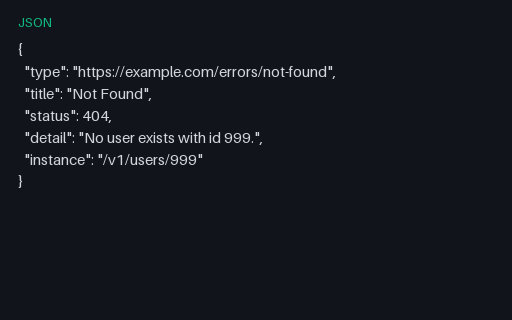
- jsonAPI Error — 404 (RFC 9457 problem+json)A 404 error body in RFC 9457 (problem+json) form, with type, title, status, detail, and instance — for testing structured error handling and problem-detail parsers.
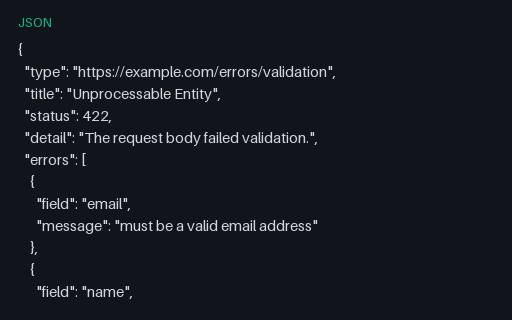
- jsonAPI Error — 422 Validation (JSON)A 422 validation-error response with a machine-readable list of field errors — for testing form-validation surfacing and error mapping.
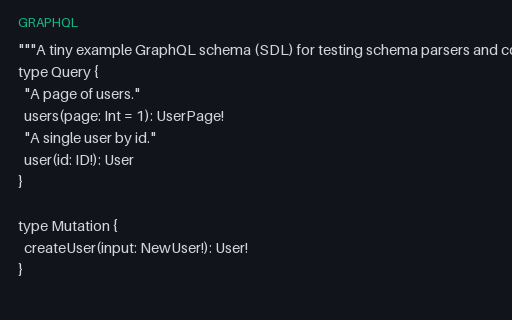
- graphqlGraphQL Schema (SDL)A GraphQL Schema Definition Language (SDL) file with queries, a mutation, object/input types, and an enum — for testing GraphQL schema parsers, linters, and code generators.
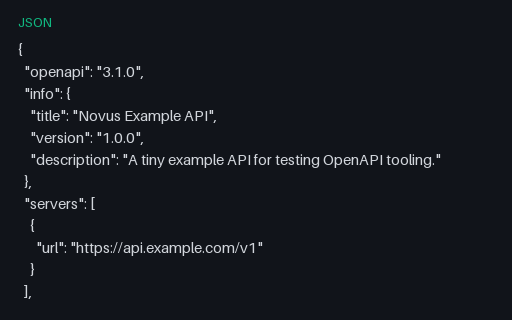
- jsonOpenAPI 3.1 Spec (JSON)A small but complete OpenAPI 3.1 description (two paths, three schemas) in JSON — for testing API tooling, mock servers, client codegen, and docs generators.
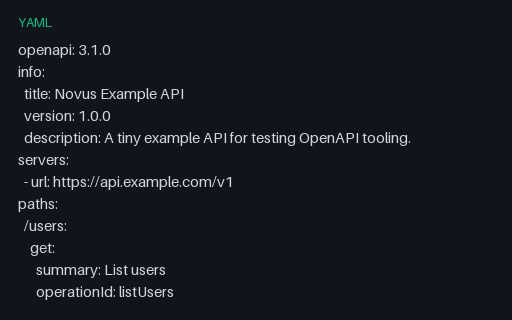
- yamlOpenAPI 3.1 Spec (YAML)The same OpenAPI 3.1 description in YAML — the format most API definitions ship in. Paired with the JSON twin for testing YAML↔JSON conversion and spec parsers.
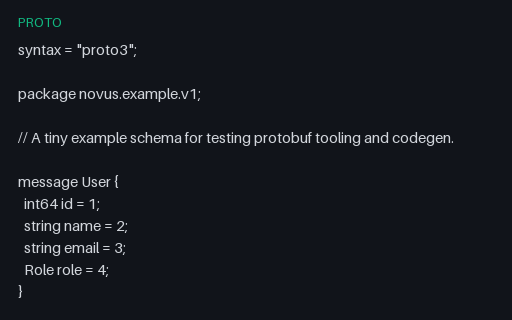
- protoProtocol Buffers Schema (proto3)A proto3 Protocol Buffers schema with messages, an enum, and a repeated field — for testing protobuf compilers (protoc), codegen, and schema tooling.
Generated by generation/data_dev_fixtures.py. Free for any use, no attribution required — license.