
Audio Editing Edge WAV 02
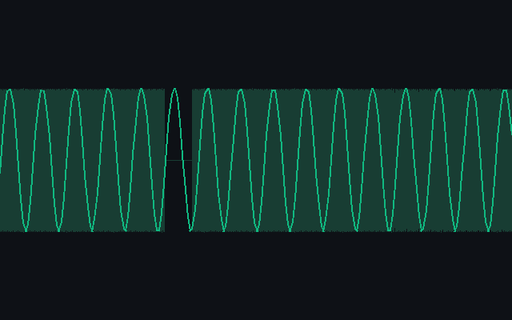
PCM edge waveform 02 carrying a controlled silence window for edit-pipeline recovery checks. Stable P8 artifact p8-audio-edge-wav-02.
Specifications
- Variant
- 2
- Sample Rate
- 8000
- Channels
- 1
- Duration Seconds
- 0.46
- Edge Kind
- mid-stream-silence
- Delivery Mode
- browser-playable
- Provider
- browser-local
- Provenance
- Synthetic deterministic P8 fixture generated by generation/p8_content.py; seed namespace 2026082300
Testing contract
Expected to recover- Scenario
- Decode the complete WAV and locate the declared editing edge without normalising samples first.
- Expected result
- Variant 02 is mono 8 kHz and exposes the declared mid-stream silence while the RIFF remains valid.
What is a .wav file?
WAV (Waveform Audio) is a RIFF-based container that typically holds uncompressed linear PCM audio, though it can wrap other codecs. Because samples are stored raw, files are large but lossless and simple to read, with configurable sample rate, bit depth, and channel count. It is the standard format for high-fidelity and intermediate audio.
How to use this file
Use an example WAV to test PCM decoding, sample-rate and bit-depth handling, waveform rendering, and audio pipelines that need a lossless reference source.
How to use this file for testing
“Audio Editing Edge WAV 02” is a deterministic Novus Examples fixture for Audio editing, Audio analysis, Error handling. Synthetic foley, ambience, dialogue, loops, stems, cue sheets, and edge cases with documented timing and signal properties for repeatable editing checks.
Documented properties for this file: 8000 Hz · 1 ch. Compare results against paired or grouped companions on this page when present (clean↔damaged, searchable↔scanned, or format twins) so scores stay reproducible across runs.
Download the file once, keep the path stable in CI or local scripts, and treat the spec table as the contract: dimensions, seeds, field lists, and roles are intentional. Corrupt or invalid samples are labelled as such — expect parsers to fail loudly rather than silently accept them.
Creator-audio fixtures are short, synthetic, and deterministic. Check sample rate, channels, duration, cue points, and the published expected result; workflow-kit members connect the media to the brief, prompt plan, and evaluation rubric without an upload.
Import the source at its documented sample rate, apply the stated edit or mix operation, and compare timing, channels, peak behavior, and the expected-output member rather than listening by impression alone.
Code examples
<audio controls preload="none" src="p8-audio-edge-wav-02.wav"></audio>Related files
- wavAudio Editing Edge WAV 01PCM edge waveform 01 carrying controlled hard clipping for edit-pipeline recovery checks. Stable P8 artifact p8-audio-edge-wav-01.
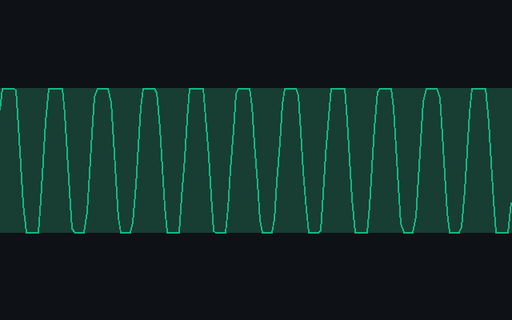
- wavAudio Editing Edge WAV 03PCM edge waveform 03 carrying controlled hard clipping for edit-pipeline recovery checks. Stable P8 artifact p8-audio-edge-wav-03.
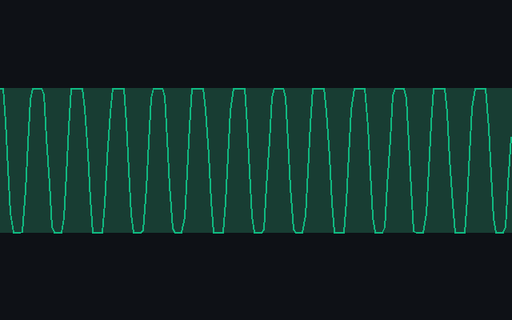
- wavAudio Editing Edge WAV 04PCM edge waveform 04 carrying a controlled silence window for edit-pipeline recovery checks. Stable P8 artifact p8-audio-edge-wav-04.
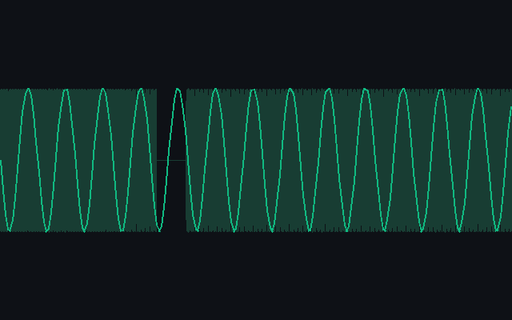
- wavAudio Editing Edge WAV 05PCM edge waveform 05 carrying controlled hard clipping for edit-pipeline recovery checks. Stable P8 artifact p8-audio-edge-wav-05.
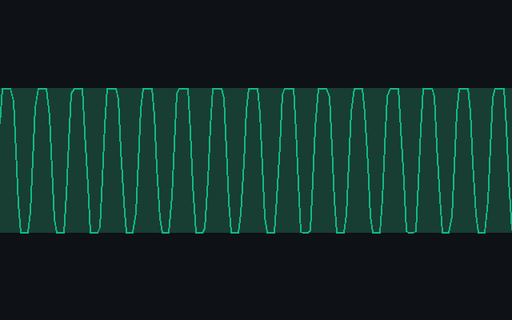
- wavAudio Editing Edge WAV 06PCM edge waveform 06 carrying a controlled silence window for edit-pipeline recovery checks. Stable P8 artifact p8-audio-edge-wav-06.
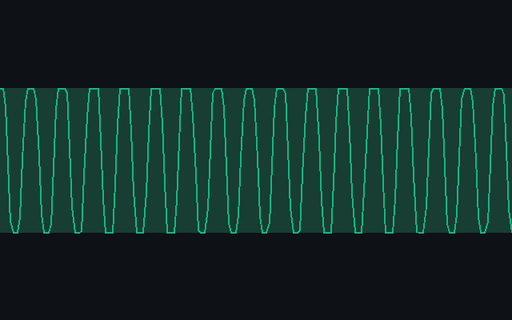
- wavAudio Editing Edge WAV 07PCM edge waveform 07 carrying controlled hard clipping for edit-pipeline recovery checks. Stable P8 artifact p8-audio-edge-wav-07.
Generated by generation/p8_content.py. Free for any use, no attribution required — license.