
Shell — Hello World
The classic hello-world in Bash — a shebang and echo, with LF line endings so it runs on Unix — for testing highlighters, ShellCheck, and shell parsers.
#!/usr/bin/env bash
# The classic first program, in Bash.
echo "Hello, world!"
Specifications
- Language
- Shell
- Kind
- hello-world
- Lines
- 3
- Encoding
- UTF-8
- Line Endings
- LF
Testing contract
Expected to pass- Scenario
- Run the file under bash and run ShellCheck over it.
- Expected result
- It prints exactly `Hello, world!` and ShellCheck reports no findings. Line endings are LF, so the `#!/usr/bin/env bash` shebang resolves - the same script saved with CRLF fails with a `bad interpreter: no such file or directory` error naming a carriage return.
What is a .sh file?
A shell script (.sh) is a plain-text program for a Unix shell such as bash — a sequence of commands with variables, conditionals, loops, functions, and pipelines. Scripts start with a shebang line (like #!/usr/bin/env bash) and are used for automation, builds, and system administration.
How to use this file
Use an example .sh file to test syntax highlighters, shell linters (ShellCheck), formatters (shfmt), and parser or language-detection tooling. It uses LF line endings so it runs correctly on Unix.
How to use this file for testing
“Shell — Hello World” is a deterministic Novus Examples fixture for Syntax highlighting, Code parsing, Editor testing. Idiomatic hello-world programs and realistic snippets across sixteen languages, exercising comments, string escapes, interpolation, numeric literals, and language keywords — for testing syntax highlighters, editor themes, and tree-sitter grammars.
Documented properties for this file: Shell · UTF-8 · LF. Compare results against paired or grouped companions on this page when present (clean↔damaged, searchable↔scanned, or format twins) so scores stay reproducible across runs.
Download the file once, keep the path stable in CI or local scripts, and treat the spec table as the contract: dimensions, seeds, field lists, and roles are intentional. Corrupt or invalid samples are labelled as such — expect parsers to fail loudly rather than silently accept them.
This is a short, known-correct source file. Run it through your syntax highlighter, linter, formatter, tree-sitter grammar, or parser, and open it in the in-browser editor to tweak and re-download. Each snippet exercises comments, string escapes, literals, and language keywords.
Code examples
bash hello-world.shRelated files
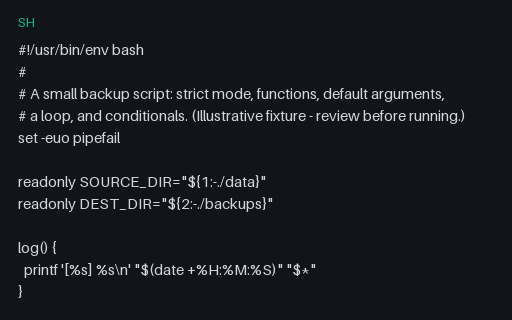
- shShell — Backup script (strict mode, functions)A realistic Bash script using strict mode (set -euo pipefail), functions, default parameters, a loop, and conditionals — an illustrative fixture (review before running) for testing highlighters, ShellCheck, and shfmt.
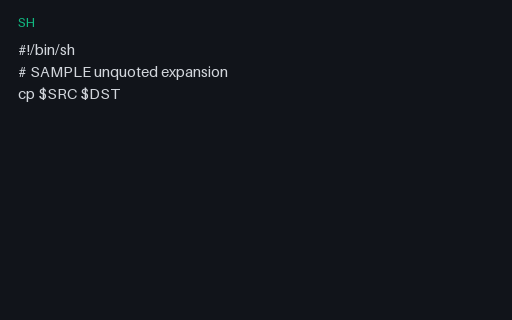
- shShell Lint Invalid — Unquoted Var InvalidIntentionally lint-bait SAMPLE shell snippet (unquoted-var-invalid) for rule-engine tests.
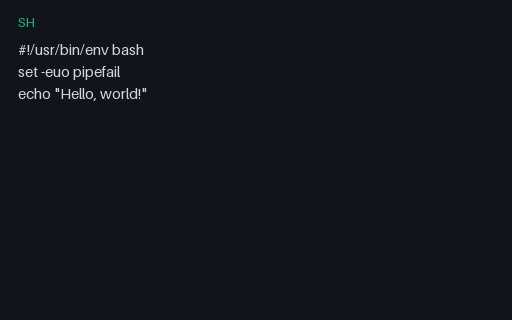
- shShell Strict ModeBash strict-mode hello for shellcheck / highlighter tests.
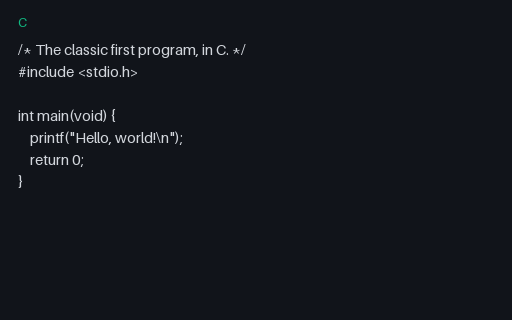
- cC — Hello WorldThe classic hello-world in C — an include, main, and printf — for testing highlighters, C compilers, and parsers against the canonical first program.
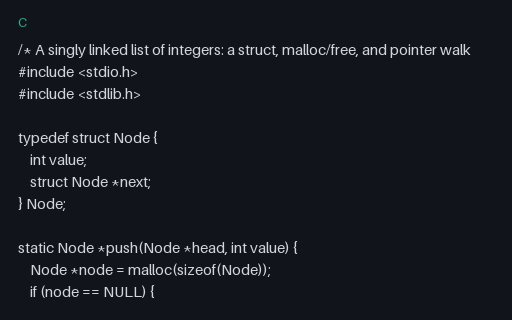
- cC — Linked list (structs, malloc, pointers)A realistic C program: a singly linked list with a typedef struct, malloc/free memory management, pointer walking, and error handling — for testing highlighters, compilers, and static analysers.
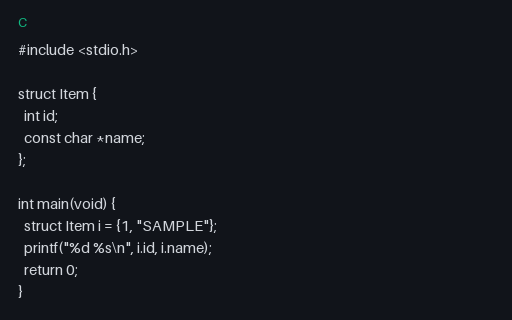
- cC StructC struct SAMPLE for clangd / highlighter fixtures.
Generated by generation/code_samples.py. Free for any use, no attribution required — license.