
ZIP - Symlink Member
share/current.csv is a symbolic link, stored the Info-ZIP way: the external attributes carry S_IFLNK and the member payload is the 16-byte target path rather than file content. The target is relative and resolves inside the archive, so extracting without symlink support produces a harmless text file instead of a dangling or escaping link.
- records.csv
- current.csv
- README.txt
Specifications
- Seed
- 20260807
- Members
- 3
- Symlink Members
- 1
- Symlink Encoding
- S_IFLNK (0o120000) in external attributes; payload is the target path
- Target
- data/records.csv (relative, stays inside the archive root)
- Fallback
- readers without symlink support write a 16-byte text file
Testing contract
Expected to pass- Scenario
- Extract with symlink support and resolve share/current.csv.
- Expected result
- share/current.csv is a symlink to data/records.csv and resolves to the 4-row CSV; without symlink support it extracts as a 16-byte text file containing that path.
What is a .zip file?
ZIP is a widely supported archive format that bundles multiple files and directories into one container, typically with per-file DEFLATE compression and a central directory index. It supports random access to individual entries without decompressing the whole archive. It underlies many document formats such as DOCX and EPUB.
How to use this file
Use an example ZIP to test archive extraction, central-directory parsing, per-entry decompression, and protection against path-traversal (zip-slip) during unpacking.
How to use this file for testing
“ZIP - Symlink Member” is a deterministic Novus Examples fixture for Conversion testing, Metadata testing. The same content exported across many formats and linked as a group, so you can convert one and diff against the expected twin.
Documented properties for this file: seed 20260807. Compare results against paired or grouped companions on this page when present (clean↔damaged, searchable↔scanned, or format twins) so scores stay reproducible across runs.
Download the file once, keep the path stable in CI or local scripts, and treat the spec table as the contract: dimensions, seeds, field lists, and roles are intentional. Corrupt or invalid samples are labelled as such — expect parsers to fail loudly rather than silently accept them.
Archive fixtures are documented down to their member list (shown on this page) and are deliberately safe — no zip bombs, executables, or hidden payloads. Test extractors against nested, unicode, empty, and encrypted variants.
Code examples
unzip -l symlink-member.zip     # list members
unzip symlink-member.zip -d out/  # extract
Related files
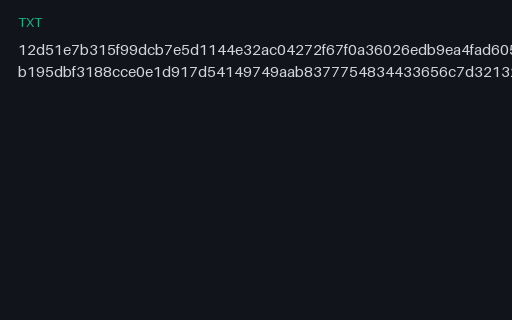
- txtConvert v2 Archive SHA-256 ListGNU-style SHA-256 list for the two canonical TAR members, preserving relative paths and full lowercase digests. Stable P8 artifact p8-convert-archive-sha256.
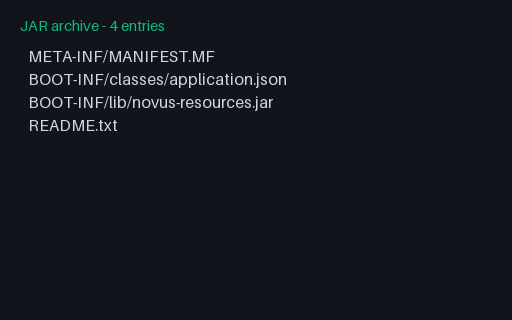
- jarJAR With a Nested Library JARThe nested-JAR layout an executable fat jar uses: a manifest with a Class-Path entry and a second JAR stored uncompressed under BOOT-INF/lib so it can be read in place without being extracted first. It contains resources only - properties, JSON and text, no compiled bytecode - and the manifest uses the CRLF line endings the JAR specification requires.
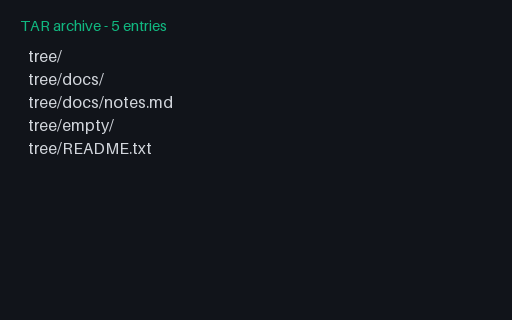
- tarTAR - Directory Members and an Empty DirectoryThree directory records with distinct modes, one of which - tree/empty/ - has no members underneath it and therefore exists only because the record does. A reader that synthesises directories from member paths alone silently loses it, and loses the 0750 and 0700 modes on the other two.
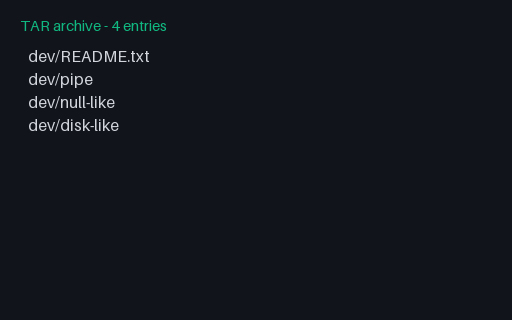
- tarTAR - FIFO and Device Node RecordsA FIFO, a character device and a block device, each a header with no data blocks and with the device numbers in the devmajor/devminor fields. Unprivileged extraction cannot create the two device nodes, so the correct behaviour is to skip them with a warning rather than to abort the whole archive or to create empty regular files in their place.
- tarTAR - GNU FormatGNU tar's extension of the same header, identified by its own magic: long names get their own 'L' record, oversized numeric fields switch to base-256, and sparse files get an in-header map. All three archives in this group hold byte-identical members with identical ownership and modification times, so any other difference a reader reports between them comes from the header encoding alone.
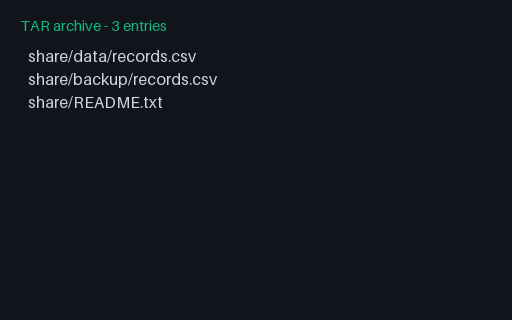
- tarTAR - Hard Link Membershare/backup/records.csv is a hard link to a member that appears earlier in the stream, so its content is stored exactly once. Order matters: a reader that extracts members out of sequence, or that copies content instead of linking, changes both the on-disk byte count and the inode relationship the archive is describing.
Generated by generation/archives_p7.py. Free for any use, no attribution required — license.