
TAR - Empty Archive
An empty tar is not a zero-byte file - it is exactly two 512-byte blocks of zeros, the end-of-archive marker with nothing in front of it. Writers that emit nothing at all produce a file most readers reject, which is the bug this 1024-byte file exists to distinguish.
| structurestring | valuestring |
|---|---|
| container | TAR (USTAR) |
| members | 0 |
| end-of-archive blocks | 2 x 512 bytes of zeros |
| header blocks | 0 |
| total file size | 1024 bytes |
Specifications
- Seed
- 20260807
- Members
- 0
- File Bytes
- 1024
- Content
- two 512-byte blocks of zeros and nothing else
- Note
- a zero-byte file is NOT a valid empty tar; this is what one looks like
Testing contract
Expected to pass- Scenario
- Open the file as a tar and list its members, then compare it against a zero-byte file.
- Expected result
- The archive opens successfully and reports 0 members; the file is exactly 1024 bytes, all zero, and a zero-byte file in its place is rejected instead.
What is a .tar file?
TAR (Tape Archive) is a Unix archive format that concatenates files with their metadata into a single uncompressed stream of fixed-size blocks. It preserves permissions, ownership, and directory structure but applies no compression itself. It is usually paired with a compressor such as gzip or xz.
How to use this file
Use an example TAR to test archive extraction, metadata and permission preservation, streaming block parsing, and pipelines that combine tar with external compression.
How to use this file for testing
“TAR - Empty Archive” is a deterministic Novus Examples fixture for Conversion testing, Error handling. The same content exported across many formats and linked as a group, so you can convert one and diff against the expected twin.
Documented properties for this file: seed 20260807. Compare results against paired or grouped companions on this page when present (clean↔damaged, searchable↔scanned, or format twins) so scores stay reproducible across runs.
Download the file once, keep the path stable in CI or local scripts, and treat the spec table as the contract: dimensions, seeds, field lists, and roles are intentional. Corrupt or invalid samples are labelled as such — expect parsers to fail loudly rather than silently accept them.
Archive fixtures are documented down to their member list (shown on this page) and are deliberately safe — no zip bombs, executables, or hidden payloads. Test extractors against nested, unicode, empty, and encrypted variants.
Code examples
tar -tf empty.tar       # list
tar -xf empty.tar -C out/  # extract
Related files
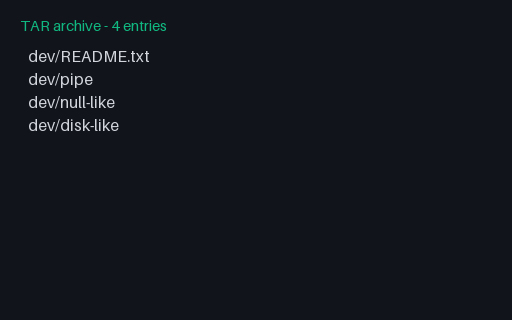
- tarTAR - FIFO and Device Node RecordsA FIFO, a character device and a block device, each a header with no data blocks and with the device numbers in the devmajor/devminor fields. Unprivileged extraction cannot create the two device nodes, so the correct behaviour is to skip them with a warning rather than to abort the whole archive or to create empty regular files in their place.
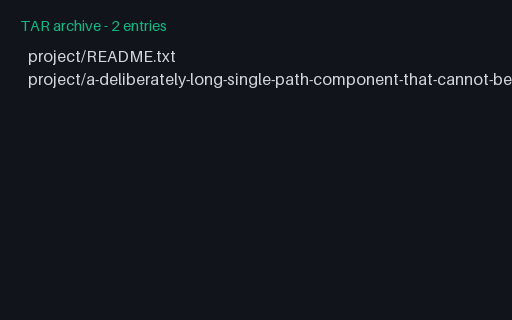
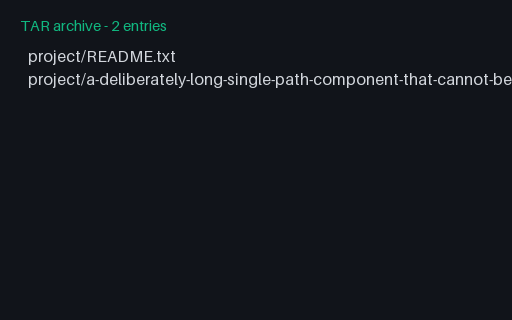
- tarTAR - GNU Long Name RecordA 125-character path whose long component contains no slash at all, so the USTAR prefix field cannot store it. This archive uses a preceding 'L' (GNUTYPE_LONGNAME) record whose payload is the full path. Its group siblings encode the same class of path with the other two mechanisms.
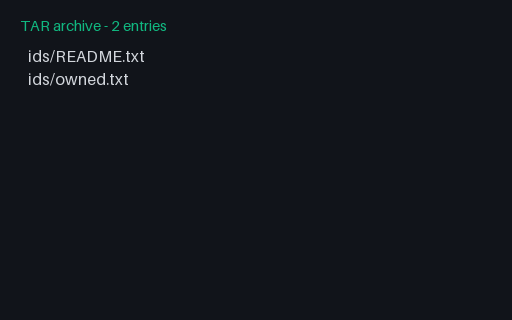
- tarTAR - Large UID/GID (GNU base-256)The uid and gid fields hold 7 octal digits, so they top out at 2097151. This member is owned by uid 3000000, which needs GNU base-256 encoding: the field's high bit is set and the remaining bytes are a big-endian integer. Its group sibling encodes the same ownership the other way, so a reader can be checked against both without a second variable.
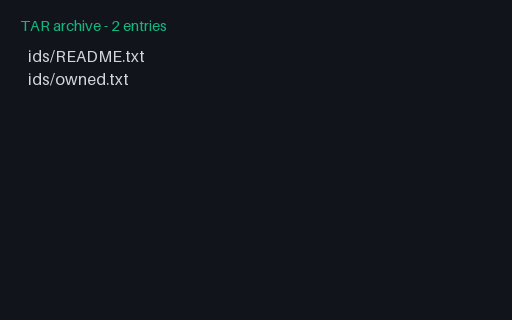
- tarTAR - Large UID/GID (PAX records)The uid and gid fields hold 7 octal digits, so they top out at 2097151. This member is owned by uid 3000000, which needs PAX uid=/gid= records in an 'x' extended header, with the classic field left at its maximum. Its group sibling encodes the same ownership the other way, so a reader can be checked against both without a second variable.
- tarTAR - Missing End-of-Archive BlocksA tar that ends immediately after its last member, with none of the two 512-byte zero blocks the format calls for. Plenty of writers do this and GNU tar reads it with a warning; readers that treat a missing end marker as a truncated archive reject three perfectly good members.
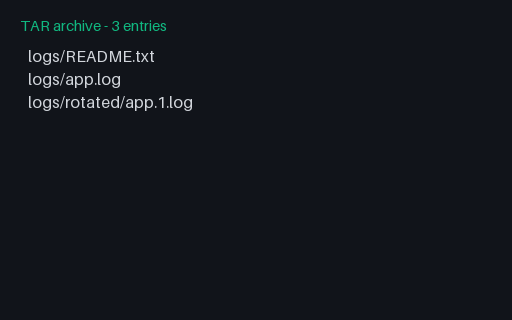
- tarTAR - PAX Path HeaderA 125-character path whose long component contains no slash at all, so the USTAR prefix field cannot store it. This archive uses a preceding 'x' extended header carrying a path= record in UTF-8. Its group siblings encode the same class of path with the other two mechanisms.
Generated by generation/archives_p7.py. Free for any use, no attribution required — license.