
OCR Assistant Chat Turns (JSONL)
A single multi-turn chat example for an OCR assistant — system/user/assistant roles in JSONL.
{"messages": [{"role": "system", "content": "You are a concise OCR assistant. Reply with plain text only."}, {"role": "user", "content": "Transcribe this SAMPLE invoice total."}, {"role": "assistant", "content": "$329.40"}]}
Specifications
- Records
- 1
- Task
- chat
- Schema
- messages[]
Testing contract
Expected to pass- Scenario
- Exercise OCR Assistant Chat Turns (JSONL) in its prompts workflow. A single multi-turn chat example for an OCR assistant — system/user/assistant roles in JSONL.
- Expected result
- 1 independently parseable JSON records; array length is 1; first-record keys are messages. Declared feature checks: task=chat.
What is a .jsonl file?
JSONL (JSON Lines) is a text format where each line is a complete, independent JSON value, allowing records to be streamed and appended without parsing the whole file. It is not itself a JSON array and each line must stand alone. It is common in logging, machine learning datasets, and data pipelines.
How to use this file
Use an example JSONL to test line-by-line streaming parsers, append-and-resume ingestion, and batch pipelines that process one record per line.
How to use this file for testing
“OCR Assistant Chat Turns (JSONL)” is a deterministic Novus Examples fixture for Prompt engineering, NLP datasets, OCR testing. A templated prompt library in JSON Lines with tasks, tags, and placeholders, for testing prompt-management tools and JSONL parsers.
Documented properties for this file: 1 records · schema: messages[] · task: chat. Compare results against paired or grouped companions on this page when present (clean↔damaged, searchable↔scanned, or format twins) so scores stay reproducible across runs.
Download the file once, keep the path stable in CI or local scripts, and treat the spec table as the contract: dimensions, seeds, field lists, and roles are intentional. Corrupt or invalid samples are labelled as such, expect parsers to fail loudly rather than silently accept them.
AI/ML fixtures are fully synthetic with documented schemas, no real people or data. Test data loaders, tokenizers, annotation converters, embedding/vector stores, or eval-metric parsers against the known structure and fixed seeds.
Code examples
import json

with open("ocr-assistant-chat.jsonl") as f:
    rows = [json.loads(line) for line in f]
print(len(rows), rows[0])
Related files
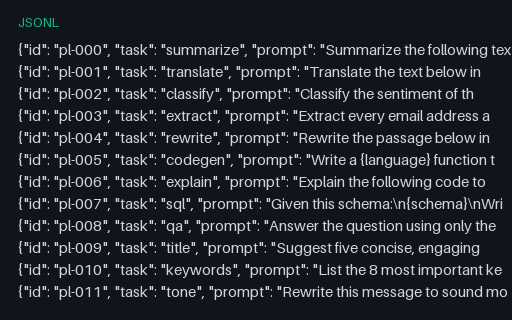
- jsonlPrompt Library (JSONL)A reusable prompt library in JSON Lines — 20 templated prompts for summarization, translation, extraction, code, and more, each with a task label, tags, and {curly-brace} placeholders. A fixture for prompt-management tools and JSONL parsers.
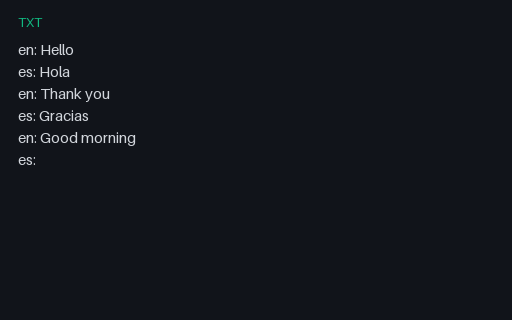
- txtPrompt — Fewshot TranslateTiny SAMPLE prompt fixture (fewshot-translate) for harness and eval wiring.
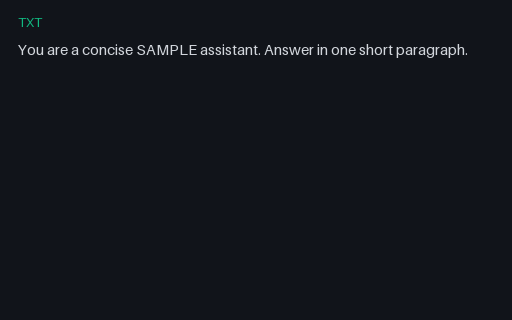
- txtPrompt — System ConciseTiny SAMPLE prompt fixture (system-concise) for harness and eval wiring.
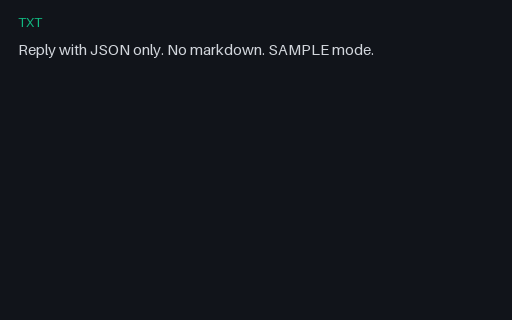
- txtPrompt — System Json OnlyTiny SAMPLE prompt fixture (system-json-only) for harness and eval wiring.
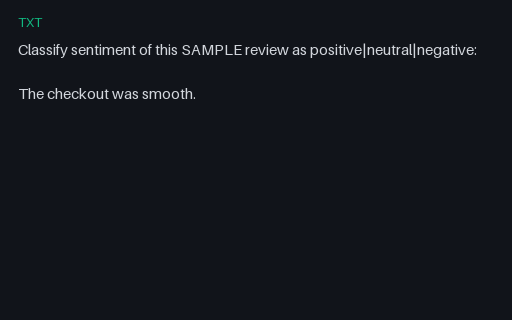
- txtPrompt — User ClassifyTiny SAMPLE prompt fixture (user-classify) for harness and eval wiring.
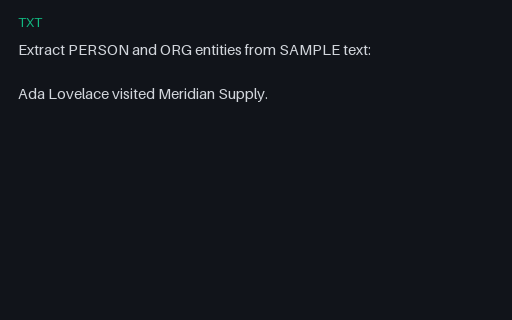
- txtPrompt — User Extract EntitiesTiny SAMPLE prompt fixture (user-extract-entities) for harness and eval wiring.
Generated by generation/ai_wave_b.py. Free for any use, no attribution required, license.