
JUnit XML — File and Line Attributes
Cases annotated with the source file and line they were declared on, as pytest and several JS runners emit. This is what a code-review annotation bot needs to place a failure comment on the right line of the right file.
<?xml version="1.0" encoding="UTF-8"?>
<testsuites>
<testsuite name="cart.AllTests" tests="6" failures="1" errors="0" skipped="0" time="3.891" timestamp="2026-08-07T09:14:22" hostname="ci-runner-04">
<testcase classname="cart.PricingTest" name="appliesUnitPrice" time="0.643" file="tests/cart/test_pricing.py" line="22"/>
<testcase classname="cart.PricingTest" name="appliesQuantityMultiplier" time="0.659" file="tests/cart/test_pricing.py" line="31"/>
<testcase classname="cart.PricingTest" name="roundsHalfUpAtTwoDecimals" time="1.042" file="tests/cart/test_pricing.py" line="40"/>
<testcase classname="cart.PricingTest" name="rejectsNegativeQuantity" time="1.048" file="tests/cart/test_pricing.py" line="49"/>
<testcase classname="cart.PricingTest" name="appliesTaxToSubtotal" time="0.352" file="tests/cart/test_pricing.py" line="58">
<failure message="expected:<12.60> but was:<12.59>" type="java.lang.AssertionError"><![CDATA[java.lang.AssertionError: expected:<12.60> but was:<12.59>
at cart.PricingTest.appliesTaxToSubtotal(PricingTest.java:88)
at java.base/java.lang.reflect.Method.invoke(Method.java:568)
]]></failure>
</testcase>
<testcase classname="cart.DiscountTest" name="appliesPercentageDiscount" time="0.147" file="tests/cart/test_pricing.py" line="67"/>
</testsuite>
</testsuites>
Specifications
- Seed
- 61200
- Encoding
- UTF-8
- Line Endings
- LF
- Tests
- 6
- Failures
- 1
- Has File Attribute
- true
- Has Line Attribute
- true
Testing contract
Expected to pass- Scenario
- Place a failure annotation on the source line the failing test was declared on.
- Expected result
- The failing case resolves to tests/cart/test_pricing.py at the line given by its line attribute, without consulting any other source of truth.
What is a .xml file?
XML (Extensible Markup Language) is a verbose, self-describing markup language using nested tags, attributes, and namespaces to represent structured, hierarchical data. It supports schemas, entities, and validation and underlies many document and data formats. It remains common in enterprise, publishing, and interchange contexts.
How to use this file
Use an example XML file to test parsers, namespace and schema validation, XPath queries, and protection against entity-expansion and external-entity attacks.
How to use this file for testing
“JUnit XML — File and Line Attributes” is a deterministic Novus Examples fixture for Code parsing, Conversion testing, Metadata testing. Short, known-correct source files in many languages with classes, functions, generics, enums, and error handling — for testing parsers, linters, formatters, language detection, and diff viewers.
Documented properties for this file: seed 61200 · UTF-8 · LF. Compare results against paired or grouped companions on this page when present (clean↔damaged, searchable↔scanned, or format twins) so scores stay reproducible across runs.
Download the file once, keep the path stable in CI or local scripts, and treat the spec table as the contract: dimensions, seeds, field lists, and roles are intentional. Corrupt or invalid samples are labelled as such — expect parsers to fail loudly rather than silently accept them.
Test and coverage reports document their totals (suites, cases, passes, failures, skips, covered lines) in the spec table. Point your CI dashboard, coverage gate, or report converter at the file and assert those counts survive; format twins carry identical numbers so a conversion can be scored exactly.
Code examples
import xml.etree.ElementTree as ET

tree = ET.parse("structure-file-line-attributes.xml")
root = tree.getroot()
print(root.tag, [c.tag for c in root][:5])
Related files
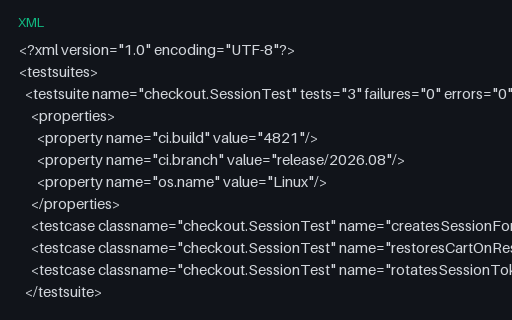
- xmlJUnit XML — Timestamp, Hostname and Package MetadataEvery optional run-metadata attribute a JUnit suite may carry — timestamp, hostname, package, id — plus a properties block holding build and branch identifiers. Use it to test that a dashboard reads build context from the report instead of from its own environment.
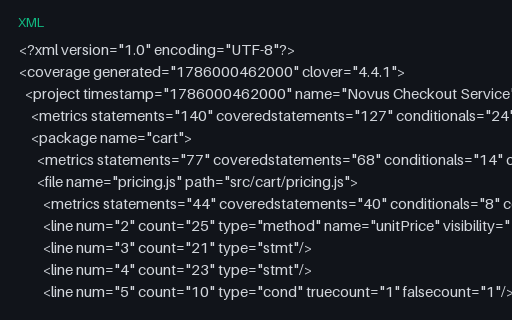
- xmlCoverage — Clover XMLThe Clover serialisation, whose <metrics> element rolls statements, conditionals and methods into a single elements/coveredelements pair. Anything reading only that pair reports a blended percentage that matches none of the other three formats unless the components are separated first. Every file in this group describes the same four-file source tree and reports 127/140 lines, 17/24 branch outcomes and 18/20 functions, so a converter can be diffed against a known answer.
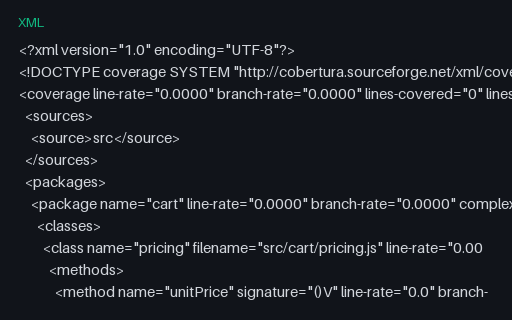
- xmlCoverage — Cobertura at Zero CoverageA structurally complete Cobertura report in which line-rate and branch-rate are 0.0 everywhere. The counterpart to the zero-coverage LCOV file, for checking that a converter keeps the class and method structure when there is nothing covered to describe.
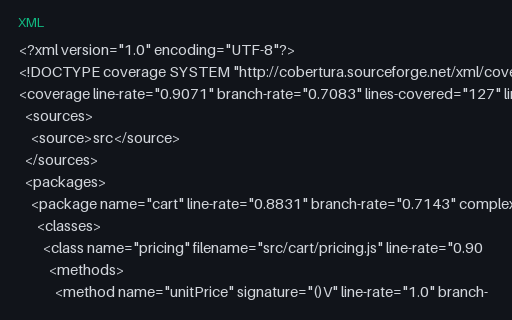
- xmlCoverage — Cobertura Condition-Coverage AttributesCobertura with a condition-coverage attribute on every branching line, written in the "50% (1/2)" form. The percentage and the fraction can disagree in real reports, so a parser should read the fraction and treat the percentage as derived.
- xmlCoverage — Cobertura with One Package per DirectoryThe same coverage split into one package per source directory with dotted names, the layout a JVM project produces. Reports that key on class name alone collide as soon as two packages hold a class of the same name, which this file is shaped to expose.
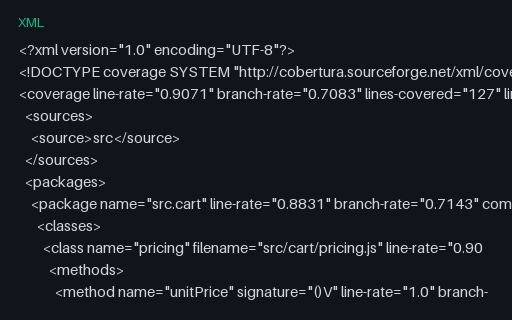
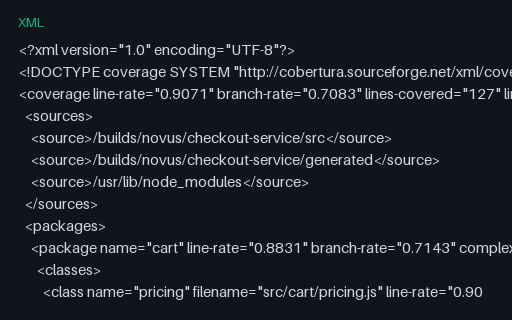
- xmlCoverage — Cobertura with Several Source RootsThree <source> roots with class filenames given relative to them, which is how Cobertura represents a multi-root project. A viewer must try each root in turn to resolve a file; one that assumes a single root shows "source not found" for most of the report.
Generated by generation/testing.py. Free for any use, no attribution required — license.