
Cucumber JSON — Passing Checkout Report
The legacy cucumber.json report for the same run — the format nearly every BDD dashboard still ingests. Durations are in nanoseconds here and in a nested {seconds, nanos} object in the messages twin, which is the single most common unit bug when converting between the two.
[
  {
    "uri": "features/checkout.feature",
    "id": "checkout-totals",
    "keyword": "Feature",
    "name": "Checkout totals",
    "line": 3,
    "description": "  As a shopper\n  I want the cart total to include tax and discounts\n  So that I am never surprised at the payment step",
    "tags": [
      {
        "name": "@checkout",
        "line": 2
      },
      {
        "name": "@smoke",
        "line": 2
      }
    ],
    "elements": [
      {
        "id": "checkout-totals;a-single-item-cart-shows-tax-separately;;1",
        "keyword": "Scenario",
        "name": "A single-item cart shows tax separately",
        "line": 24,
        "description": "",
        "type": "scenario",
        "tags": [
          {
            "name": "@checkout",
            "line": 23
          },
          {
            "name": "@smoke",
            "line": 23
          },
          {
            "name": "@pricing",
            "line": 23
          }
        ],
        "steps": [
          {
            "keyword": "Given ",
            "name": "step 1 of A single-item cart shows tax separately",
            "line": 17,
            "match": {
              "location": "features/steps/cart.steps.js:26"
            },
            "result": {
"status": "passed",Specifications
- Seed
- 61200
- Encoding
- UTF-8
- Line Endings
- LF
- Format
- legacy cucumber.json
- Features
- 1
- Elements
- 6
- Steps
- 32
- All Passed
- true
- Duration Unit
- nanoseconds
Testing contract
Expected to pass- Scenario
- Convert a legacy cucumber.json report into the modern messages shape.
- Expected result
- 6 elements and their steps convert with durations preserved: a step of 39,000,000 ns here becomes {seconds: 0, nanos: 39000000} in the messages twin.
What is a .json file?
JSON (JavaScript Object Notation) is a lightweight, text-based data-interchange format representing objects, arrays, strings, numbers, booleans, and null. It is language-independent, human-readable, and the dominant format for web APIs and configuration. It requires a single well-formed root value.
How to use this file
Use an example JSON file to test parsers and serializers, schema validation, Unicode and number-precision handling, and API request or response processing.
How to use this file for testing
“Cucumber JSON — Passing Checkout Report” is a deterministic Novus Examples fixture for JSON parsing, Conversion testing, Schema validation. Flat, deeply nested, JSON Lines, and intentionally invalid JSON for testing parsers and error handling.
Documented properties for this file: seed 61200 · UTF-8 · LF. Compare results against paired or grouped companions on this page when present (clean↔damaged, searchable↔scanned, or format twins) so scores stay reproducible across runs.
Download the file once, keep the path stable in CI or local scripts, and treat the spec table as the contract: dimensions, seeds, field lists, and roles are intentional. Corrupt or invalid samples are labelled as such — expect parsers to fail loudly rather than silently accept them.
Test and coverage reports document their totals (suites, cases, passes, failures, skips, covered lines) in the spec table. Point your CI dashboard, coverage gate, or report converter at the file and assert those counts survive; format twins carry identical numbers so a conversion can be scored exactly.
Feed the file to your parser and assert it handles the documented quirks — quoted delimiters, embedded newlines, ragged rows, or invalid syntax; the valid↔invalid distinction is labelled in the title.
Code examples
import json

with open("cucumber-report.json") as f:
    data = json.load(f)
print(type(data), len(data))
Related files
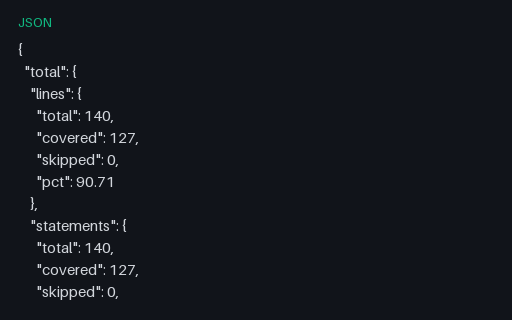
- jsonCoverage — Istanbul JSON SummaryThe compact json-summary reporter output: a total block plus one block per file, each with lines, statements, functions and branches as total/covered/skipped/pct. This is what coverage badges and pull-request comments are generated from. Every file in this group describes the same four-file source tree and reports 127/140 lines, 17/24 branch outcomes and 18/20 functions, so a converter can be diffed against a known answer.
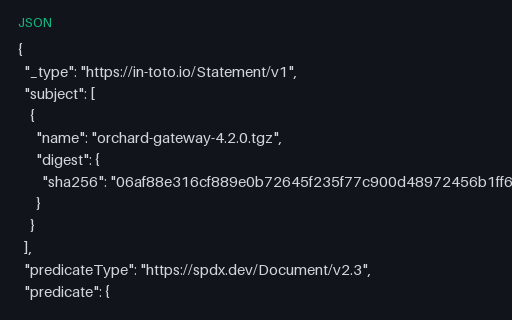
- jsonAttestation With a Full SPDX PredicateAn in-toto statement whose predicate is an entire SPDX 2.3 document — the nesting that makes attestation payloads large and that a size-limited verifier has to cope with. Every package, version, hash and licence is fictional — the tree describes nothing real.
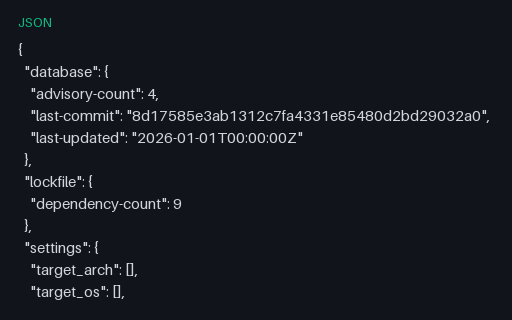
- jsoncargo-audit Report (JSON)A cargo-audit report that shows three findings while a fourth is on the ignore list, plus an unmaintained-crate warning — so a gate must decide whether warnings count against it. Advisory identifiers use the invented NOVUS-SAMPLE namespace with SAMPLE-CVE aliases; no identifier here refers to a published CVE, GHSA or OSV record, and no package named exists.
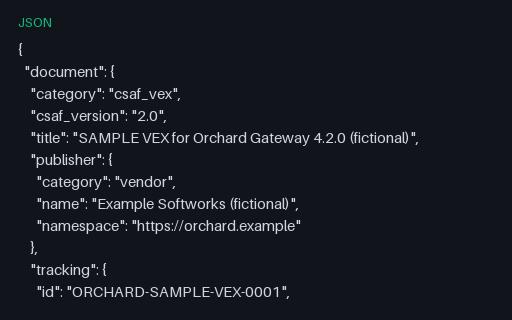
- jsonCSAF 2.0 VEX DocumentA CSAF 2.0 VEX advisory with the nested product tree that CSAF requires — vendor, product name, product version — and product_status buckets rather than a per-statement status field. Advisory identifiers use the invented NOVUS-SAMPLE namespace with SAMPLE-CVE aliases; no identifier here refers to a published CVE, GHSA or OSV record, and no package named exists.
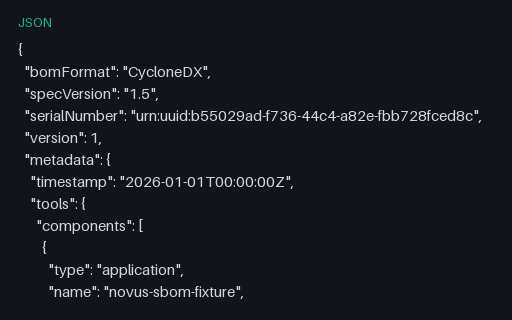
- jsonCycloneDX 1.5 Application SBOM (JSON)A CycloneDX 1.5 SBOM of the same fictional tree, useful for spec-version migration tests: 1.5 introduced the object form of metadata.tools and this file uses it, while dropping the 1.6-only external references. Every package, version, hash and licence is fictional — the tree describes nothing real.
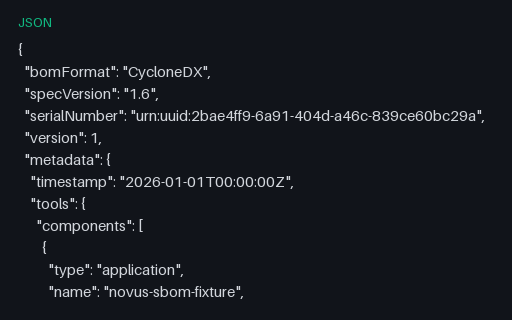
- jsonCycloneDX 1.6 Application SBOM (JSON)A complete CycloneDX 1.6 SBOM in JSON for a fictional application and its nine dependencies, with purls, SHA-256 hashes, supplier records, external references and an explicit dependency graph. Every package, version, hash and licence is fictional — the tree describes nothing real.
Generated by generation/testing.py. Free for any use, no attribution required — license.