
HDF5 Chunked + gzip + shuffle Filters (.h5)
One array stored twice in the same file: chunked with the shuffle and gzip filters applied, and contiguous with no filters at all. Comparing the two proves a reader ran the HDF5 filter pipeline rather than reading raw chunk bytes.
| Dataset | Layout | Filters | Values |
|---|---|---|---|
| /compressed | chunked (16, 64) | shuffle + gzip level 6 | identical to /contiguous |
| /contiguous | contiguous | none | identical to /compressed |
Specifications
- Shape
- 64 x 64
- Chunks
- 16 x 64
- Compression
- gzip level 6
- Shuffle
- true
- Contiguous Twin In Same File
- true
- Elements
- 4096
Testing contract
Expected to pass- Scenario
- Read both datasets and assert they are element-wise equal, then report the storage layout and filter list of each.
- Expected result
- The arrays match exactly, /compressed reports chunks of (16, 64) with shuffle and deflate in its filter pipeline, and /contiguous reports no filters.
What is a .h5 file?
HDF5 (.h5) is a binary container format for large, heterogeneous scientific data. It stores multidimensional arrays (datasets) in a hierarchical group structure with attributes and chunked, compressed storage, and is standard in ML, physics, and geoscience.
How to use this file
Use an example .h5 file to test HDF5 readers (h5py, PyTables), group and dataset traversal, and attribute extraction.
How to use this file for testing
“HDF5 Chunked + gzip + shuffle Filters (.h5)” is a deterministic Novus Examples fixture for Scientific data, Serialization testing, Conversion testing. Citation catalogs (BibTeX, RIS), chemistry structures (MDL Molfile, PDB), and gridded binary data (NetCDF, FITS) — for testing reference managers, molecule viewers, and scientific-data loaders.
Documented properties for this file: H5 · 43,708 bytes. Compare results against paired or grouped companions on this page when present (clean↔damaged, searchable↔scanned, or format twins) so scores stay reproducible across runs.
Download the file once, keep the path stable in CI or local scripts, and treat the spec table as the contract: dimensions, seeds, field lists, and roles are intentional. Corrupt or invalid samples are labelled as such — expect parsers to fail loudly rather than silently accept them.
Scientific fixtures are small, valid, and fully synthetic — no real organism, patient, sample, or observation. Point your parser or loader at the file and check it reads the documented records, variables, or headers; binary formats ship a readable twin or metadata listing for comparison.
Related files
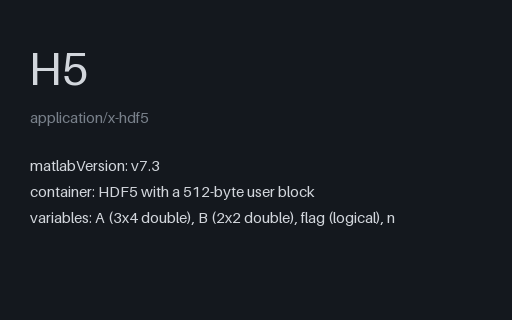
- h5MATLAB v7.3 (.mat) Variable Store — the HDF5 File It Actually Is (.h5)A MATLAB v7.3 variable store, which is an HDF5 file with a 512-byte MATLAB user block and MATLAB_class attributes — the bytes are the same whichever extension you give it. Because MATLAB is column-major, A appears in HDF5 as its own transpose, which is the conversion bug this fixture is built around.
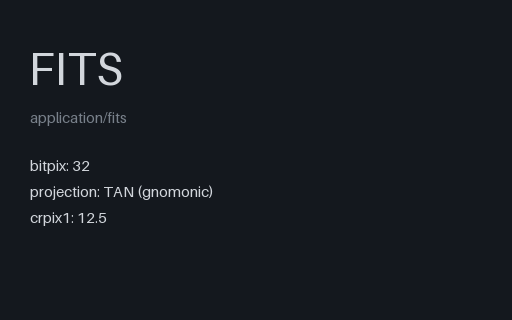
- fitsFITS with World Coordinate System — Tangent Plane (.fits)A 32-bit integer image carrying a complete tangent-plane WCS: 1-based CRPIX reference pixels, a deliberately negative CDELT1 so right ascension runs the other way, and an ICRS frame. It targets the two mistakes every WCS implementation makes first, the 1-based origin and the flipped axis.
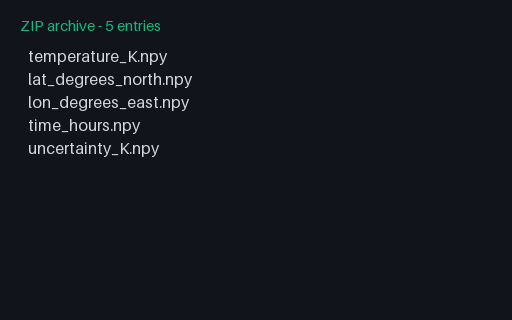
- zipNumPy .npz-style Bundle — Five Arrays, Deflated (.zip)The identical five arrays bundled with deflate instead of stored, which is the only difference between NumPy's savez and savez_compressed. Loading both and comparing proves a reader ran the decompressor rather than trusting stored-size shortcuts.
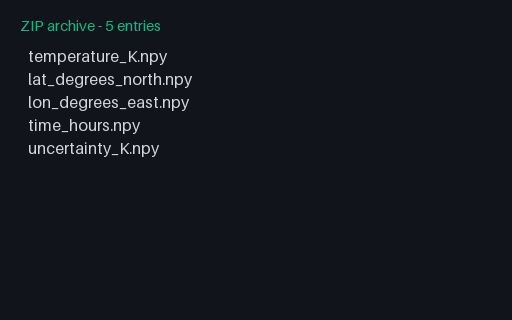
- zipNumPy .npz-style Bundle — Five Arrays, Stored (.zip)An npz-style bundle: a ZIP whose members are .npy files, which is exactly what NumPy's savez produces. np.load opens it by ZIP magic rather than by extension, so the arrays load straight from this .zip; rename it to .npz for tooling that checks the suffix.
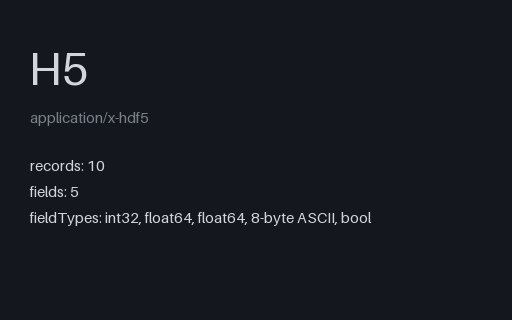
- h5HDF5 Compound Record dtype — Mixed Field Types (.h5)A compound-dtype dataset mixing an integer key, two float measurements, a fixed-width byte string and a boolean flag in a single record. It is the fixture for readers that must map an HDF5 record type onto a native struct without reordering or repadding the fields.
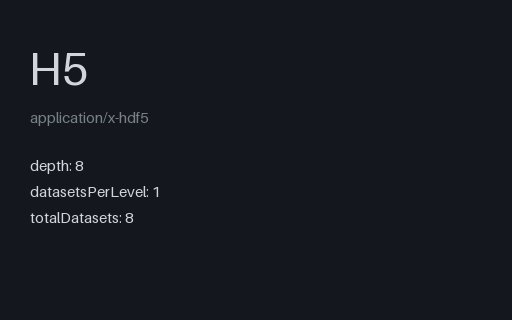
- h5HDF5 Deeply Nested Group Tree — Eight Levels (.h5)Eight levels of nested groups, each holding a dataset whose values equal its own depth. Any tree walk that caps recursion depth or flattens names silently loses the lower levels, and the depth-valued arrays make that immediately visible.
Generated by generation/scientific.py. Free for any use, no attribution required — license.