
Argo Workflow DAG Template
An Argo Workflows DAG template carrying the same six-task ETL topology as the Airflow, Graphviz and Mermaid fixtures in this category, so a converter or visualiser can be scored against one known answer across four formats.
apiVersion: argoproj.io/v1alpha1
kind: Workflow
metadata:
  generateName: orders-etl-
  namespace: example-apps
spec:
  entrypoint: etl
  serviceAccountName: example-workflow
  ttlStrategy:
    secondsAfterCompletion: 3600
  arguments:
    parameters:
      - name: window
        value: 24h

  templates:
    - name: etl
      dag:
        tasks:
          - name: ingest
            template: step
            arguments:
              parameters:
                - name: label
                  value: ingest
          - name: validate
            template: step
            dependencies: [ingest]
            arguments:
              parameters:
                - name: label
                  value: validate
          - name: transform
            template: step
            dependencies: [validate]
            arguments:
              parameters:
                - name: label
                  value: transform
          - name: load
            template: step
            dependencies: [transform]
            arguments:
              parameters:
                - name: label
                  value: load
          - name: refresh
            template: step
            dependencies: [transform]
arguments:Specifications
- System
- Argo Workflows
- Kind
- Workflow
- Template Type
- dag
- Tasks
- 6
- Edges
- 6
- Max Parallel Width
- 2
- Topology
- ingest > validate > transform > (load, refresh) > notify
Testing contract
Expected to pass- Scenario
- Extract a task graph from an Argo DAG template and compare it with the same topology in another format
- Expected result
- Six tasks and six dependency edges resolve, transform fans out to load and refresh, and notify depends on both
What is a .yaml file?
YAML (YAML Ain't Markup Language) is a human-readable data-serialization format using indentation, key-value pairs, and lists, and is a superset of JSON. It supports comments, anchors, and multiple documents per file, favoring readability for configuration. Its indentation sensitivity makes it error-prone to hand-edit.
How to use this file
Use an example YAML file to test config parsers, indentation and anchor handling, multi-document streams, and safe-loading to avoid arbitrary object construction.
How to use this file for testing
“Argo Workflow DAG Template” is a deterministic Novus Examples fixture for Graph data, Data engineering, Conversion testing. Node/edge datasets in GraphML and GEXF (directed and undirected, with attributes and weights) — for testing network importers, layout tools, and graph converters.
Documented properties for this file: 6 edges. Compare results against paired or grouped companions on this page when present (clean↔damaged, searchable↔scanned, or format twins) so scores stay reproducible across runs.
Download the file once, keep the path stable in CI or local scripts, and treat the spec table as the contract: dimensions, seeds, field lists, and roles are intentional. Corrupt or invalid samples are labelled as such — expect parsers to fail loudly rather than silently accept them.
Pipeline and infrastructure fixtures are inert configuration: steps reference fictional images and scripts, and nothing here executes. Run your linter, schema validator, migrator, or policy engine against them, and expect the deprecated-syntax and intentionally invalid variants to be rejected.
Code examples
import yaml  # pip install pyyaml

with open("argo-workflow-dag.yaml") as f:
    data = yaml.safe_load(f)
print(data)
Related files
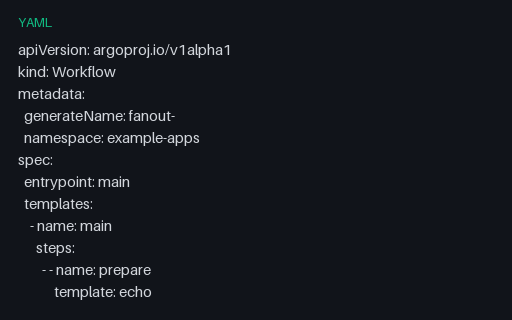
- yamlArgo Workflow Steps TemplateArgo's steps template, whose double-nested list is a genuine parser trap: the outer list is sequential and the inner list is parallel, so a reader that flattens it reports four sequential steps instead of three groups.
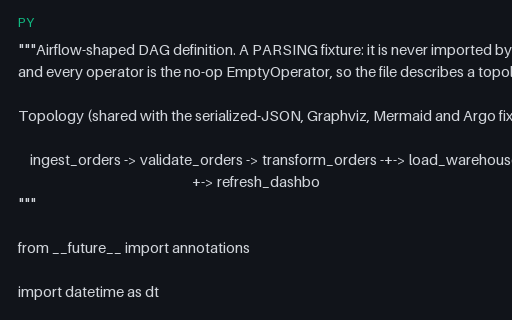
- pyAirflow DAG Definition (Operator Style)An Airflow DAG definition in the classic operator style, using only the no-op EmptyOperator so the file describes a topology and performs no work. Carries the six-task ETL graph shared across the Airflow JSON, Argo, Graphviz and Mermaid fixtures.
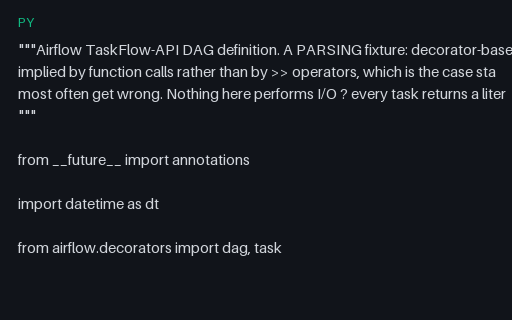
- pyAirflow TaskFlow API DAGA decorator-based Airflow TaskFlow DAG where dependencies are implied by function calls rather than >> operators — the shape static DAG extractors most often get wrong. Every task returns a literal, so nothing performs I/O.
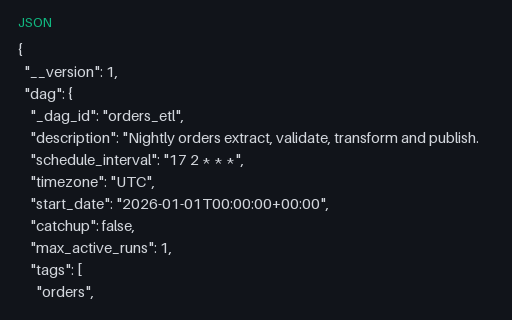
- jsonAirflow-Shaped Serialized DAG (JSON)The serialized-DAG shape Airflow stores in its metadata database, as standalone JSON: per-task metadata with explicit downstream_task_ids. Carries the same six-task topology as the Python, Argo, Graphviz and Mermaid fixtures.
- cwlCWL Scatter and Cross-ProductCWL scatter in both forms: a single-parameter scatter over an array input, and a two-parameter scatter with scatterMethod flat_crossproduct. The scatter dimensionality is what distinguishes correct CWL engines from approximate ones.
- cwlCWL Workflow (Six-Step Topology)A CWL Workflow carrying the same six-step ETL topology as the Airflow and Argo fixtures, with dependencies expressed as step output references and a multi-source input resolved by pickValue. For cross-format DAG conversion tests.
Generated by generation/pipelines.py. Free for any use, no attribution required — license.