
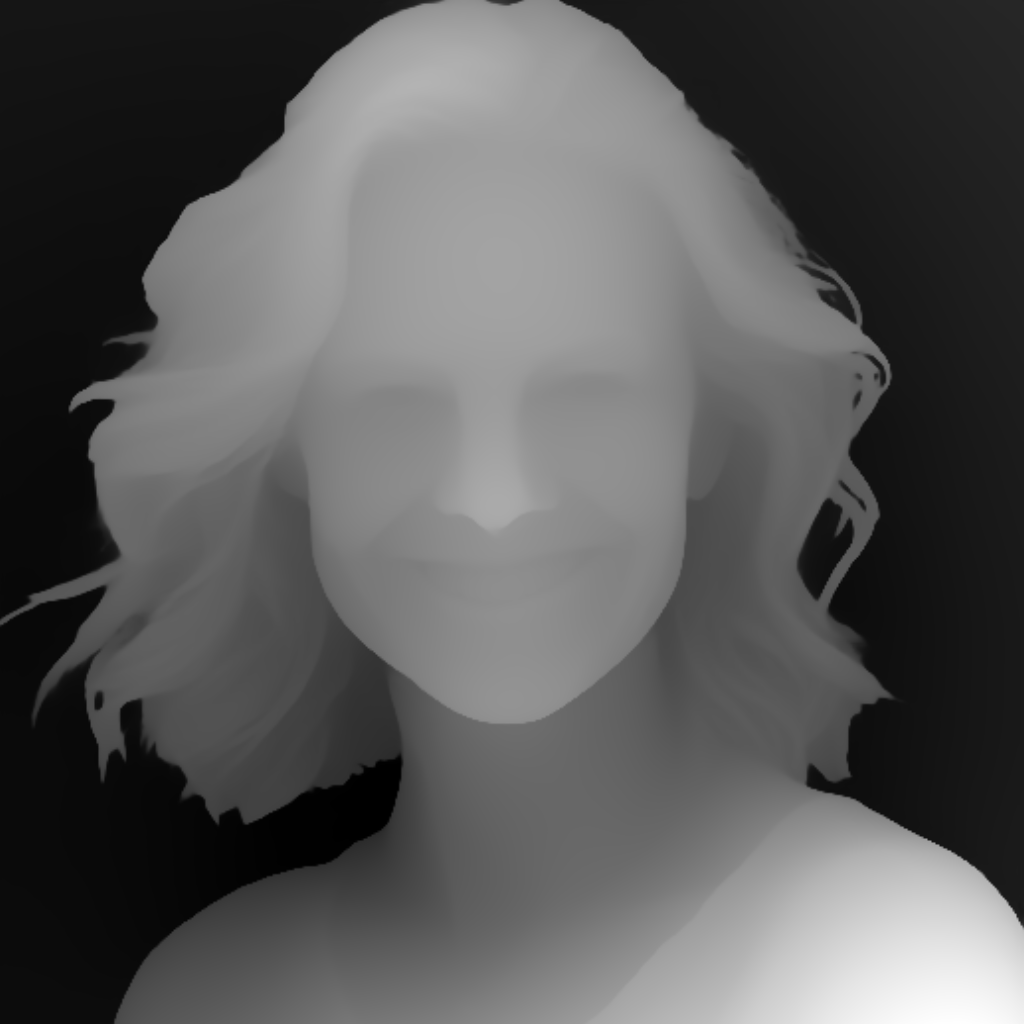
A avatar f1: depth map
A depth map for the published plate a-avatar-f1.png, 1024x1024. Monocular depth from Depth Anything V2 (vitl), rendered at the plate's long edge rather than the 512-pixel default, so depth and colour can be compared per pixel without a resample in between. Lit coverage measures 97.0% of the frame. The plate and this map are the same scene at the same size, so they can be compared pixel for pixel rather than by eye.
Specifications
- Width
- 1024
- Height
- 1024
- Coverage
- 0.9704
- Standard Deviation
- 59.69
- Derivation Kind
- depth
- Source Plate
- a-avatar-f1.png
- Degenerate
- false
- Alt Text
- Head and shoulders portrait of a smiling white woman against a plain blue studio background, as a greyscale depth map, nearer surfaces lighter
- Synthetic
- true
- Disclosure
- Derived from an AI-generated plate. Synthetic, not a photograph of a real scene.
- Schema Version
- 1
Testing contract
Expected to pass- Scenario
- Open this depth map and the published plate a-avatar-f1.png, compare their dimensions, then measure the share of the frame that is lit.
- Expected result
- Both are 1024x1024, so the map and the photograph compare pixel for pixel with no resample in between - which is the step a test should not have to trust. Lit coverage measures 97.04% of the frame.
What is a .png file?
PNG (Portable Network Graphics) is a raster image format using lossless DEFLATE compression. It supports full 8- or 16-bit-per-channel truecolor, palette, and greyscale modes with an optional alpha channel, but no animation. It is the standard choice for screenshots, logos, and graphics with sharp edges or transparency.
How to use this file
Use an example PNG to test image decoders, alpha-compositing, thumbnail generators, and format converters, or to verify that a pipeline preserves transparency and color depth on round-trip.
How to use this file for testing
“A avatar f1: depth map” is a deterministic Novus Examples fixture for Depth estimation. Monocular depth maps rendered at their plate's own resolution, so depth and colour line up pixel for pixel and a consumer never has to resample before comparing. Useful for testing depth-aware compositing, relighting and 3D reconstruction inputs.
Documented properties for this file: 1024×1024. Compare results against paired or grouped companions on this page when present (clean↔damaged, searchable↔scanned, or format twins) so scores stay reproducible across runs.
Download the file once, keep the path stable in CI or local scripts, and treat the spec table as the contract: dimensions, seeds, field lists, and roles are intentional. Corrupt or invalid samples are labelled as such, expect parsers to fail loudly rather than silently accept them.
For image AI or enhancement tools, run the model or filter on this file and diff against the clean or ground-truth companion in the same group when available. Keep seeds and documented damage parameters in your evaluation notes so regressions are attributable.
Code examples
<img src="a-avatar-f1-depth.png" alt="Example image" width="640" loading="lazy">Related files
- pngA av f3: depth mapA depth map for the published plate a-av-f3.png, 1024x1024. Monocular depth from Depth Anything V2 (vitl), rendered at the plate's long edge rather than the 512-pixel default, so depth and colour can be compared per pixel without a resample in between. Lit coverage measures 98.1% of the frame. The plate and this map are the same scene at the same size, so they can be compared pixel for pixel rather than by eye.
- pngA av f4: depth mapA depth map for the published plate a-av-f4.png, 1024x1024. Monocular depth from Depth Anything V2 (vitl), rendered at the plate's long edge rather than the 512-pixel default, so depth and colour can be compared per pixel without a resample in between. Lit coverage measures 99.7% of the frame. The plate and this map are the same scene at the same size, so they can be compared pixel for pixel rather than by eye.
- pngA av f5: depth mapA depth map for the published plate a-av-f5.png, 1024x1024. Monocular depth from Depth Anything V2 (vitl), rendered at the plate's long edge rather than the 512-pixel default, so depth and colour can be compared per pixel without a resample in between. Lit coverage measures 87.9% of the frame. The plate and this map are the same scene at the same size, so they can be compared pixel for pixel rather than by eye.
- pngA av m3: depth mapA depth map for the published plate a-av-m3.png, 1024x1024. Monocular depth from Depth Anything V2 (vitl), rendered at the plate's long edge rather than the 512-pixel default, so depth and colour can be compared per pixel without a resample in between. Lit coverage measures 97.3% of the frame. The plate and this map are the same scene at the same size, so they can be compared pixel for pixel rather than by eye.
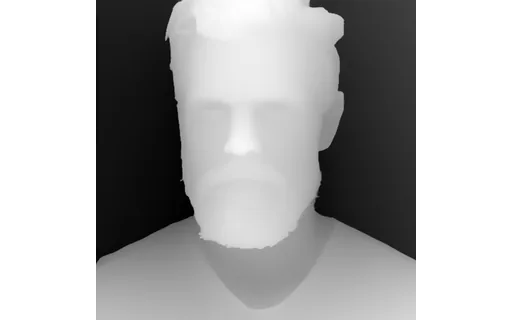
- pngA av m4: depth mapA depth map for the published plate a-av-m4.png, 1024x1024. Monocular depth from Depth Anything V2 (vitl), rendered at the plate's long edge rather than the 512-pixel default, so depth and colour can be compared per pixel without a resample in between. Lit coverage measures 99.7% of the frame. The plate and this map are the same scene at the same size, so they can be compared pixel for pixel rather than by eye.
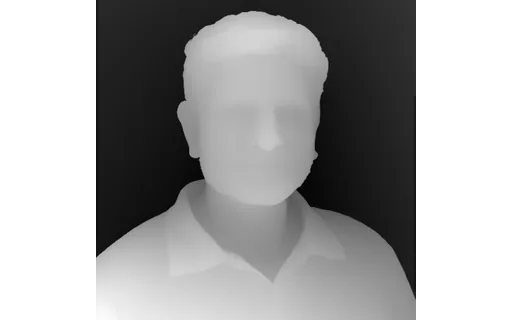
- pngA av m5: depth mapA depth map for the published plate a-av-m5.png, 1024x1024. Monocular depth from Depth Anything V2 (vitl), rendered at the plate's long edge rather than the 512-pixel default, so depth and colour can be compared per pixel without a resample in between. Lit coverage measures 95.2% of the frame. The plate and this map are the same scene at the same size, so they can be compared pixel for pixel rather than by eye.
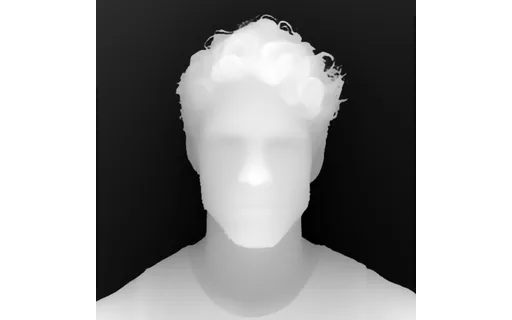
Generated by generation/comfy_derived_wave.py. Free for any use, no attribution required, license.