
Cedar Street Tacos: Printed menu as a Word document
Printed menu as a Word document for Cedar Street Tacos. The same 4 dishes and 2 sections as printed-menu.pdf, laid out as 2 two column Word tables with the price cell right aligned, so the identical layout can be read through a different parser. Core properties are stamped to 2026-09-08 and the package timestamps are fixed, so two runs produce identical bytes.
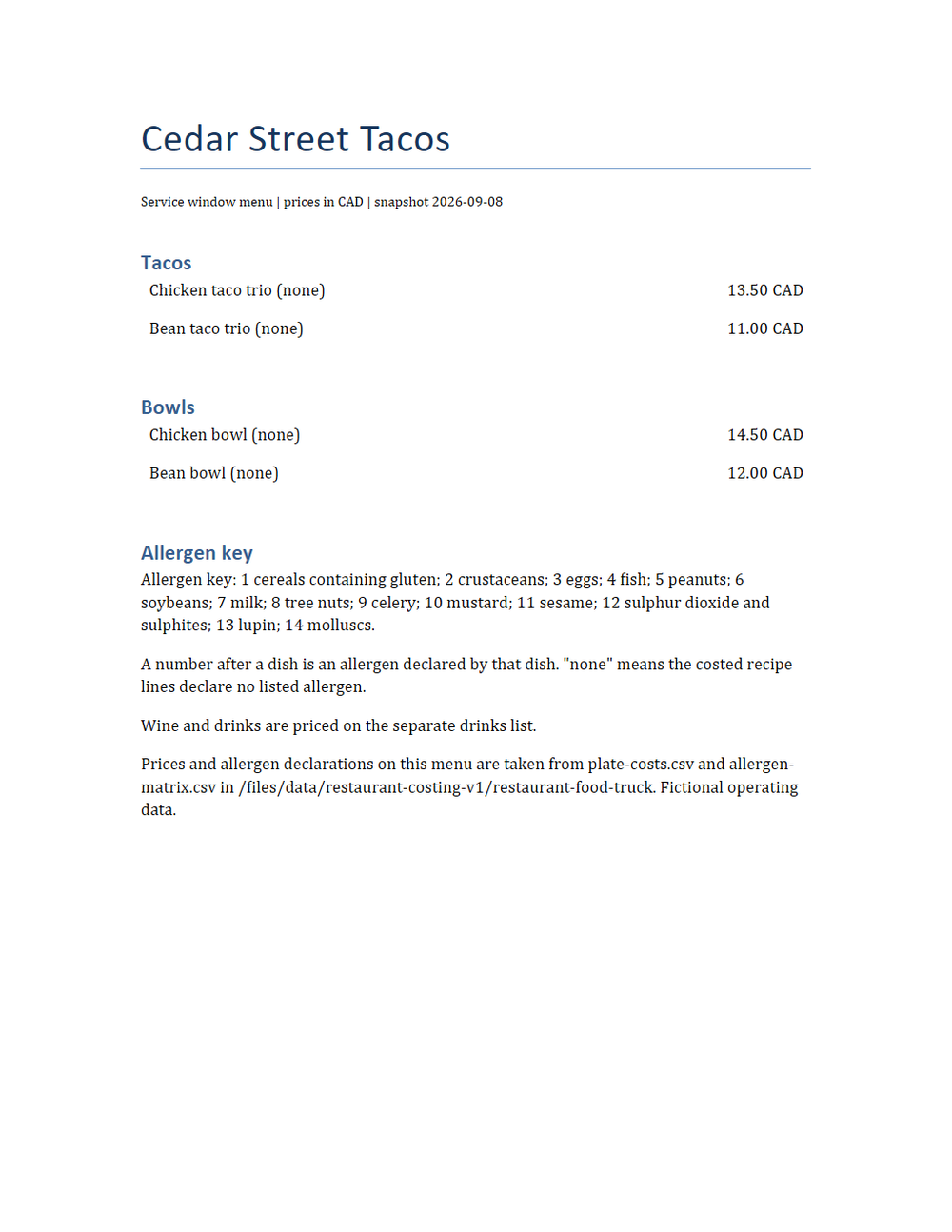
Rendered preview of the docx file (36.4 KB). Download above for the original.
Specifications
- Kit
- restaurant-food-truck
- Industry
- food-service
- Schema Version
- 1
- Synthetic
- true
- As Of
- 2026-09-08
- Currency
- CAD
- Menu Items
- 4
- Tables
- 2
- Dishes
- 4
- Deterministic
- true
Testing contract
Expected to pass- Scenario
- Use printed menu as a word document in the Cedar Street Tacos menu, allergen and till import workflow.
- Expected result
- The same 4 dishes and 2 sections as printed-menu.pdf, laid out as 2 two column Word tables with the price cell right aligned, so the identical layout can be read through a different parser. Core properties are stamped to 2026-09-08 and the package timestamps are fixed, so two runs produce identical bytes.
What is a .docx file?
DOCX is the default Microsoft Word format, an Office Open XML document packaged as a ZIP archive of XML parts, media, and relationships. It stores structured text, styles, tables, images, and metadata. It is the dominant format for editable word-processing documents.
How to use this file
Use an example DOCX to test Office Open XML parsing, text and style extraction, ZIP-package handling, and converters that render or transform Word documents.
How to use this file for testing
“Cedar Street Tacos: Printed menu as a Word document” is a deterministic Novus Examples fixture for Data import, Conversion testing. Realistic faker-generated datasets with documented schemas for testing import and ETL flows.
Documented properties for this file: DOCX · 37,307 bytes. Compare results against paired or grouped companions on this page when present (clean↔damaged, searchable↔scanned, or format twins) so scores stay reproducible across runs.
Download the file once, keep the path stable in CI or local scripts, and treat the spec table as the contract: dimensions, seeds, field lists, and roles are intentional. Corrupt or invalid samples are labelled as such, expect parsers to fail loudly rather than silently accept them.
Document fixtures list their internal structure (pages, fields, tracked changes, embedded objects) in the spec table. Test extractors, converters, and OCR against that known structure, and compare searchable↔scanned or format-twin companions when present.
Code examples
from docx import Document  # pip install python-docx

doc = Document("printed-menu.docx")
for p in doc.paragraphs[:10]:
    print(p.text)
Related files
- docxAlder Table Bistro: Printed menu as a Word documentPrinted menu as a Word document for Alder Table Bistro. The same 4 dishes and 3 sections as printed-menu.pdf, laid out as 3 two column Word tables with the price cell right aligned, so the identical layout can be read through a different parser. Core properties are stamped to 2026-09-08 and the package timestamps are fixed, so two runs produce identical bytes.
- docxCopper Oven Bakery: Printed menu as a Word documentPrinted menu as a Word document for Copper Oven Bakery. The same 4 dishes and 2 sections as printed-menu.pdf, laid out as 2 two column Word tables with the price cell right aligned, so the identical layout can be read through a different parser. Core properties are stamped to 2026-09-08 and the package timestamps are fixed, so two runs produce identical bytes.
- docxEmber Lane Pizza: Printed menu as a Word documentPrinted menu as a Word document for Ember Lane Pizza. The same 4 dishes and 2 sections as printed-menu.pdf, laid out as 2 two column Word tables with the price cell right aligned, so the identical layout can be read through a different parser. Core properties are stamped to 2026-09-08 and the package timestamps are fixed, so two runs produce identical bytes.
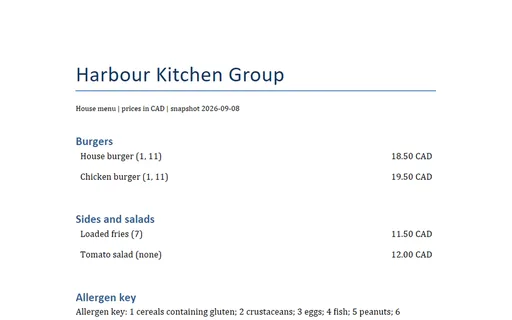
- docxHarbour Kitchen Group: Printed menu as a Word documentPrinted menu as a Word document for Harbour Kitchen Group. The same 4 dishes and 2 sections as printed-menu.pdf, laid out as 2 two column Word tables with the price cell right aligned, so the identical layout can be read through a different parser. Core properties are stamped to 2026-09-08 and the package timestamps are fixed, so two runs produce identical bytes.
- docxJuniper Corner Cafe: Printed menu as a Word documentPrinted menu as a Word document for Juniper Corner Cafe. The same 4 dishes and 2 sections as printed-menu.pdf, laid out as 2 two column Word tables with the price cell right aligned, so the identical layout can be read through a different parser. Core properties are stamped to 2026-09-08 and the package timestamps are fixed, so two runs produce identical bytes.
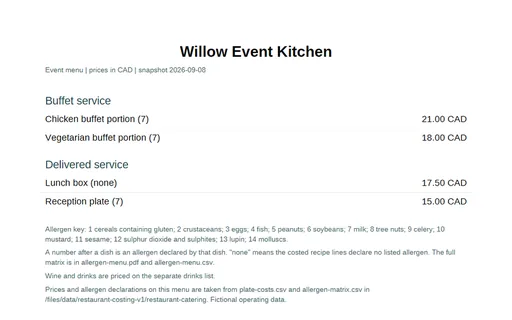
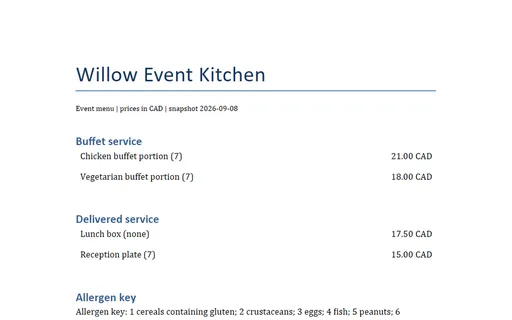
- docxWillow Event Kitchen: Printed menu as a Word documentPrinted menu as a Word document for Willow Event Kitchen. The same 4 dishes and 2 sections as printed-menu.pdf, laid out as 2 two column Word tables with the price cell right aligned, so the identical layout can be read through a different parser. Core properties are stamped to 2026-09-08 and the package timestamps are fixed, so two runs produce identical bytes.
Generated by generation/restaurant_menus.py. Free for any use, no attribution required, license.