
Pine Property Services: Payment application workbook
Payment application workbook for Pine Property Services. Three worksheets: Schedule of values (13 rows), Continuation G703 (15 rows) and Summary G702 (11 rows). The three are the same application at three levels of detail and agree exactly: 3858.00 of original contract, 3248.00 completed and stored and 1582.20 due.
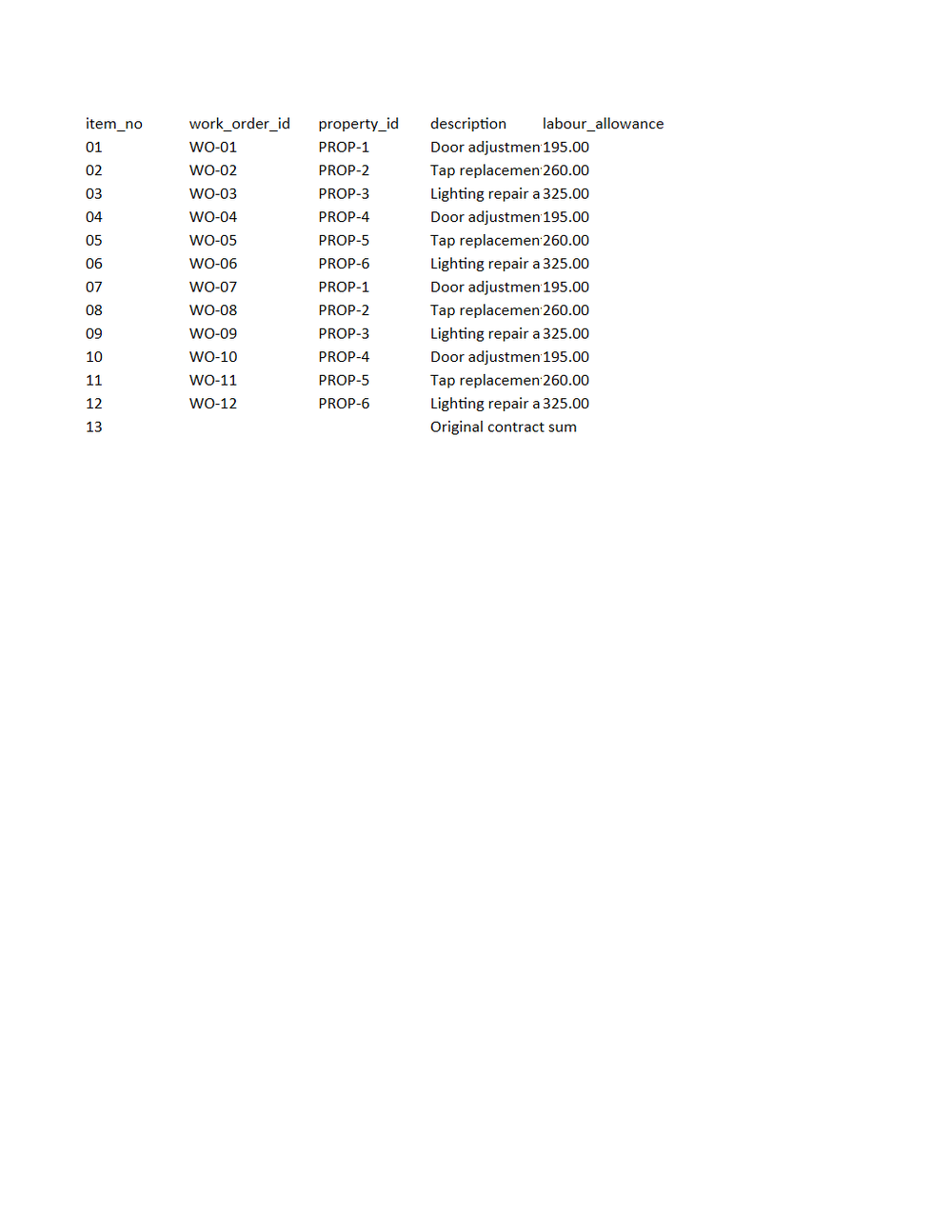
Rendered preview of the xlsx file (8.2 KB). Download above for the original.
Specifications
- Document Set
- construction
- Industry
- trades-property
- Source Kit
- trades-property
- Synthetic
- true
- As Of
- 2026-09-08
- Sheets
- 3
- Items
- 12
- Payment Due Usd
- 1582.20
Testing contract
Expected to pass- Scenario
- Open the workbook and reconcile the three sheets against one another.
- Expected result
- The Schedule of values total equals line 1 of Summary G702 (3858.00); the Continuation G703 TOTAL row equals lines 3, 4 and 5 (4113.00, 3248.00 and 324.80); and Summary G702 line 8 is 1582.20.
What is a .xlsx file?
XLSX is the default Microsoft Excel format, an Office Open XML spreadsheet stored as a ZIP archive containing worksheet XML, shared strings, styles, and formulas. It supports multiple sheets, cell formatting, charts, and calculated values. It is the standard for editable tabular workbooks.
How to use this file
Use an example XLSX to test spreadsheet parsing, formula and multi-sheet handling, shared-string extraction, and pipelines that read or generate Excel workbooks.
How to use this file for testing
“Pine Property Services: Payment application workbook” is a deterministic Novus Examples fixture for Data import. Realistic faker-generated datasets with documented schemas for testing import and ETL flows.
Documented properties for this file: 3 sheets. Compare results against paired or grouped companions on this page when present (clean↔damaged, searchable↔scanned, or format twins) so scores stay reproducible across runs.
Download the file once, keep the path stable in CI or local scripts, and treat the spec table as the contract: dimensions, seeds, field lists, and roles are intentional. Corrupt or invalid samples are labelled as such, expect parsers to fail loudly rather than silently accept them.
Document fixtures list their internal structure (pages, fields, tracked changes, embedded objects) in the spec table. Test extractors, converters, and OCR against that known structure, and compare searchable↔scanned or format-twin companions when present.
Code examples
from openpyxl import load_workbook

wb = load_workbook("schedule-of-values.xlsx")
ws = wb.active
print(ws.title, ws.max_row, ws.max_column)
Related files
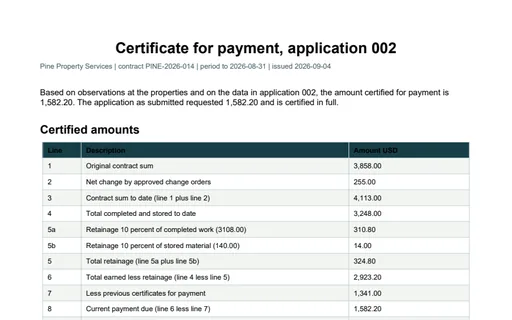
- pdfPine Property Services: Certificate for payment PDFCertificate for payment PDF for Pine Property Services. A one-page certificate reproducing all 11 numbered lines of the application and certifying 1,582.20. The note explains why line 9 (1,189.80) and the continuation sheet's balance column (865.00) differ by the 324.80 of retainage.
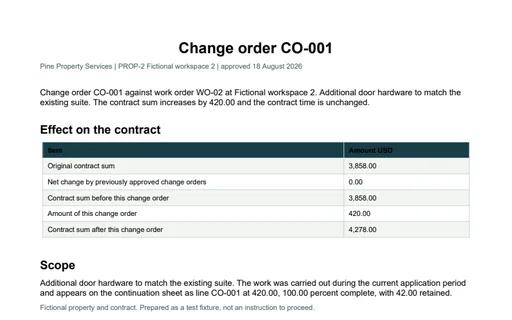
- pdfPine Property Services: Change order PDFChange order PDF for Pine Property Services. A one-page change order adding 420.00 to the contract. The effect table walks the contract sum from 3,858.00 to 4,278.00 and the scope note states the retainage held against it, 42.00.
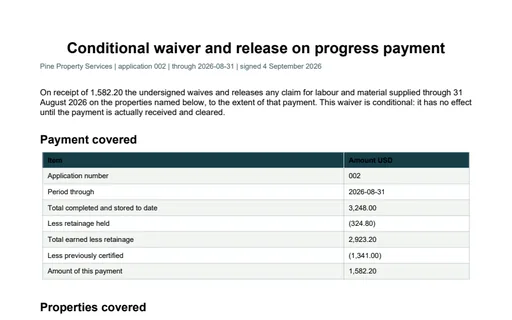
- pdfPine Property Services: Conditional lien waiver PDFConditional lien waiver PDF for Pine Property Services. A one-page conditional waiver on progress payment for 1,582.20. The payment table walks 3,248.00 completed and stored through 324.80 of retainage and 1,341.00 of previous certificates to the amount of this payment, and a Rights not waived section states that the 324.80 of retainage is not released.
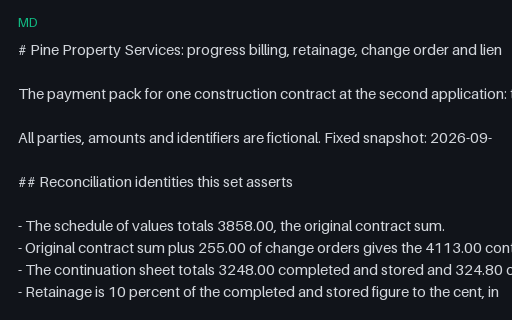
- mdPine Property Services: Document set READMEDocument set README for Pine Property Services. 23 files, 1 of them intentionally invalid, with the reconciliation identities and the exact defect in each broken file named in full.
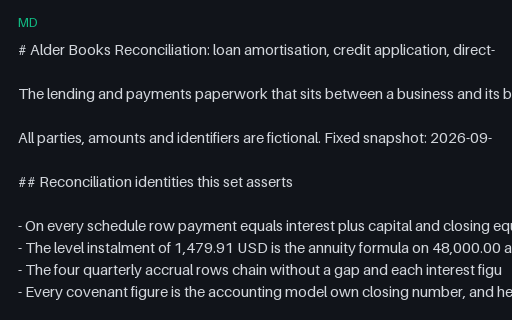
- mdAlder Books Reconciliation: banking document set READMEDocument set README for Alder Books Reconciliation. 25 files, 1 of them intentionally invalid, with the reconciliation identities, the declared parameters and the measured size of each deliberate defect named in full.
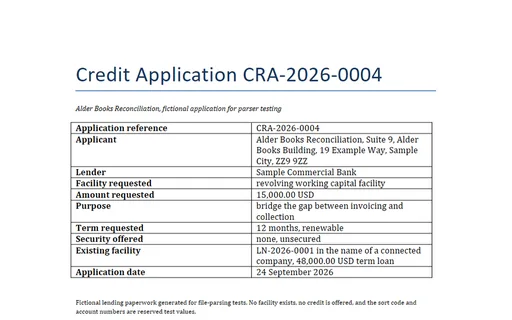
- docxAlder Books Reconciliation: Credit application (DOCX)Credit application (DOCX) for Alder Books Reconciliation. An unsecured working capital application for 15,000.00 USD. Every figure in the financial summary names the wave-one accounting file and column it comes from, so the whole table is checkable: closing cash 10,236.00, invoiced 8,100.00, received 7,300.00, outstanding 800.00 and expenditure 2,064.00 USD. The PDF twin in the same directory carries the identical text.
Generated by generation/industry_documents.py. Free for any use, no attribution required, license.