
Inventory BOM Multi-level (JSON)
Multi-level bill-of-materials SAMPLE for MRP and assembly planning tests.
{
  "sku": "WIDGET-100",
  "components": [
    {
      "part": "CAP-01",
      "qty": 2
    },
    {
      "part": "BASE-02",
      "qty": 1
    }
  ]
}
Specifications
- Domain
- inventory
- Levels
- 2
Testing contract
Reference control- Scenario
- Read this small bill of materials and enumerate the direct children of WIDGET-100.
- Expected result
- The root has exactly two leaf components: CAP-01 quantity 2 and BASE-02 quantity 1. No nested subassembly exists; this is a one-level assembly example, not a deep MRP explosion test.
What is a .json file?
JSON (JavaScript Object Notation) is a lightweight, text-based data-interchange format representing objects, arrays, strings, numbers, booleans, and null. It is language-independent, human-readable, and the dominant format for web APIs and configuration. It requires a single well-formed root value.
How to use this file
Use an example JSON file to test parsers and serializers, schema validation, Unicode and number-precision handling, and API request or response processing.
How to use this file for testing
“Inventory BOM Multi-level (JSON)” is a deterministic Novus Examples fixture for Data import, JSON parsing. Realistic faker-generated datasets with documented schemas for testing import and ETL flows.
Documented properties for this file: JSON · 166 bytes. Compare results against paired or grouped companions on this page when present (clean↔damaged, searchable↔scanned, or format twins) so scores stay reproducible across runs.
Download the file once, keep the path stable in CI or local scripts, and treat the spec table as the contract: dimensions, seeds, field lists, and roles are intentional. Corrupt or invalid samples are labelled as such, expect parsers to fail loudly rather than silently accept them.
Data fixtures document their exact quirks (delimiters, encodings, null handling, schema, and row counts) in the spec table. Point your parser or importer at the file and assert it handles the documented edge cases; clean and deliberately-messy siblings make before/after diffs straightforward.
Code examples
import json

with open("bom-multi-level.json") as f:
    data = json.load(f)
print(type(data), len(data))
Related files
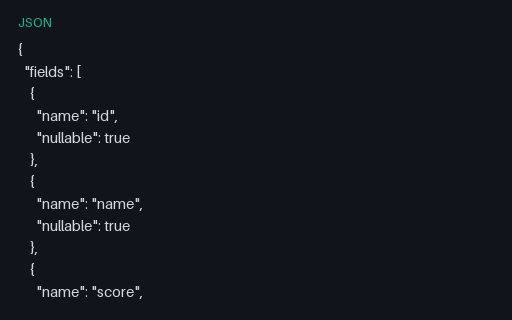
- jsonColumnar Nulls Schema (JSON)JSON description of nullable columns in the null-heavy columnar fixtures.
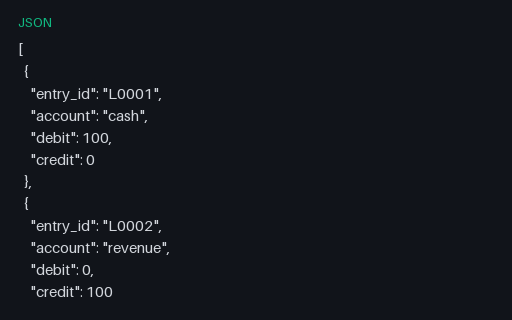
- jsonFINANCE — Ledger Lines (JSON)JSON twin of the finance/ledger-lines mini-dataset.
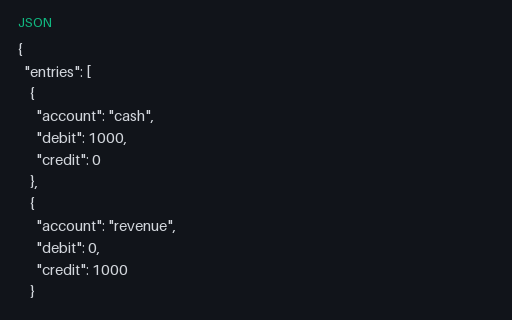
- jsonFintech Double-entry Ledger (JSON)Balanced double-entry ledger SAMPLE for accounting engine validation tests.
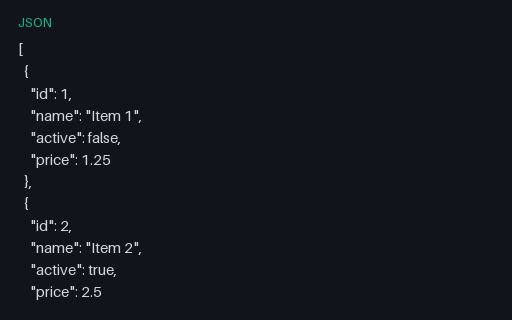
- jsonFlat JSON ArrayA flat JSON array of ten simple objects — the baseline case for JSON parsing and mapping.
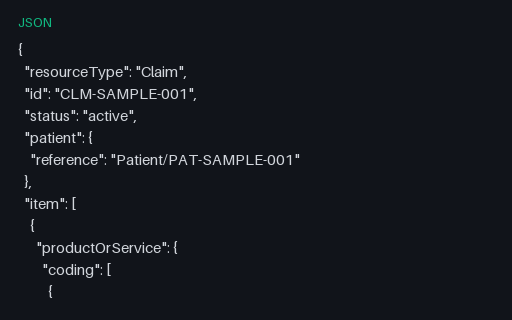
- jsonHealthcare Claim (FHIR SAMPLE JSON)Synthetic FHIR Claim resource for healthcare billing parser tests — not a real patient.
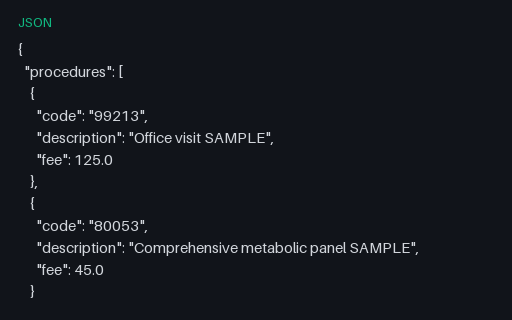
- jsonHealthcare Procedure Codes (JSON)SAMPLE procedure code list with fees for medical billing calculator tests.
Generated by generation/data_wave_f.py. Free for any use, no attribution required, license.