
X12 837 claim batch: Juniper Fitness and Clinic Administration
X12 837 professional claim batch for Juniper Fitness and Clinic Administration. One interchange, one functional group, one transaction set carrying all 16 claims and 18 service lines. The SE segment declares 225 segments from ST to SE inclusive, which is the count a receiver checks first. Every CLM02 equals the SV102 amounts below it, and the CLM02 values sum to 1,180.00 USD. Segments are terminated with a tilde and the file uses CRLF line endings, which is what an X12 interchange carries in practice.
edi
application/edi-x12
- Document Set
- healthcare
- Industry
- fitness-clinic-administration
- Source Kit
- appointment-capacity
- Entity
- Juniper Fitness and Clinic Administration
- Synthetic
- true
- As Of
- 2026-09-08
Binary edi: no in-browser preview. Download it above to open in a compatible application.
Specifications
- Document Set
- healthcare
- Industry
- fitness-clinic-administration
- Source Kit
- appointment-capacity
- Entity
- Juniper Fitness and Clinic Administration
- Synthetic
- true
- As Of
- 2026-09-08
- Transaction Set
- 837
- Implementation
- 005010X222A1
- Claims
- 16
- Service Lines
- 18
- Segment Count
- 225
- Charge Total
- 1180.00
- Segment Terminator
- tilde
- Line Endings
- CRLF
Testing contract
Expected to pass- Scenario
- Count the segments between ST and SE inclusive and compare with SE01, then sum SV102 per claim and compare with that claim CLM02.
- Expected result
- SE01 reads 225 and there are 225 segments. Every one of the 16 claims balances, and the CLM02 values sum to 1180.00, the charge total in encounter-register.csv.
What is a .edi file?
EDI (Electronic Data Interchange), in the ANSI X12 family, is a structured plain-text format for exchanging business documents like purchase orders (850) and invoices (810) between trading partners. It is built from segments (ISA, GS, ST, …) separated by delimiters, with tightly specified element positions. It underpins much of B2B supply-chain and retail commerce.
How to use this file
Use an example X12 EDI file to test EDI parsers and translators, segment/element extraction, and mapping from EDI to JSON or XML. The parties and values here are synthetic.
How to use this file for testing
“X12 837 claim batch: Juniper Fitness and Clinic Administration” is a deterministic Novus Examples fixture for Data import, Schema validation. Realistic faker-generated datasets with documented schemas for testing import and ETL flows.
Documented properties for this file: CRLF. Compare results against paired or grouped companions on this page when present (clean↔damaged, searchable↔scanned, or format twins) so scores stay reproducible across runs.
Download the file once, keep the path stable in CI or local scripts, and treat the spec table as the contract: dimensions, seeds, field lists, and roles are intentional. Corrupt or invalid samples are labelled as such, expect parsers to fail loudly rather than silently accept them.
Data fixtures document their exact quirks (delimiters, encodings, null handling, schema, and row counts) in the spec table. Point your parser or importer at the file and assert it handles the documented edge cases; clean and deliberately-messy siblings make before/after diffs straightforward.
Code examples
from pydifact.segmentcollection import Interchange  # EDIFACT

inter = Interchange.from_file("claim-837p-batch.edi")
for seg in inter.segments:
    print(seg.tag, seg.elements)
Related files
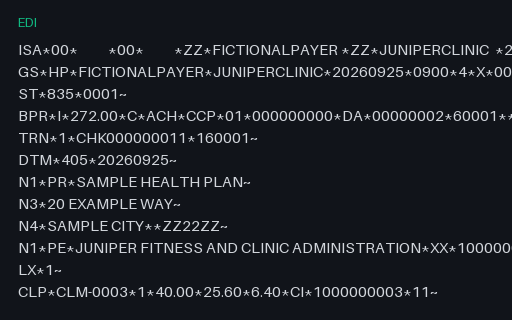
- ediJuniper Fitness and Clinic Administration: X12 835 remittance adviceX12 835 remittance advice for Juniper Fitness and Clinic Administration. One interchange carrying 3 transaction sets, one per payer, because each payer sends its own payment. The three BPR02 amounts sum to 700.80 USD, the payer payment total in encounter-register.csv, and each CLP04 equals the SVC payment amounts below it. The denied claim carries CLP02 of 4 with a zero payment and a CO 97 adjustment for the whole charge, where every other claim carries CLP02 of 1 with a CO 45 contractual adjustment and a PR 2 coinsurance.
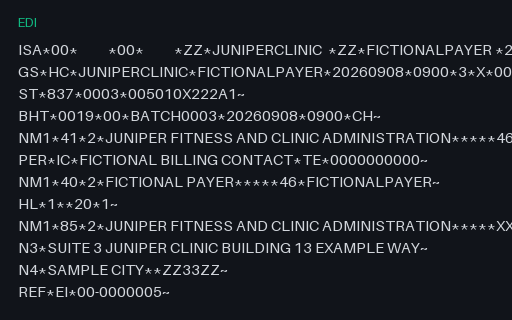
- ediJuniper Fitness and Clinic Administration: X12 837 claim whose service lines do not add up to the claim totalX12 837 claim whose service lines do not add up to the claim total for Juniper Fitness and Clinic Administration. The same single-claim interchange with one element changed: CLM02 reads 225.00 instead of 205.00. The two SV102 amounts are untouched at 120.00 and 85.00, so they still sum to 205.00 and disagree with the claim total by 20.00 USD. Segment counts, envelope control numbers and every other element are correct, so a structural validator passes the file and only the balance rule catches it.
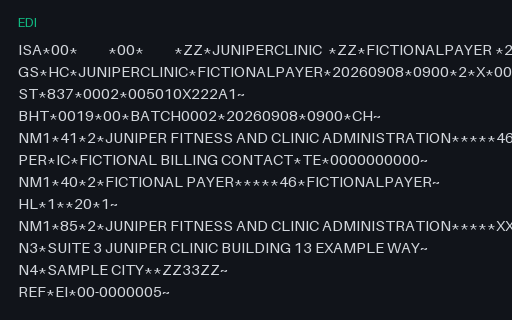
- ediX12 837 single claim: Juniper Fitness and Clinic AdministrationX12 837 professional claim, single claim for Juniper Fitness and Clinic Administration. The same interchange structure carrying one claim, CLM-0006, with 2 service lines of 120.00 and 85.00 USD. CLM02 is 205.00, which is exactly those two SV102 amounts added. SE01 declares 27 segments.
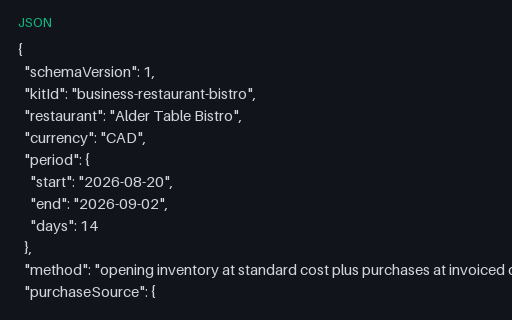
- jsonAlder Table Bistro: Cost of goods sold documentCost of goods sold document for Alder Table Bistro. The same statement as JSON, listing all 24 purchase ids it consumed so the total can be checked against the shared purchases table by id. Totals: opening 1736.91, purchases 2834.82, closing 2996.92, cost of goods sold 1574.81 CAD.
- jsonAlder Table Bistro: Digital menuDigital menu for Alder Table Bistro. One document holding the whole front of house: 3 printed sections with 4 dishes, 8 drink lines, the set menu, the specials and the 14 entry allergen key. Every dish carries its plate cost and the paths of the two costing files it was read from, so the join back to plate-costs.csv can be checked without guessing.
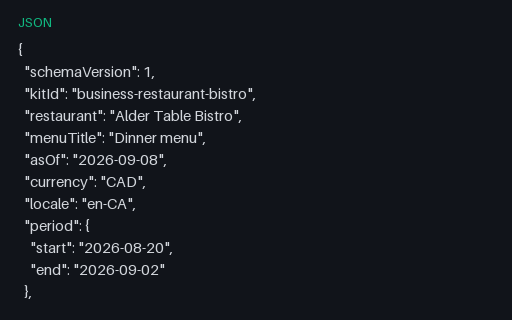
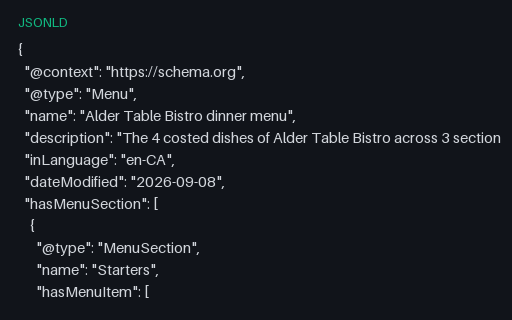
- jsonldAlder Table Bistro: Menu as schema.org JSON-LDMenu as schema.org JSON-LD for Alder Table Bistro. A schema.org Menu document with 7 MenuSection nodes, 5 of them top level, and 27 MenuItem nodes carrying 27 Offer nodes, each with price as a JSON number and priceCurrency CAD. Modifiers are menuAddOn MenuItems and every declared allergen travels as an additionalProperty PropertyValue. This is the structured data shape a search engine reads, and it is rare as a downloadable fixture.
Generated by generation/industry_documents_two.py. Free for any use, no attribution required, license.