
Sample SQLite Database
A real SQLite database with two related tables — users and orders joined by a foreign key — for testing database importers and SQL tooling.
| idint | nametext | emailtext |
|---|---|---|
| 1 | User 1 | user1@example.com |
| 2 | User 2 | user2@example.com |
| 3 | User 3 | user3@example.com |
| 4 | User 4 | user4@example.com |
| 5 | User 5 | user5@example.com |
| 6 | User 6 | user6@example.com |
| 7 | User 7 | user7@example.com |
| 8 | User 8 | user8@example.com |
Specifications
- Tables
- users, orders
- Relationship
- orders.user_id → users.id
- Users
- 10
- Orders
- 25
What is a .sqlite file?
SQLite is a self-contained, serverless relational database stored as a single binary file holding tables, indexes, and schema in a defined page format. It is the most widely deployed database engine, embedded in browsers, phones, and applications. The file is a complete, transactional SQL database requiring no server.
How to use this file
Use an example SQLite file to test database drivers, schema and table introspection, SQL query execution, and tools that read or migrate embedded databases.
How to use this file for testing
“Sample SQLite Database” is a deterministic Novus Examples fixture for Data import. Realistic faker-generated datasets with documented schemas for testing import and ETL flows.
Documented properties for this file: SQLITE · 12,288 bytes. Compare results against paired or grouped companions on this page when present (clean↔damaged, searchable↔scanned, or format twins) so scores stay reproducible across runs.
Download the file once, keep the path stable in CI or local scripts, and treat the spec table as the contract: dimensions, seeds, field lists, and roles are intentional. Corrupt or invalid samples are labelled as such — expect parsers to fail loudly rather than silently accept them.
Data fixtures document their exact quirks — delimiters, encodings, null handling, schema, and row counts — in the spec table. Point your parser or importer at the file and assert it handles the documented edge cases; clean and deliberately-messy siblings make before/after diffs straightforward.
Code examples
import sqlite3

con = sqlite3.connect("sample.sqlite")
for row in con.execute("SELECT name FROM sqlite_master WHERE type='table'"):
    print(row)
Related files
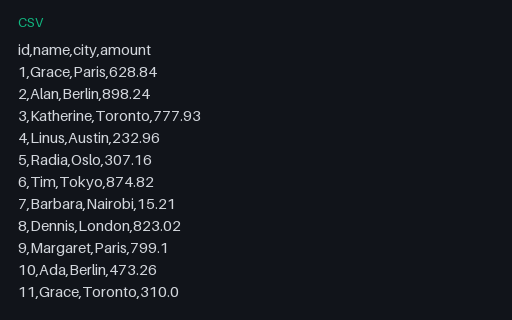
- csv10,000-Row CSVA CSV with 10,000 data rows — for testing streaming parsers, memory handling, and import performance.
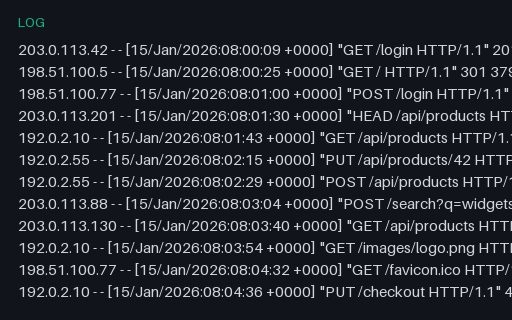
- logApache Access Log — Combined Format (log)An Apache access log in the Combined Log Format — the Common fields plus referer and user-agent. A realistic web-server log for testing access-log parsers, analytics, and grok patterns.
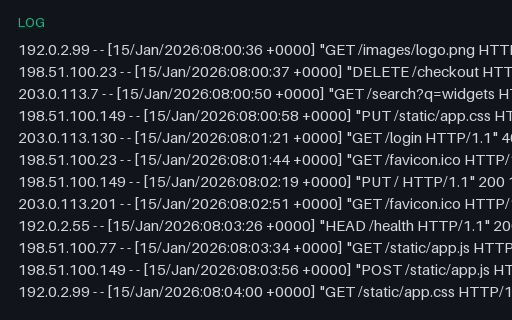
- logApache Access Log — Common Format (log)An Apache access log in the Common Log Format (CLF) — client, timestamp, request line, status, and byte count. Deterministic, with reserved documentation IPs. Paired with a Combined-format twin for testing log parsers.
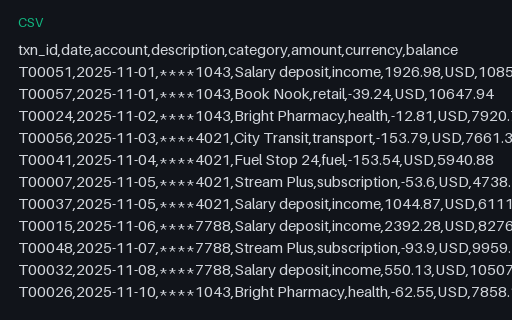
- csvBank Transactions (CSV, 60 rows)A bank-transaction statement — 60 debits and credits across three accounts (masked numbers) with running balances, categories, and merchants. Synthetic data for testing statement parsers, categorisation, and reconciliation.
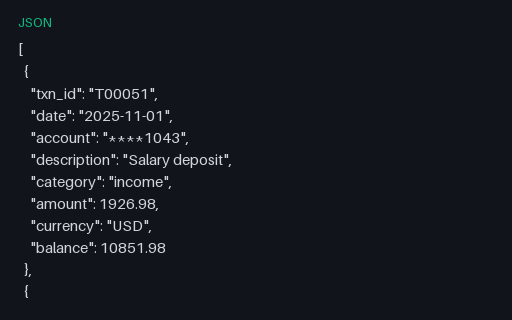
- jsonBank Transactions (JSON, 60 records)The bank transactions as a JSON array — the format twin of the CSV, for import and reconciliation testing.
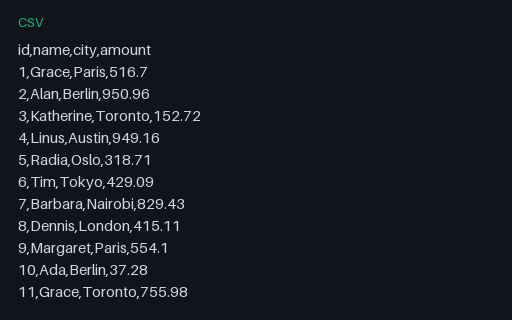
- csvClean CSVA clean, well-formed CSV with a header and 20 rows — the baseline case for CSV parser testing.
Generated by generation/data_structured.py. Free for any use, no attribution required — license.