
Tab-Separated Values (TSV)
A tab-separated values file with a header and 20 rows — for testing TSV parsing and delimiter handling.
id	name	city	amount
1	Grace	Paris	516.7
2	Alan	Berlin	950.96
3	Katherine	Toronto	152.72
4	Linus	Austin	949.16
5	Radia	Oslo	318.71
6	Tim	Tokyo	429.09
7	Barbara	Nairobi	829.43
8	Dennis	London	415.11
9	Margaret	Paris	554.1
10	Ada	Berlin	37.28
11	Grace	Toronto	755.98
12	Alan	Austin	542.76
13	Katherine	Oslo	336.43
14	Linus	Tokyo	790.54
15	Radia	Nairobi	310.16
16	Tim	London	458.96
17	Barbara	Paris	142.7
18	Dennis	Berlin	409.08
19	Margaret	Toronto	211.42
20	Ada	Austin	269.69
Specifications
- Rows
- 20
- Columns
- 4
- Delimiter
- tab
- Encoding
- UTF-8
What is a .tsv file?
TSV (Tab-Separated Values) is a plain-text tabular format like CSV but using tab characters as field delimiters. Because tabs rarely appear in data, it often needs less quoting than CSV. It is common in bioinformatics, logs, and command-line data workflows.
How to use this file
Use an example TSV to test tab-delimited parsing, header and column handling, and pipelines that ingest tabular data from Unix tools or scientific datasets.
How to use this file for testing
“Tab-Separated Values (TSV)” is a deterministic Novus Examples fixture for CSV parsing. Clean and deliberately messy CSVs — quoted commas, embedded newlines, ragged rows, odd delimiters, and encodings.
Documented properties for this file: 20 rows · 4 columns · UTF-8. Compare results against paired or grouped companions on this page when present (clean↔damaged, searchable↔scanned, or format twins) so scores stay reproducible across runs.
Download the file once, keep the path stable in CI or local scripts, and treat the spec table as the contract: dimensions, seeds, field lists, and roles are intentional. Corrupt or invalid samples are labelled as such — expect parsers to fail loudly rather than silently accept them.
Data fixtures document their exact quirks — delimiters, encodings, null handling, schema, and row counts — in the spec table. Point your parser or importer at the file and assert it handles the documented edge cases; clean and deliberately-messy siblings make before/after diffs straightforward.
Feed the file to your parser and assert it handles the documented quirks — quoted delimiters, embedded newlines, ragged rows, or invalid syntax; the valid↔invalid distinction is labelled in the title.
Code examples
import pandas as pd

df = pd.read_csv("data.tsv", sep="\t")
print(df.head())
Related files
- csv10,000-Row CSVA CSV with 10,000 data rows — for testing streaming parsers, memory handling, and import performance.
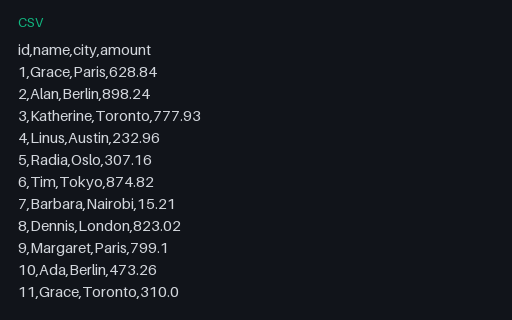
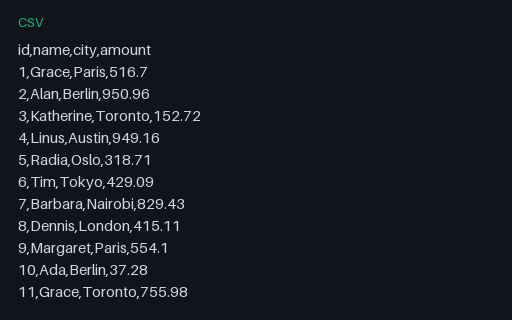
- csvClean CSVA clean, well-formed CSV with a header and 20 rows — the baseline case for CSV parser testing.
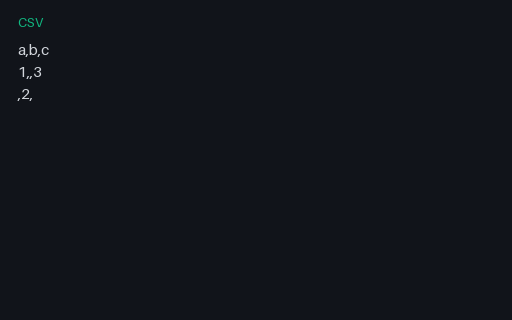
- csvCSV Edge — Empty FieldsTiny SAMPLE CSV (empty-fields) exercising delimiter/quoting edge behaviour.
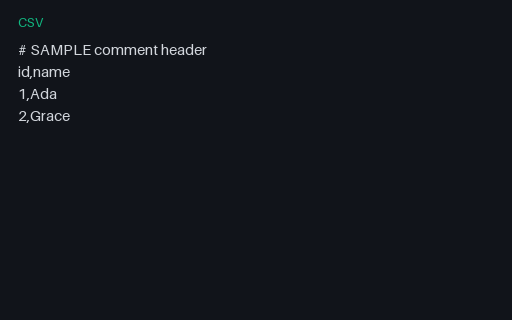
- csvCSV Edge — Hash CommentedTiny SAMPLE CSV (hash-commented) exercising delimiter/quoting edge behaviour.
- csvCSV Edge — Header OnlyTiny SAMPLE CSV (header-only) exercising delimiter/quoting edge behaviour.

- csvCSV Edge — Mixed QuotingTiny SAMPLE CSV (mixed-quoting) exercising delimiter/quoting edge behaviour.
Generated by generation/data_tabular.py. Free for any use, no attribution required — license.