
JAR - Resource Archive
A Java Archive (JAR) — a ZIP with a META-INF/MANIFEST.MF and resource files only (no .class bytecode). For testing JAR/ZIP readers and manifest parsing.
- MANIFEST.MF
- messages.properties
- app.json
- README.txt
Specifications
- Format
- JAR (ZIP family)
- Members
- 4
- Manifest
- META-INF/MANIFEST.MF
- Contains
- properties, JSON, text — no compiled code
What is a .jar file?
JAR (Java Archive) is a ZIP-based package that bundles Java class files, resources, and a manifest into a single distributable unit. The manifest can declare an entry point and metadata, making the JAR executable or usable as a library. It is the standard packaging format for the Java ecosystem.
How to use this file
Use an example JAR to test ZIP-based extraction, manifest parsing, classpath and dependency tooling, and Java build or deployment pipelines.
How to use this file for testing
“JAR - Resource Archive” is a deterministic Novus Examples fixture for Conversion testing. The same content exported across many formats and linked as a group, so you can convert one and diff against the expected twin.
Documented properties for this file: JAR (ZIP family). Compare results against paired or grouped companions on this page when present (clean↔damaged, searchable↔scanned, or format twins) so scores stay reproducible across runs.
Download the file once, keep the path stable in CI or local scripts, and treat the spec table as the contract: dimensions, seeds, field lists, and roles are intentional. Corrupt or invalid samples are labelled as such — expect parsers to fail loudly rather than silently accept them.
Archive fixtures are documented down to their member list (shown on this page) and are deliberately safe — no zip bombs, executables, or hidden payloads. Test extractors against nested, unicode, empty, and encrypted variants.
Code examples
unzip -l resources.jar     # list members
unzip resources.jar -d out/  # extract
Related files
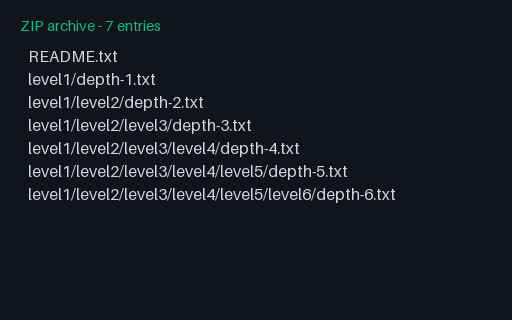
- zipZIP - Deep Directory TreeA ZIP archive — a file nested six directory levels deep. Deterministic (fixed member timestamps) and safe to extract anywhere.
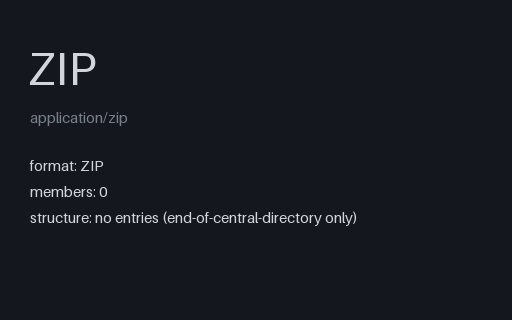
- zipZIP - Empty ArchiveA valid ZIP with zero entries — the empty-archive edge case for testing how unarchivers handle a container with nothing inside.
- zipZIP - FlatA ZIP archive — 3 files at the root, no directories. Deterministic (fixed member timestamps) and safe to extract anywhere.

- zipZIP - Many Small FilesA ZIP archive — 100 tiny files for throughput testing. Deterministic (fixed member timestamps) and safe to extract anywhere.

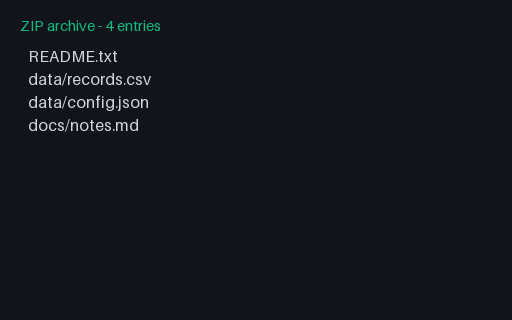
- zipZIP - Nested FoldersA ZIP archive — files organised into data/ and docs/ subfolders. Deterministic (fixed member timestamps) and safe to extract anywhere.
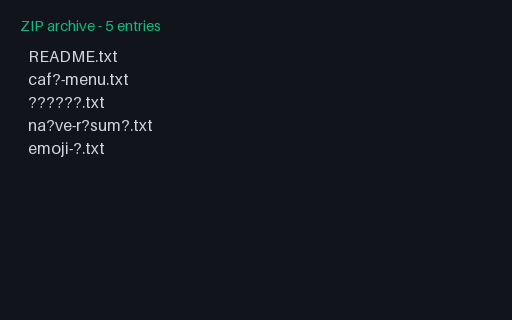
- zipZIP - Unicode FilenamesA ZIP archive — UTF-8 filenames: accents, Japanese, emoji. Deterministic (fixed member timestamps) and safe to extract anywhere.
Generated by generation/archives.py. Free for any use, no attribution required — license.