
Embedding ID Mapping (JSON)
ID list and model metadata for the Wave F embedding set.
{
  "ids": [
    "t00",
    "t01",
    "t02",
    "t03",
    "t04",
    "t05",
    "t06",
    "t07",
    "t08",
    "t09",
    "t10",
    "t11"
  ],
  "model": "sample-embed-v1",
  "dimensions": 8
}
Specifications
- Ids
- 12
Testing contract
Expected to pass- Scenario
- Exercise Embedding ID Mapping (JSON) in its embeddings workflow. ID list and model metadata for the Wave F embedding set.
- Expected result
- top-level keys are ids, model, dimensions; array lengths: ids=12; selected values: {"dimensions": 8}. Declared feature checks: ids=12.
What is a .json file?
JSON (JavaScript Object Notation) is a lightweight, text-based data-interchange format representing objects, arrays, strings, numbers, booleans, and null. It is language-independent, human-readable, and the dominant format for web APIs and configuration. It requires a single well-formed root value.
How to use this file
Use an example JSON file to test parsers and serializers, schema validation, Unicode and number-precision handling, and API request or response processing.
How to use this file for testing
“Embedding ID Mapping (JSON)” is a deterministic Novus Examples fixture for ML training data, JSON parsing. Labelled, synthetic datasets in the shapes ML pipelines expect (JSONL for text tasks, image annotations, embeddings, and sample weights) for testing data loaders, tokenizers, and training tooling.
Documented properties for this file: JSON · 217 bytes. Compare results against paired or grouped companions on this page when present (clean↔damaged, searchable↔scanned, or format twins) so scores stay reproducible across runs.
Download the file once, keep the path stable in CI or local scripts, and treat the spec table as the contract: dimensions, seeds, field lists, and roles are intentional. Corrupt or invalid samples are labelled as such, expect parsers to fail loudly rather than silently accept them.
AI/ML fixtures are fully synthetic with documented schemas, no real people or data. Test data loaders, tokenizers, annotation converters, embedding/vector stores, or eval-metric parsers against the known structure and fixed seeds.
These are labelled, training-shaped fixtures with a documented schema. Test your data loader, tokenizer, or format converter against it; every label and value is synthetic.
Code examples
import json

with open("wave-f-id-map.json") as f:
    data = json.load(f)
print(type(data), len(data))
Related files
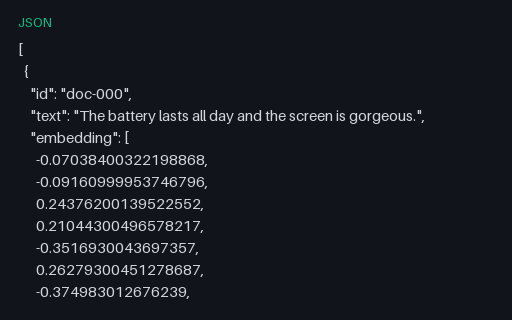
- jsonText Embeddings — 16-dim (JSON)A set of 24 L2-normalised 16-dimensional text embeddings as JSON — each record pairs an id and its source text with a float vector. A fixture for testing vector stores, similarity search, and embedding loaders. Parquet and .npy twins included.
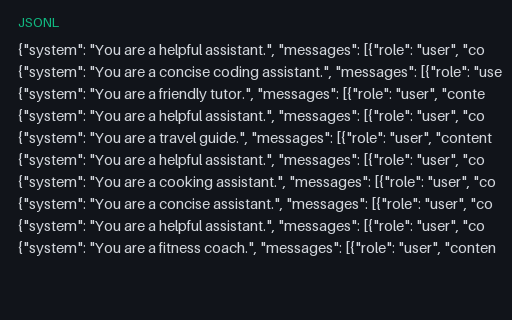
- jsonlChat Fine-tuning Dataset — Anthropic Format (JSONL)The same synthetic conversations in the Anthropic Messages JSONL shape — a top-level system prompt plus a messages array of user and assistant turns. The format twin of the OpenAI file, for testing chat-format conversion.
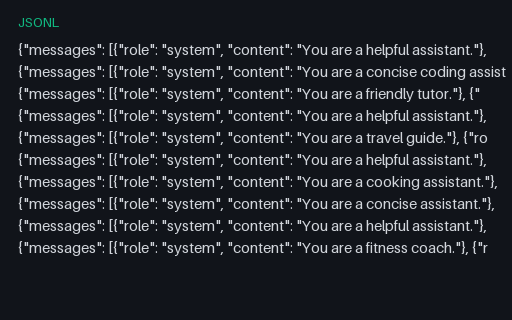
- jsonlChat Fine-tuning Dataset — OpenAI Format (JSONL)A chat fine-tuning dataset in the OpenAI JSONL format — one conversation per line as a messages array with system, user, and assistant turns. Synthetic Q&A content. Paired with an Anthropic-format twin for testing format converters.
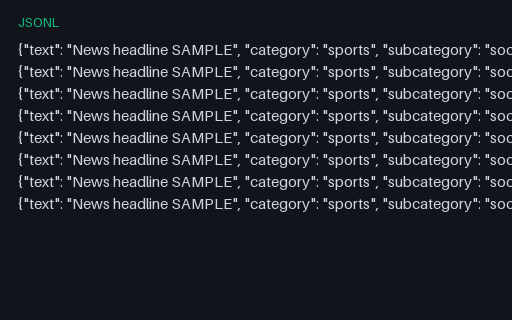
- jsonlClassification Dataset — Hierarchical (JSONL)Hierarchical category labels for taxonomy-aware classifiers.
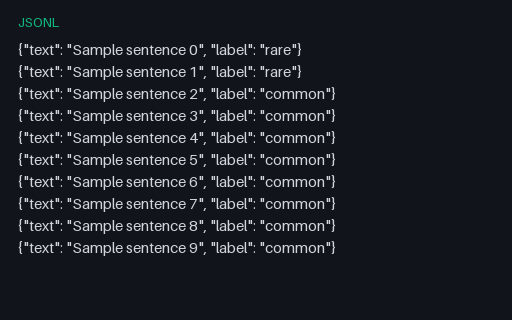
- jsonlClassification Dataset — Imbalanced (JSONL)Imbalanced label distribution — 2 rare vs 8 common rows.
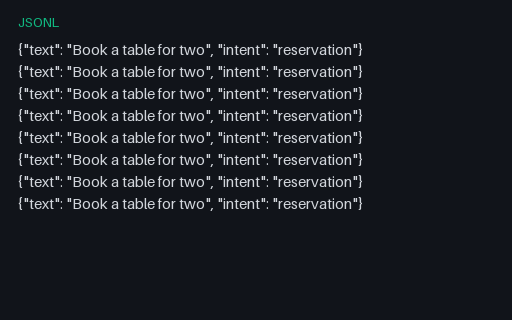
- jsonlClassification Dataset — Intent (JSONL)Intent classification JSONL for dialog systems.
Generated by generation/ai_wave_f.py. Free for any use, no attribution required, license.