
Detection Annotations — COCO (JSON)
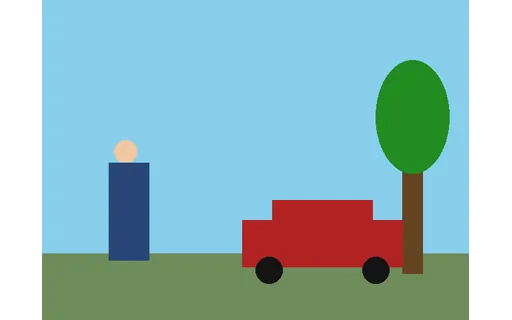
Object-detection annotations for the scene in the COCO JSON format — images, categories, and per-object bounding boxes as [x, y, width, height]. Grouped with YOLO and Pascal-VOC twins for testing annotation-format conversion.
{
  "info": {
    "description": "Novus Examples synthetic detection scene",
    "version": "1.0",
    "year": 2026
  },
  "images": [
    {
      "id": 1,
      "file_name": "street-scene.png",
      "width": 640,
      "height": 480
    }
  ],
  "categories": [
    {
      "id": 1,
      "name": "person"
    },
    {
      "id": 2,
      "name": "car"
    },
    {
      "id": 3,
      "name": "tree"
    }
  ],
  "annotations": [
    {
      "id": 1,
      "image_id": 1,
      "category_id": 1,
      "bbox": [
        90,
        210,
        70,
        180
      ],
      "area": 12600,
      "iscrowd": 0
    },
    {
      "id": 2,
      "image_id": 1,
      "category_id": 2,
      "bbox": [
        300,
        300,
240,Specifications
- Format
- COCO detection
- Images
- 1
- Annotations
- 3
- Bbox
- [x, y, width, height]
What is a .json file?
JSON (JavaScript Object Notation) is a lightweight, text-based data-interchange format representing objects, arrays, strings, numbers, booleans, and null. It is language-independent, human-readable, and the dominant format for web APIs and configuration. It requires a single well-formed root value.
How to use this file
Use an example JSON file to test parsers and serializers, schema validation, Unicode and number-precision handling, and API request or response processing.
How to use this file for testing
“Detection Annotations — COCO (JSON)” is a deterministic Novus Examples fixture for Computer vision, ML training data, JSON parsing, Conversion testing. A rendered detection scene annotated in COCO, YOLO, and Pascal-VOC formats — for testing annotation loaders, format converters, and vision pipelines against a known image.
Documented properties for this file: COCO detection. Compare results against paired or grouped companions on this page when present (clean↔damaged, searchable↔scanned, or format twins) so scores stay reproducible across runs.
Download the file once, keep the path stable in CI or local scripts, and treat the spec table as the contract: dimensions, seeds, field lists, and roles are intentional. Corrupt or invalid samples are labelled as such — expect parsers to fail loudly rather than silently accept them.
AI/ML fixtures are fully synthetic with documented schemas — no real people or data. Test data loaders, tokenizers, annotation converters, embedding/vector stores, or eval-metric parsers against the known structure and fixed seeds.
Code examples
import json

with open("annotations.coco.json") as f:
    data = json.load(f)
print(type(data), len(data))
Related files
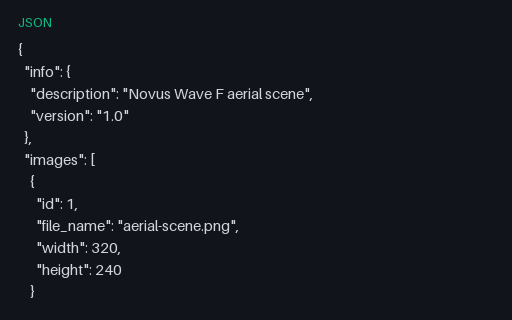
- jsonDetection Annotations — Aerial COCO (JSON)COCO JSON with bounding boxes and polygon segmentation for the aerial scene.
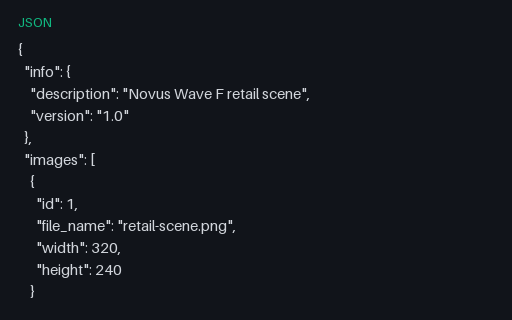
- jsonDetection Annotations — Retail COCO (JSON)COCO JSON with bounding boxes and polygon segmentation for the retail scene.
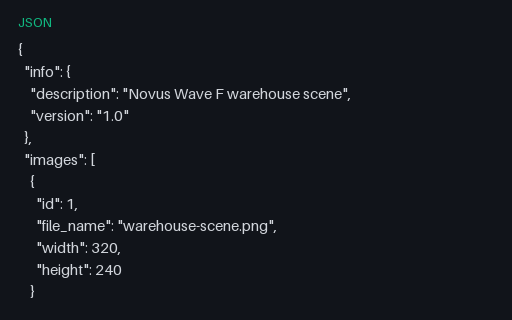
- jsonDetection Annotations — Warehouse COCO (JSON)COCO JSON with bounding boxes and polygon segmentation for the warehouse scene.
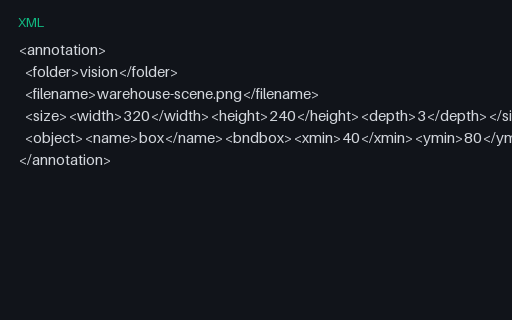
- xmlDetection Annotations — Warehouse Pascal VOC (XML)Pascal VOC XML annotations for the warehouse detection scene.
- pngObject-detection Scene (PNG, 640×480)A simple rendered street scene with a person, a car, and a tree at known pixel coordinates — the image the COCO, YOLO, and Pascal-VOC annotation twins describe. A fixture for testing object-detection loaders and annotation converters.
- jsonSemantic Segmentation Class Map (JSON)Class-id to name map for the semantic-segmentation mask (background + three shapes).
Generated by generation/ai_datasets.py. Free for any use, no attribution required — license.