
JSON Lines (JSONL)
A JSON Lines file with one object per line — for testing streaming/newline-delimited JSON parsers.
{"id": 1, "name": "Item 1", "active": false, "price": 1.25}
{"id": 2, "name": "Item 2", "active": true, "price": 2.5}
{"id": 3, "name": "Item 3", "active": false, "price": 3.75}
{"id": 4, "name": "Item 4", "active": true, "price": 5.0}
{"id": 5, "name": "Item 5", "active": false, "price": 6.25}
{"id": 6, "name": "Item 6", "active": true, "price": 7.5}
{"id": 7, "name": "Item 7", "active": false, "price": 8.75}
{"id": 8, "name": "Item 8", "active": true, "price": 10.0}
{"id": 9, "name": "Item 9", "active": false, "price": 11.25}
{"id": 10, "name": "Item 10", "active": true, "price": 12.5}
Specifications
- Structure
- one JSON object per line
- Records
- 10
- Valid
- true
What is a .jsonl file?
JSONL (JSON Lines) is a text format where each line is a complete, independent JSON value, allowing records to be streamed and appended without parsing the whole file. It is not itself a JSON array and each line must stand alone. It is common in logging, machine learning datasets, and data pipelines.
How to use this file
Use an example JSONL to test line-by-line streaming parsers, append-and-resume ingestion, and batch pipelines that process one record per line.
How to use this file for testing
“JSON Lines (JSONL)” is a deterministic Novus Examples fixture for JSON parsing, Data import. Flat, deeply nested, JSON Lines, and intentionally invalid JSON for testing parsers and error handling.
Documented properties for this file: 10 records · one JSON object per line. Compare results against paired or grouped companions on this page when present (clean↔damaged, searchable↔scanned, or format twins) so scores stay reproducible across runs.
Download the file once, keep the path stable in CI or local scripts, and treat the spec table as the contract: dimensions, seeds, field lists, and roles are intentional. Corrupt or invalid samples are labelled as such — expect parsers to fail loudly rather than silently accept them.
Data fixtures document their exact quirks — delimiters, encodings, null handling, schema, and row counts — in the spec table. Point your parser or importer at the file and assert it handles the documented edge cases; clean and deliberately-messy siblings make before/after diffs straightforward.
Feed the file to your parser and assert it handles the documented quirks — quoted delimiters, embedded newlines, ragged rows, or invalid syntax; the valid↔invalid distinction is labelled in the title.
Code examples
import json

with open("lines.jsonl") as f:
    rows = [json.loads(line) for line in f]
print(len(rows), rows[0])
Related files
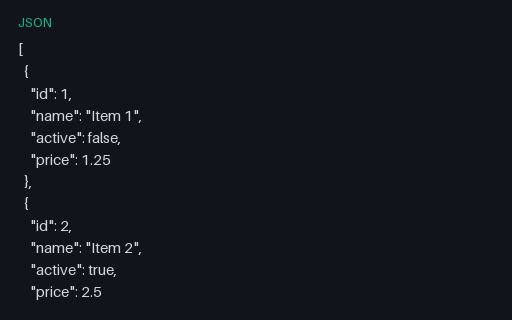
- jsonFlat JSON ArrayA flat JSON array of ten simple objects — the baseline case for JSON parsing and mapping.
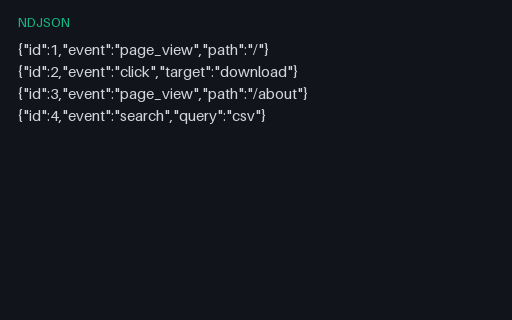
- ndjsonNDJSON StreamA newline-delimited JSON (NDJSON) stream of event records — for testing streaming JSON parsers.
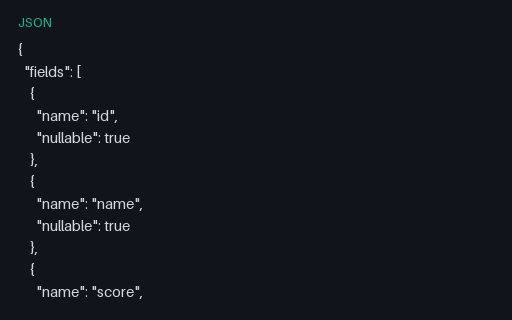
- jsonColumnar Nulls Schema (JSON)JSON description of nullable columns in the null-heavy columnar fixtures.
- jsonFINANCE — Ledger Lines (JSON)JSON twin of the finance/ledger-lines mini-dataset.
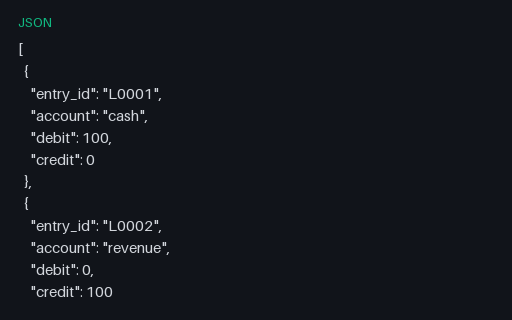
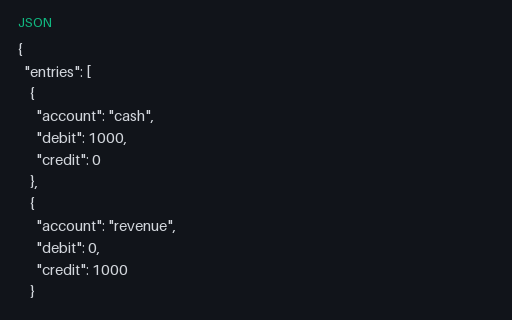
- jsonFintech Double-entry Ledger (JSON)Balanced double-entry ledger SAMPLE for accounting engine validation tests.
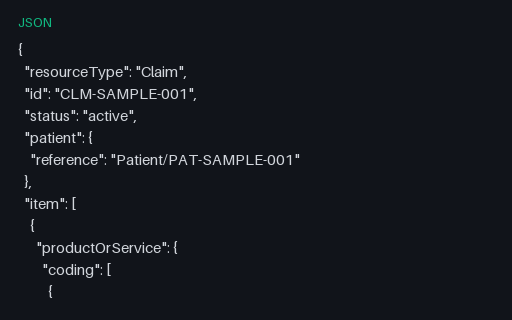
- jsonHealthcare Claim (FHIR SAMPLE JSON)Synthetic FHIR Claim resource for healthcare billing parser tests — not a real patient.
Generated by generation/data_structured.py. Free for any use, no attribution required — license.